
Which should you pick?
Pick plappa if your audiobooks live in Jellyfin or Emby, or your iPhone is stuck on iOS 16. Pick SoundLeaf if your books are in Audiobookshelf and you want free offline downloads. It also has an ebook that follows the narrator and separate playback and download settings for each podcast.
Both apps connect to Audiobookshelf and both are free to download, so with an Audiobookshelf library you can try the same book in each.
Does plappa work with Jellyfin and Emby?
Yes. plappa connects to Audiobookshelf, Jellyfin and Emby. SoundLeaf connects to Audiobookshelf only.
If Jellyfin or Emby already holds your books, plappa lets you leave that setup alone. Moving to SoundLeaf would mean setting up Audiobookshelf and adding your collection to it first.
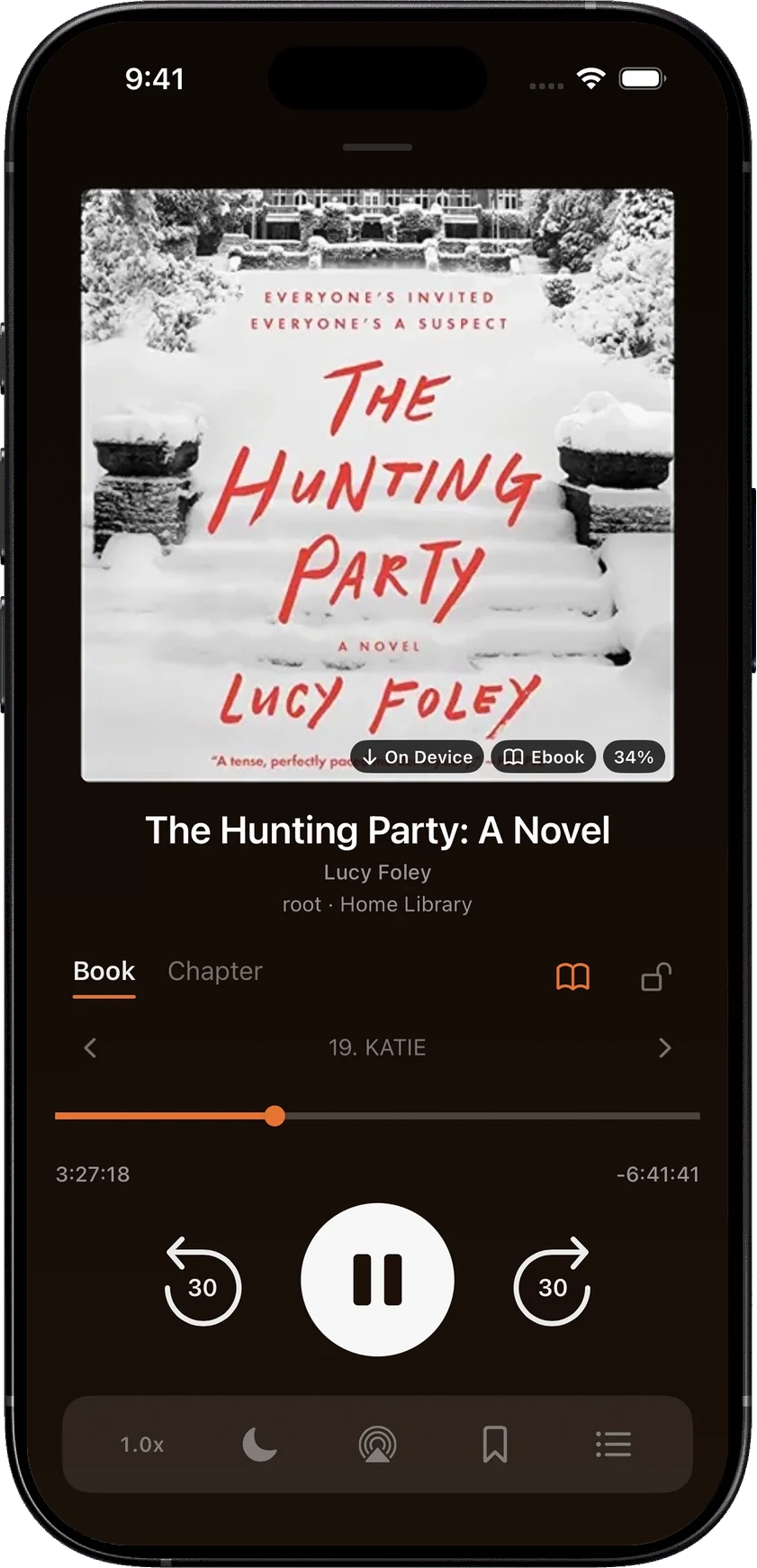
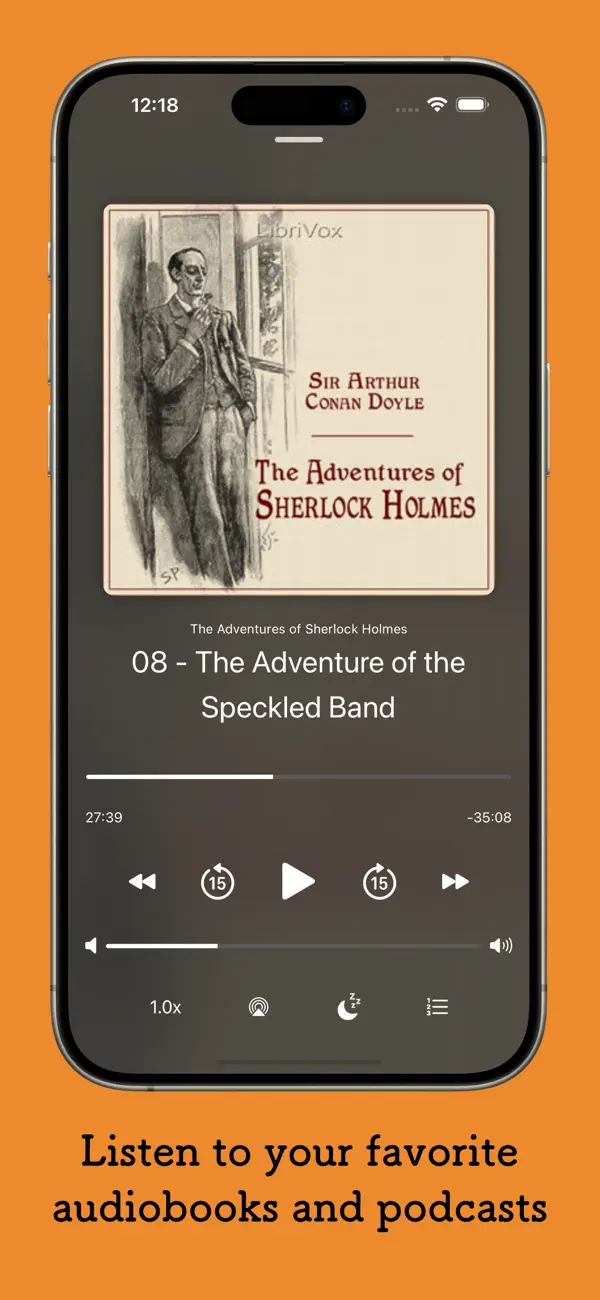
Which iPhones do they run on?
plappa needs iOS 16 or later. SoundLeaf needs iOS 17.6 or later. That matters if an older iPhone has become your audiobook player.
Both have an Apple Watch app. SoundLeaf also runs as its iPad app on Macs with Apple silicon; plappa’s App Store listing doesn’t list a Mac version.
Can you listen offline for free?
In plappa, streaming is free. Downloads for offline listening and its customization options come with the paid unlock. That’s US$4.99 once, or a US$1.99 yearly subscription with a free first month. These are US App Store prices on October 18, 2026. Both can be shared with your family.
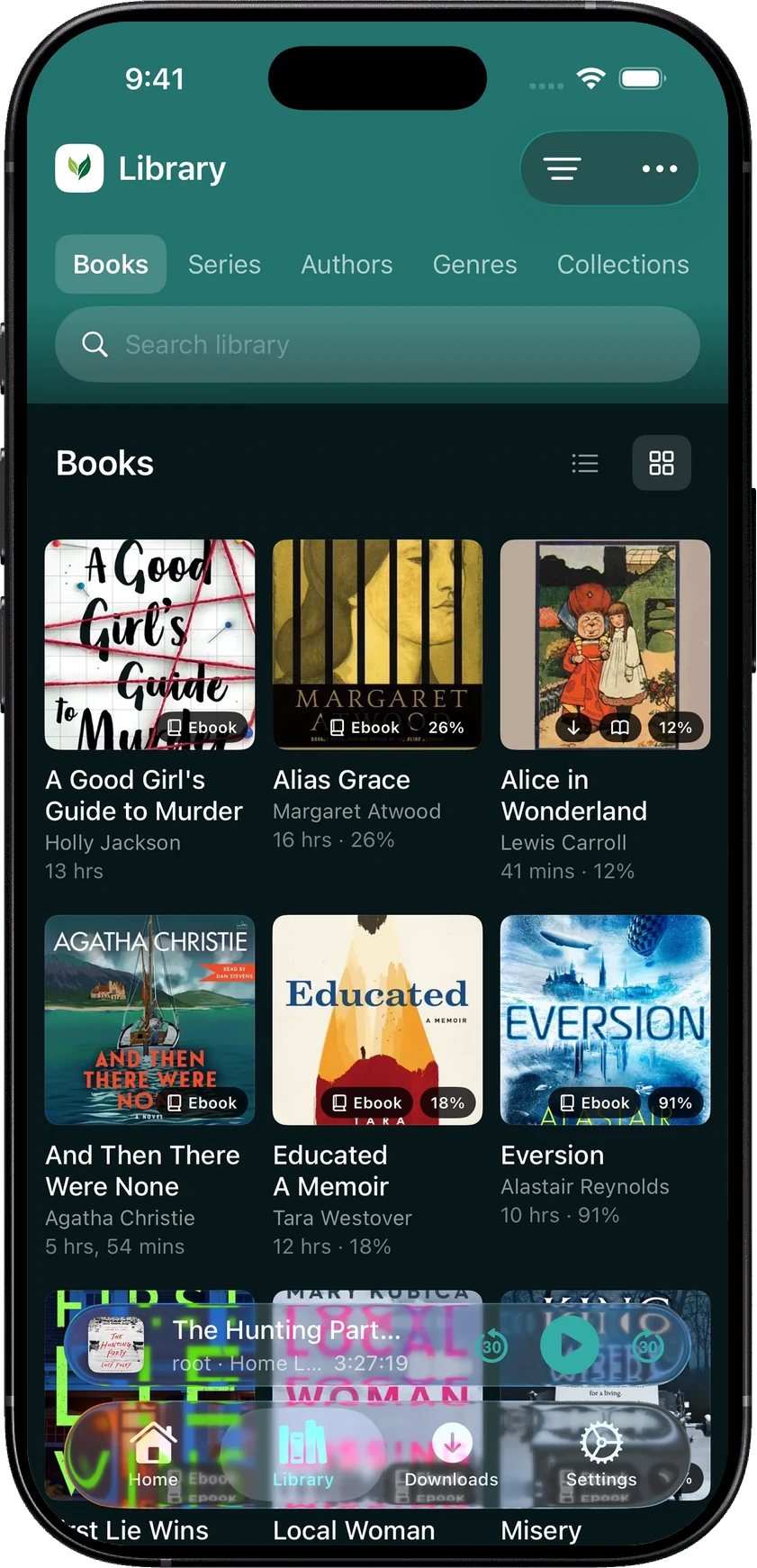
In SoundLeaf, downloads are free, for books and podcast episodes. SoundLeaf also keeps your library’s details on the phone, so you can browse your books when the server is off, and progress syncs when the connection comes back. Smart Downloads, also free, downloads a book once you’ve listened to it for a time you choose. See listening offline.
Does plappa have an ebook reader or Read Along?
We couldn’t find an ebook reader in plappa’s App Store listing, website or GitHub page.
SoundLeaf reads the ebooks in your Audiobookshelf library that are EPUB files, a common ebook format. Read Along highlights the words as the narrator says them and turns the page for you, and you can search the text or read without the audio. It needs the audio and the EPUB both downloaded, the two should be the same edition, and your device needs on-device speech recognition for the narration language. See Read Along in SoundLeaf.
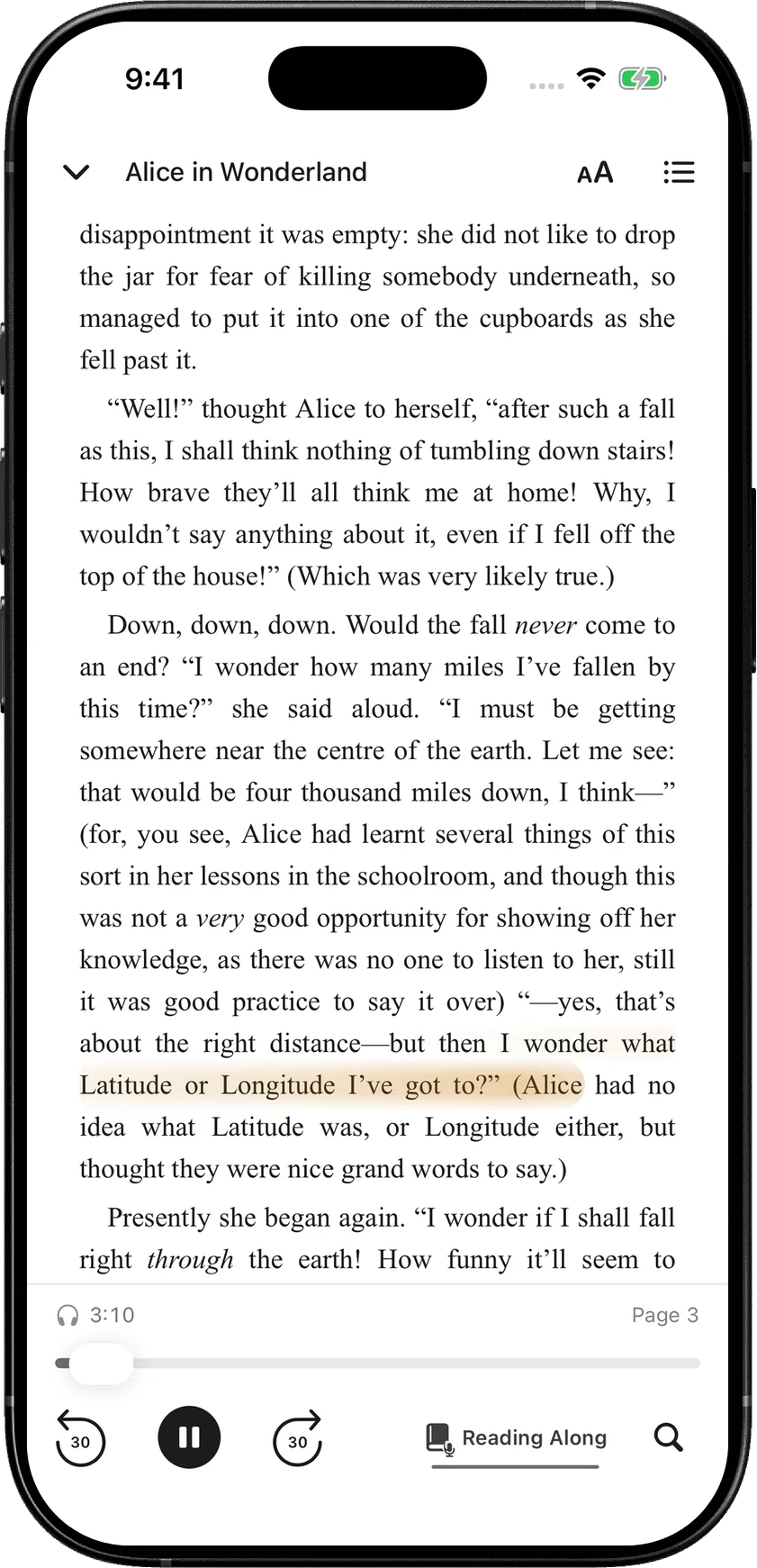
If you never open the text, this won’t change your choice. If you often switch between reading and listening, Read Along is a good reason to try SoundLeaf.
How do they handle podcasts?
plappa plays Audiobookshelf podcasts as well as books, and can download episodes with its paid unlock. It also shows Audiobookshelf collections and series.
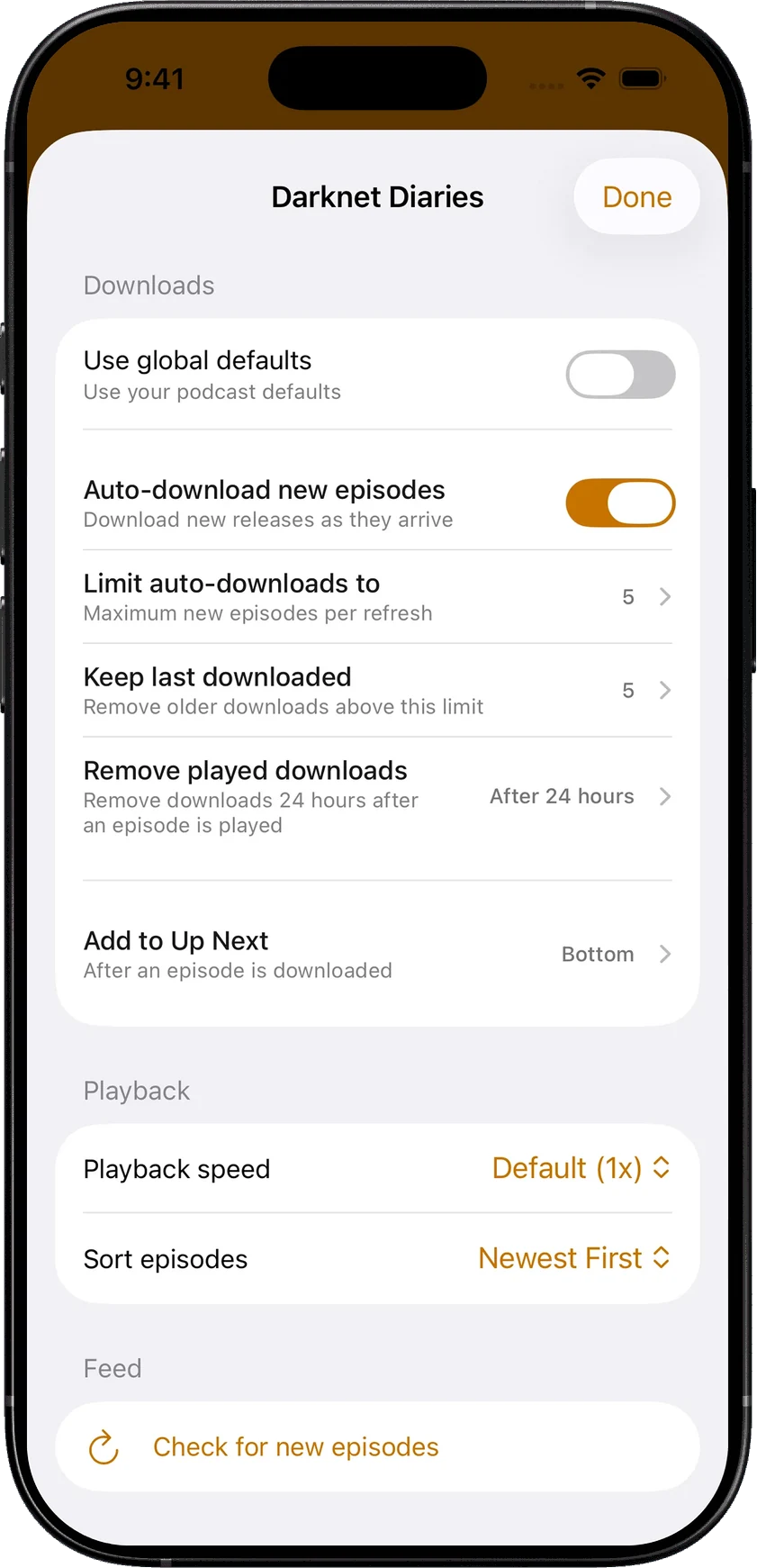
SoundLeaf gives podcasts their own home, downloads and queue. Each show can also have its own settings: playback speed, episode order, how many episodes to download and keep, and when to remove played ones. When a show publishes a transcript, SoundLeaf shows it with the episode. All of this is free. See podcasts in SoundLeaf.
How do they save your progress?
plappa can save your listening position through iCloud or on your Audiobookshelf server. SoundLeaf saves it on your Audiobookshelf server, so the web app and other Audiobookshelf apps see the same place. See how progress syncs.
Which themes and icons are free in SoundLeaf?
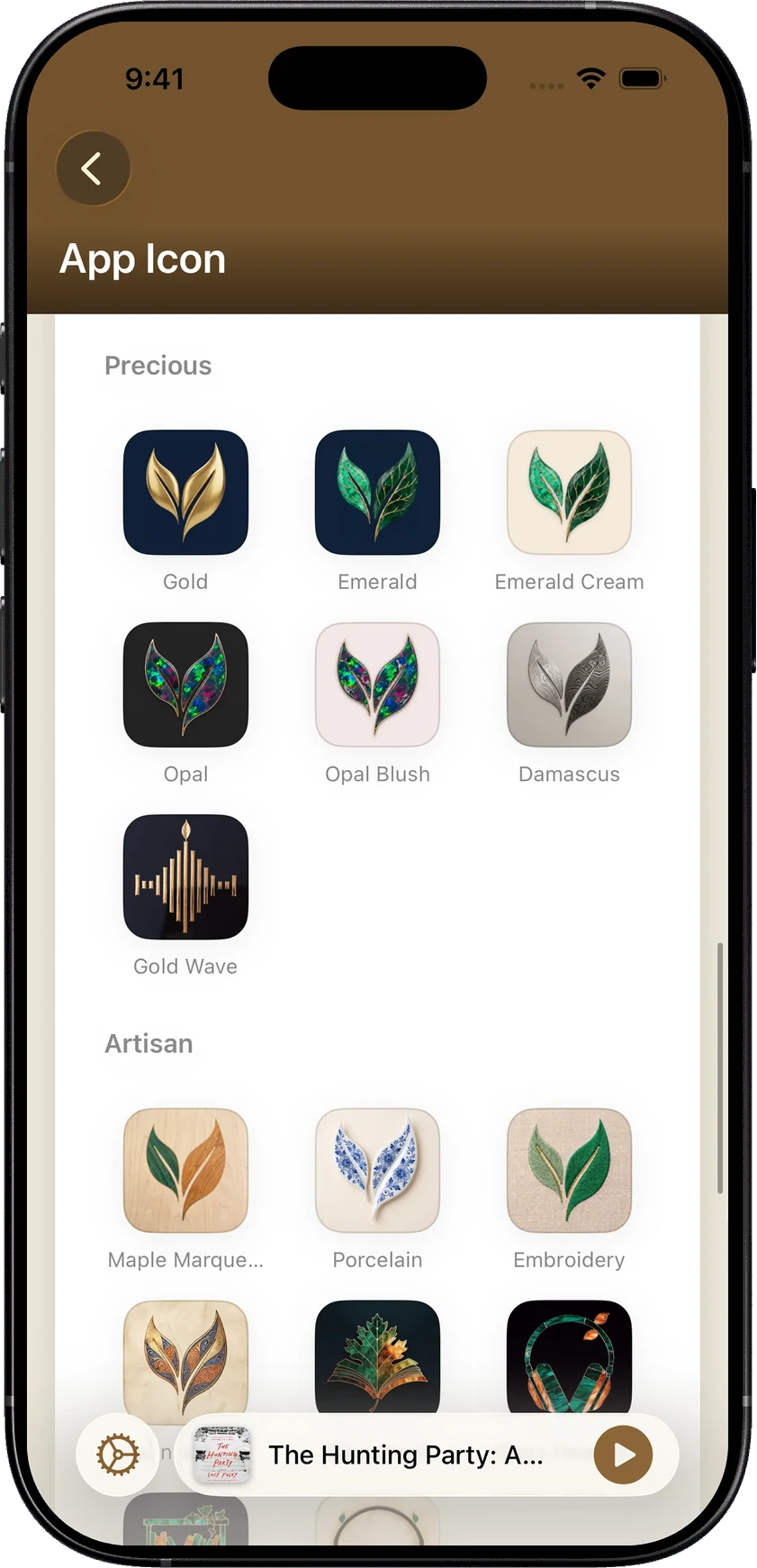
Six themes and three app icons are free in SoundLeaf, along with every font style and text size. The themes carry through the library, settings, books and podcasts, and the reader can keep its own page color. Pro adds more, and Supporter adds its own themes, such as Lagoon, Orchid and Gold, and icon collections like Botanical and Precious. Free, Pro and Supporter lists what each one adds.
Switching from plappa to SoundLeaf
If you used plappa with Audiobookshelf and saved progress on the server, SoundLeaf picks up at the same place. If plappa saved it to iCloud only, note where you are before switching. Downloads stay in each app, so you’ll download books again in SoundLeaf.