
Which should you pick?
Pick Prologue if some of your books are still in Plex, you want an equalizer, or you want to read along with PDFs or with a transcript for books that have no ebook. Pick SoundLeaf if you listen to podcasts on Audiobookshelf, want Apple Watch listening without the phone at no extra cost, or your iPhone can’t update to iOS 26.5.
Both apps read along with the narration now, both connect to your existing Audiobookshelf server, and both have CarPlay. You can try the same book in each without moving anything.
Does Prologue work with Plex and Audiobookshelf?
Yes. Prologue connects to Plex, Audiobookshelf, or both, and keeps the books from both servers in one library. If part of your collection still lives in Plex, that’s a good reason to keep it installed.
SoundLeaf is made only for Audiobookshelf. If you’re moving off Plex, moving from Plex to Audiobookshelf explains how to run both side by side while you switch.
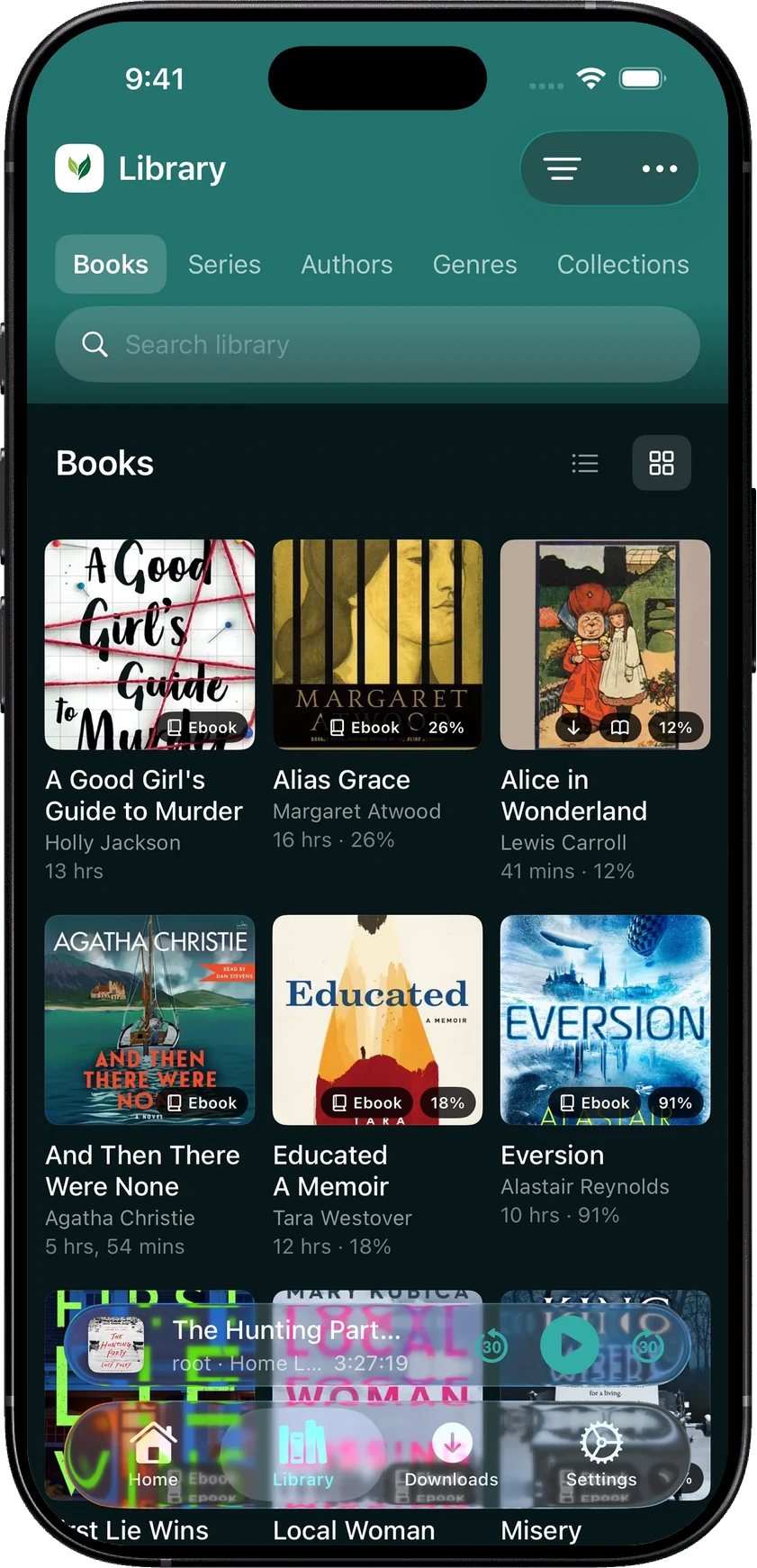
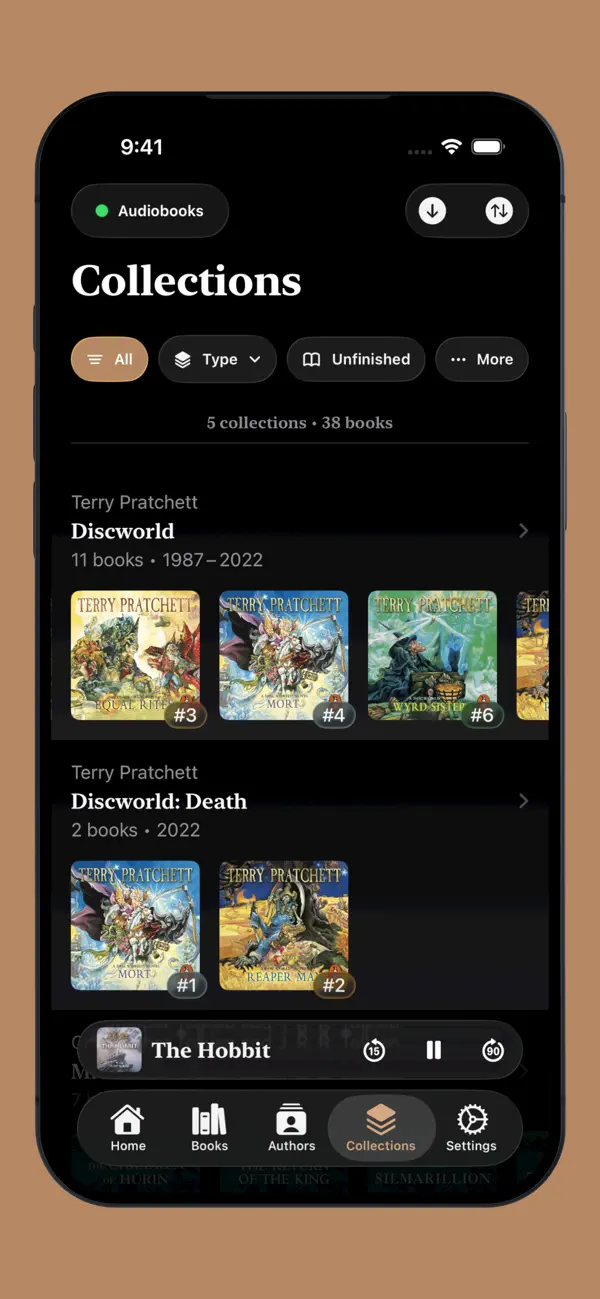
Does Prologue have read along?
Yes. Prologue 2026.5, released on October 17, 2026, added a Reader: open an EPUB or PDF and the current word is highlighted as it’s spoken. It can use ebooks attached to a book on your Audiobookshelf server, or ones you import. For books with no ebook, it can make a live transcript on the phone as the book plays. Its listing says transcription and following along both need a supported device and language.
SoundLeaf’s Read Along highlights the words as the narrator says them and turns the page for you. Play from this page starts the audio from where you’re reading. SoundLeaf only opens EPUB files, it has no transcript for books without an ebook, and Read Along needs the audio and the EPUB both downloaded. It also needs on-device speech recognition for your device and the narration language. See Read Along in SoundLeaf.
In both apps, the ebook should match the recording. A different edition or an abridged recording can throw the matching off.
Which iPhones do they run on?
Prologue 2026.5 needs iOS 26.5 or later. SoundLeaf needs iOS 17.6 or later. If an older iPhone is your audiobook player, that may settle it.
What playback settings does each app have?
Prologue’s listing names per-book settings, an equalizer, Voice Boost, rewind after a pause, and a sleep timer for a set time or the end of a chapter. Since 2026.5, skips and rewinds can land at the start of a sentence once a book has been transcribed. It also has a reading list for books you plan to hear, and listening history, stats and streaks.
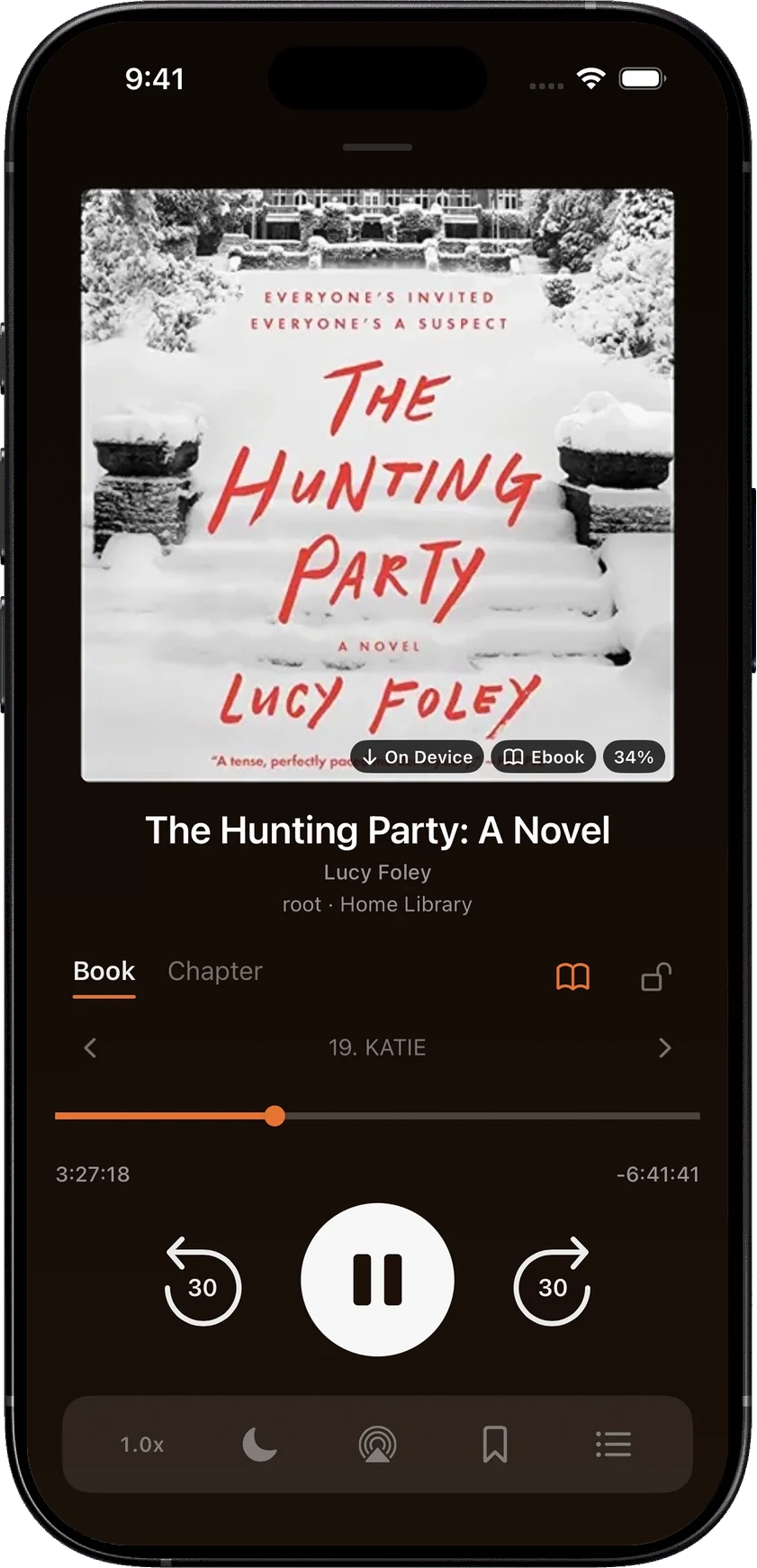
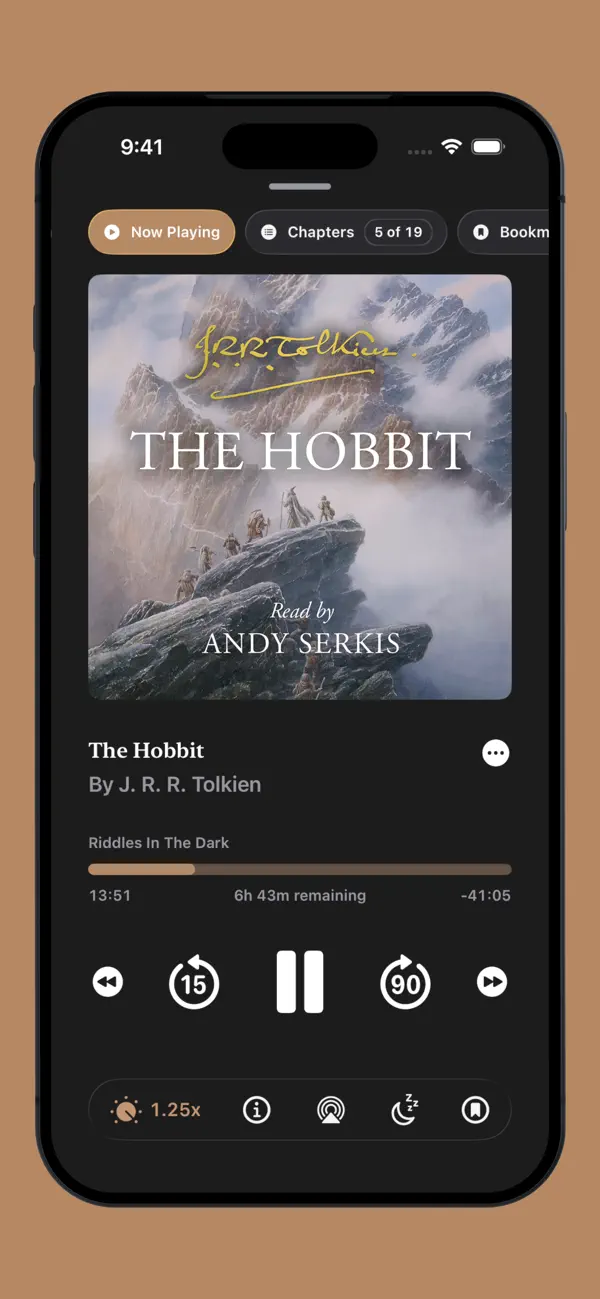
SoundLeaf’s player has book and chapter progress, bookmarks, Voice Boost and auto rewind, with the reader and queue close by. Each book remembers its own speed, and you can also set a playback speed for a whole series. See player settings.
How do the sleep timers compare?
Prologue’s sleep timer runs for a set time or to the end of a chapter.
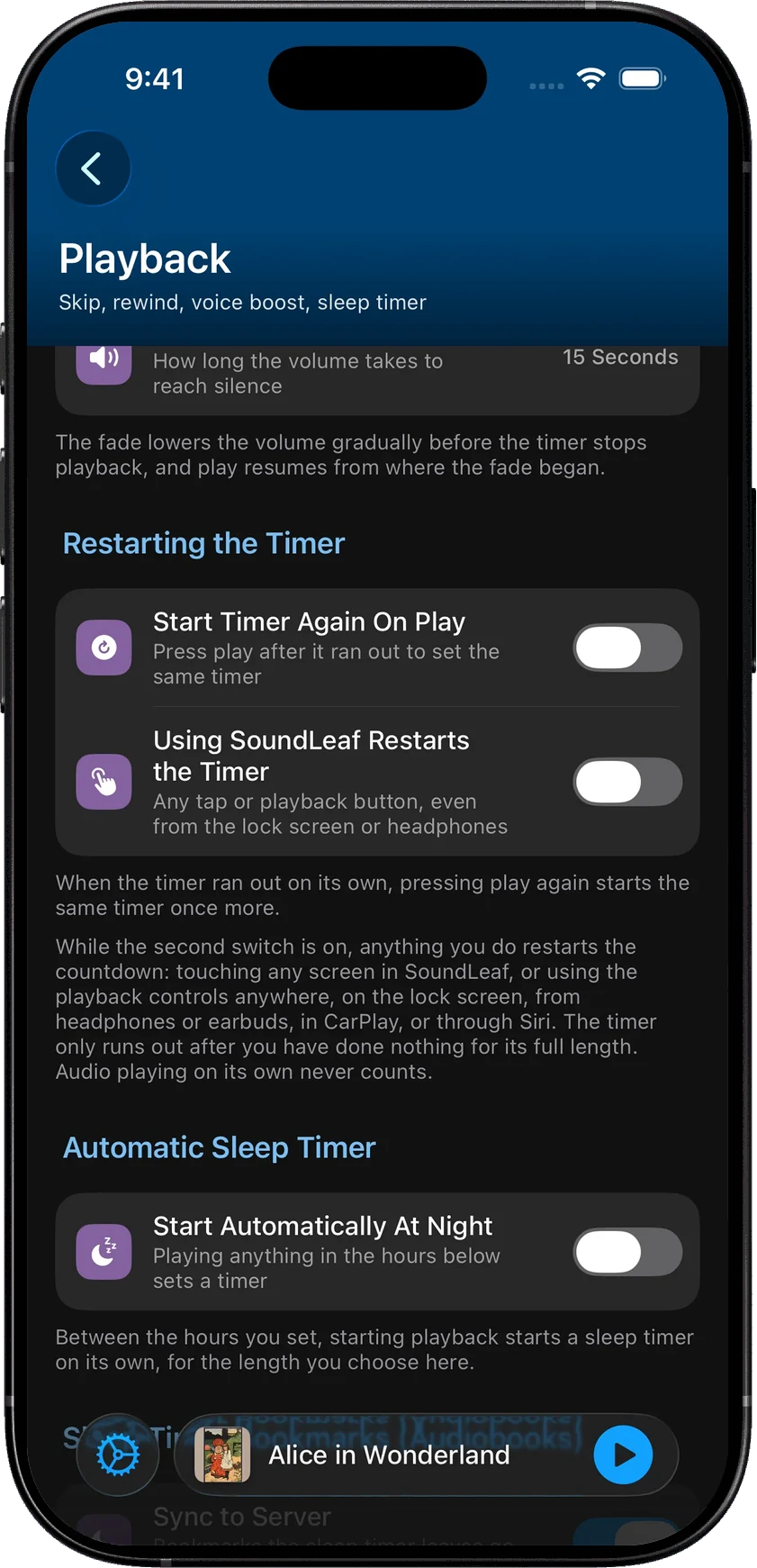
SoundLeaf’s has those too, and a few more choices for timers set in minutes. It can fade out and put you back where the fade began. It can start by itself when you press play during the night hours you choose. It can also restart when you tap the app or a playback button. On books, it leaves a bookmark where the timer started and another where it stopped, so you can find the last part you remember. See the sleep timer.
Does Prologue play podcasts?
Prologue’s App Store listing and website talk about audiobooks and don’t mention podcasts. SoundLeaf plays your Audiobookshelf podcasts, with its own podcast home, downloads and queue.
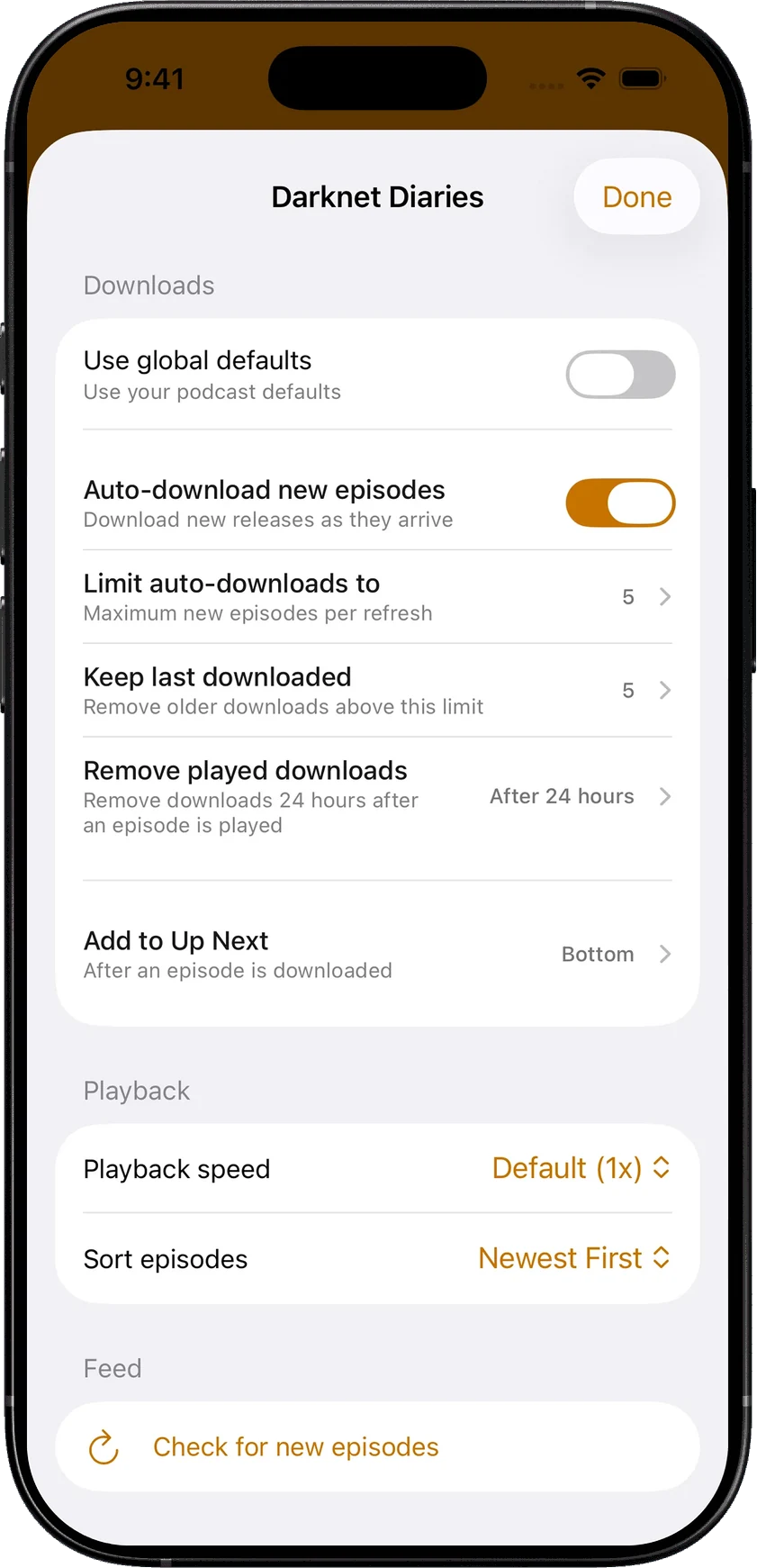
Each show in SoundLeaf can have its own playback speed, episode order, number of episodes to download and keep, and a rule for removing played ones. When a show publishes a transcript, SoundLeaf shows it with the episode. All of this is free. See podcasts in SoundLeaf.
How much do Prologue and SoundLeaf cost?
Prices here are from the US App Store on October 18, 2026. Prologue is free to download, with some features behind a one-time Premium unlock (US$9.99, or US$17.99 for a family). Listening on the Apple Watch without the phone needs a separate US$4.99 Prologue for Apple Watch unlock.
SoundLeaf is free to use, with downloads, Read Along, podcasts and the Apple Watch app included. Pro is a one-time US$9.99 purchase that adds themes and app icons, and Supporter is an optional way to help, with its own themes and icons. Free, Pro and Supporter lists what each one adds.
Switching from Prologue to SoundLeaf
Your Audiobookshelf listening progress lives on the server. Use the same Audiobookshelf account in both apps. Let Prologue sync, then check your position in the Audiobookshelf web app before opening SoundLeaf.
Prologue can also keep progress, bookmarks and notes, listening sessions, history and its reading list in your iCloud account. SoundLeaf doesn’t import Prologue’s iCloud data, so check your progress and bookmarks in Audiobookshelf before switching, and save anything that’s missing. Books from Plex won’t show in SoundLeaf until they’re in Audiobookshelf. Downloads stay in each app, so you’ll download books again in SoundLeaf.