# SoundLeaf vs plappa: your server, your books, your daily listen
> Compare SoundLeaf and plappa for Audiobookshelf, including Jellyfin and Emby support, offline listening, Read Along and app customization.
Source: https://soundleafapp.com/compare/soundleaf-vs-plappa/
Updated: 2026-09-12
---
plappa’s broad server support is a practical reason to choose it. If your books already live in Audiobookshelf, the choice opens up: how much do you want to read, browse and personalize around the audio?
Written by Hemant, the developer of SoundLeaf.
## Keep a server setup you’re happy with
An app can look appealing and still be the wrong choice for your library. plappa connects to Audiobookshelf, Jellyfin and Emby. SoundLeaf connects to Audiobookshelf.
If Jellyfin or Emby already holds your books, plappa lets you leave that setup alone. Moving to SoundLeaf would also mean setting up Audiobookshelf and importing your collection. A different player or a nicer theme is a small consideration next to moving years of books and listening history.
For an existing Audiobookshelf library, you can compare the apps much more easily. Sign in with the same account, open a familiar title, and pay attention to the things you use during an ordinary chapter.
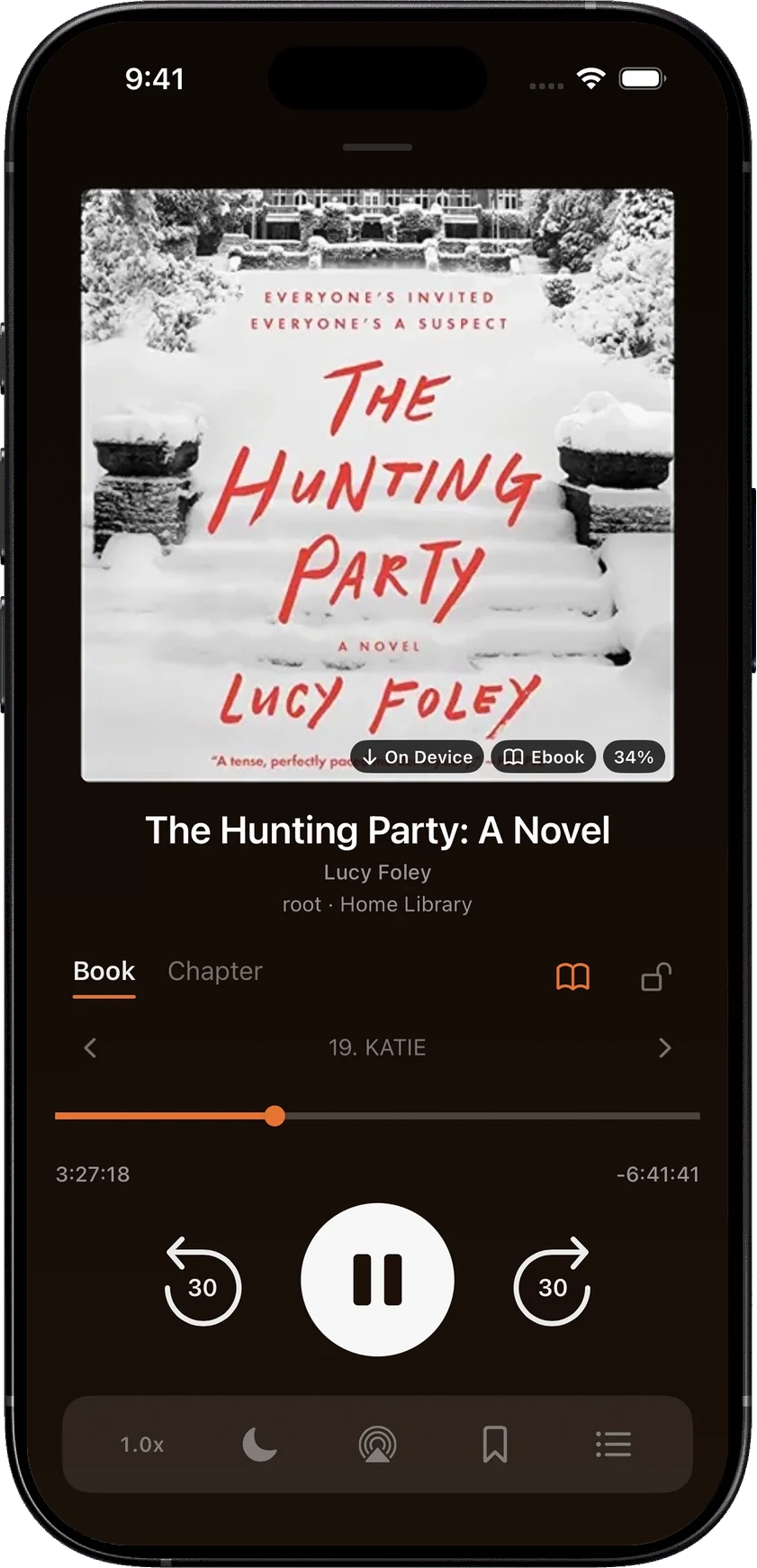
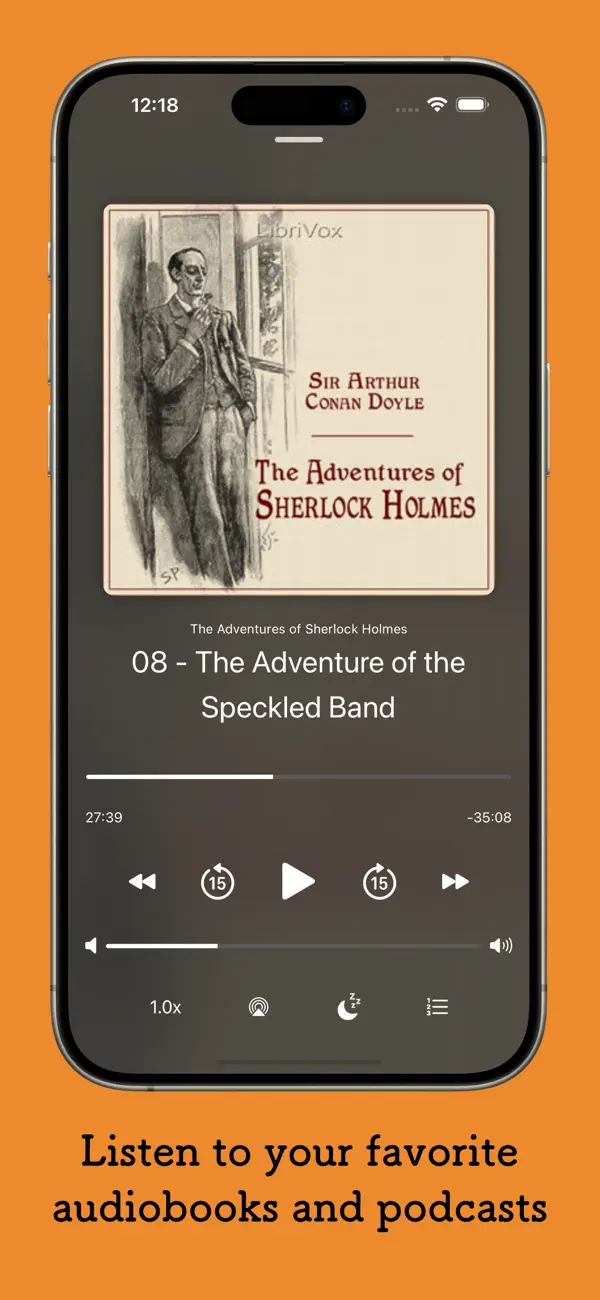
The Hunting Party in SoundLeaf’s Ember player.Sherlock Holmes in plappa’s player. Image credit
plappa also supports iOS 16. SoundLeaf needs iOS 17.6 or later, which matters if an older iPhone has become your dedicated audiobook player.
## Taking the book out of the house
plappa lets you start with streaming. Its full version adds downloads and customization, with a choice of a small lifetime purchase or a yearly payment. If you already own it and mainly want to carry a book around offline, that’s a straightforward arrangement.
SoundLeaf includes manual book and podcast downloads for free. It also keeps library information locally: losing access to the server doesn’t take away the collection you were browsing. Downloaded audio plays on the phone, and your progress waits to sync when the connection returns.
Pro adds Smart Downloads for audiobooks. You set how long to listen before a book should download, which is useful if you tend to try several books before committing to one. The free app is enough to choose and download them yourself.
## When listening turns into reading
The narrator says a phrase you want to linger over. Rewinding works, but sometimes seeing it on the page is what you want.
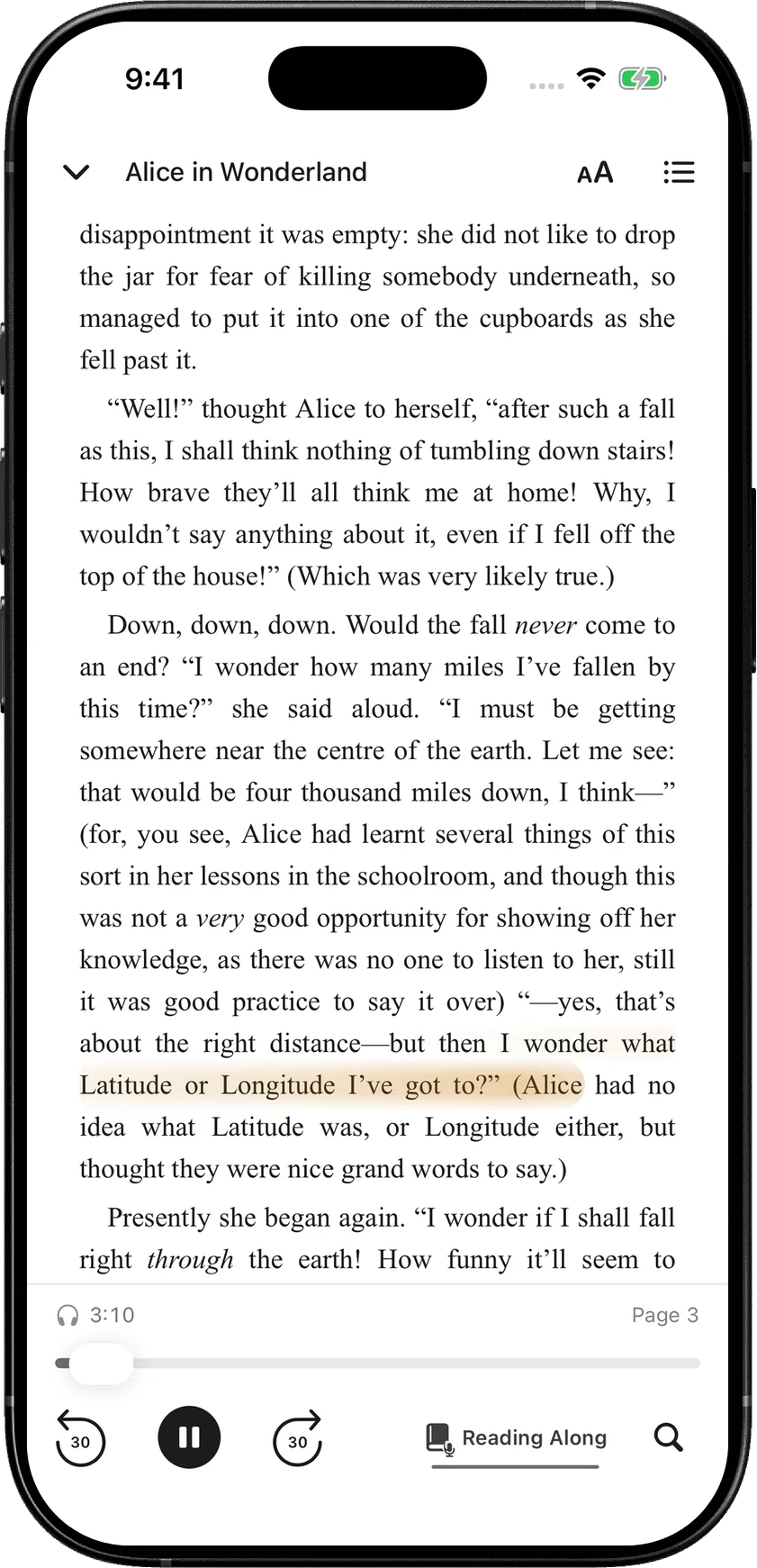
SoundLeaf’s EPUB reader lets you do that without leaving the book. Read Along highlights the narration and advances the page, with synchronization handled on the iPhone. You can also search the text or carry on reading without audio.
Keep the words beside the voice with Read Along.
You’ll need an EPUB that matches the recording. Abridgements and different editions can break the correspondence. If you already keep the ebook and audiobook together in Audiobookshelf, though, SoundLeaf gives that pair a purpose beyond storing two files under one cover.
plappa’s appeal is more centered on listening and connecting to the server you use. If you never open the text, Read Along is unlikely to change your choice. If you often alternate between the two, it’s one of the strongest reasons to try SoundLeaf.
## A news show shouldn’t behave like a novel
plappa supports Audiobookshelf podcasts as well as books, including episode downloads in its full version. That lets you keep both kinds of listening with the same server.
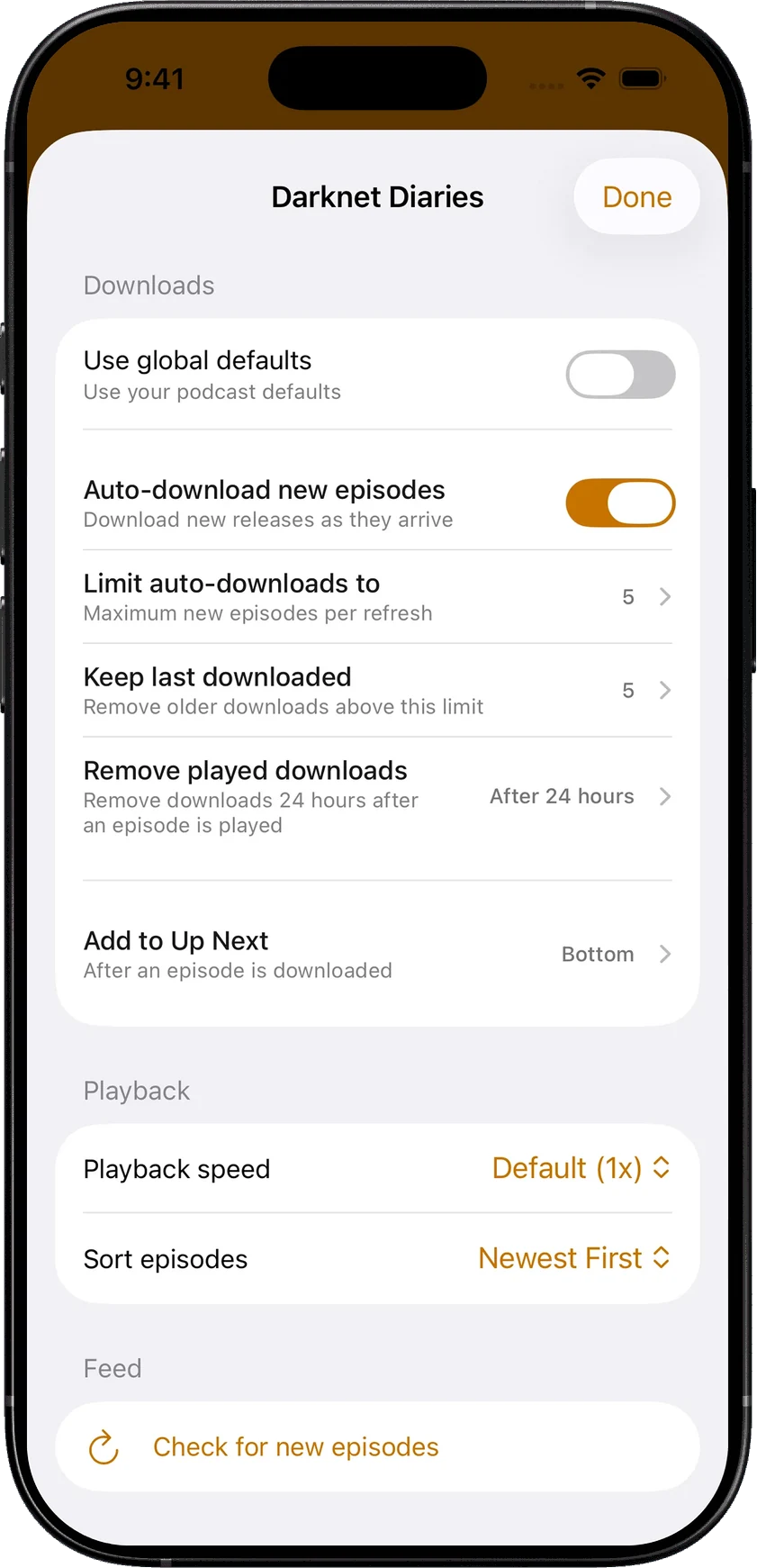
SoundLeaf gives podcasts their own home, queue and downloaded screens. More importantly, each show can have its own rules. A daily briefing can keep only a few recent episodes; a serial can play oldest first. Set a different speed, limit automatic downloads and choose when played files should be removed.
Those controls are free, including podcast auto-download. When a show provides a timed transcript, SoundLeaf can follow it with the audio and keep it alongside the downloaded episode. The point is to set up each subscription once, then spend less time clearing old episodes and rearranging the queue.
Give each show its own download, cleanup and queue rules.
## Appearance goes beyond the player
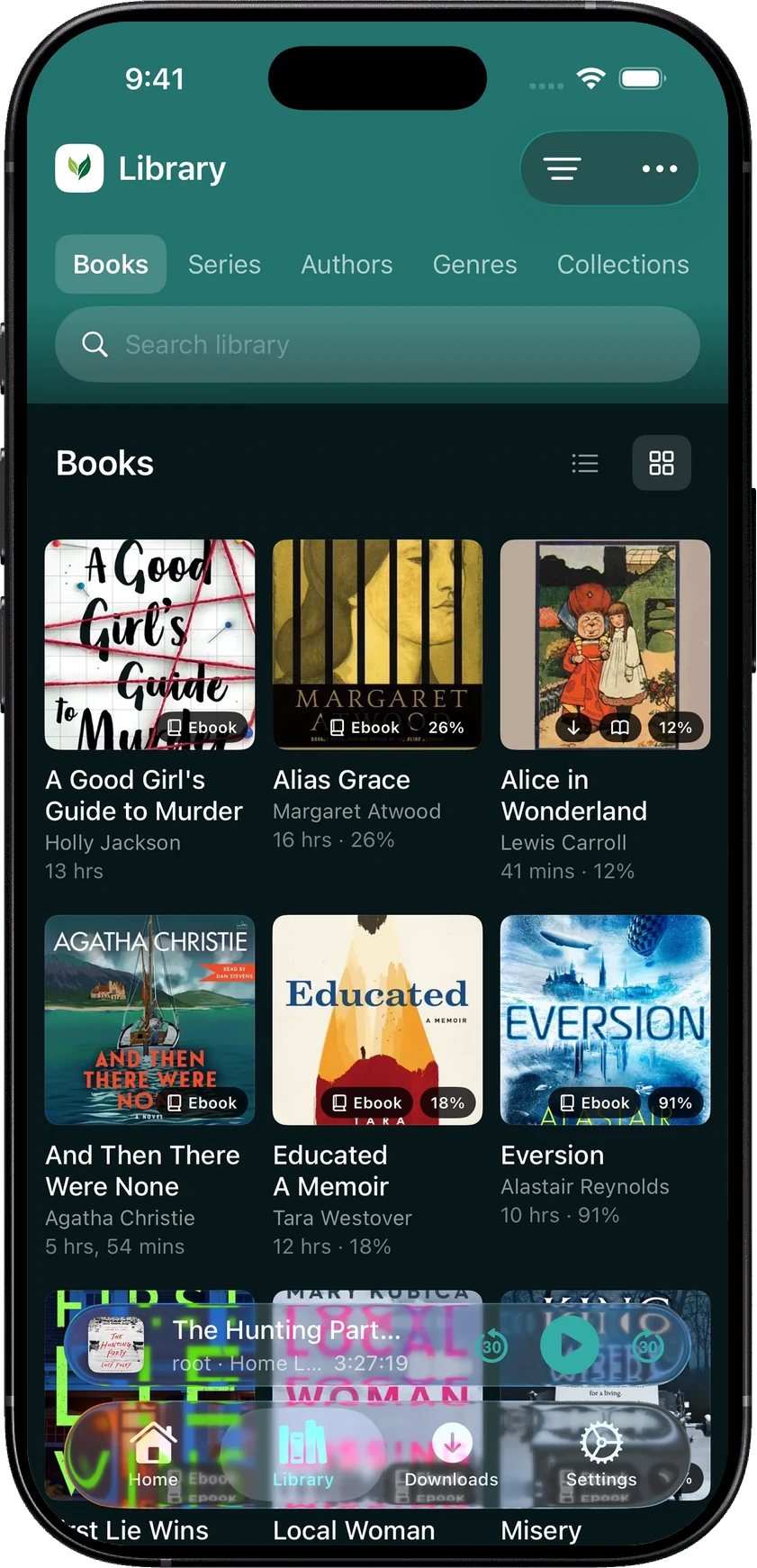
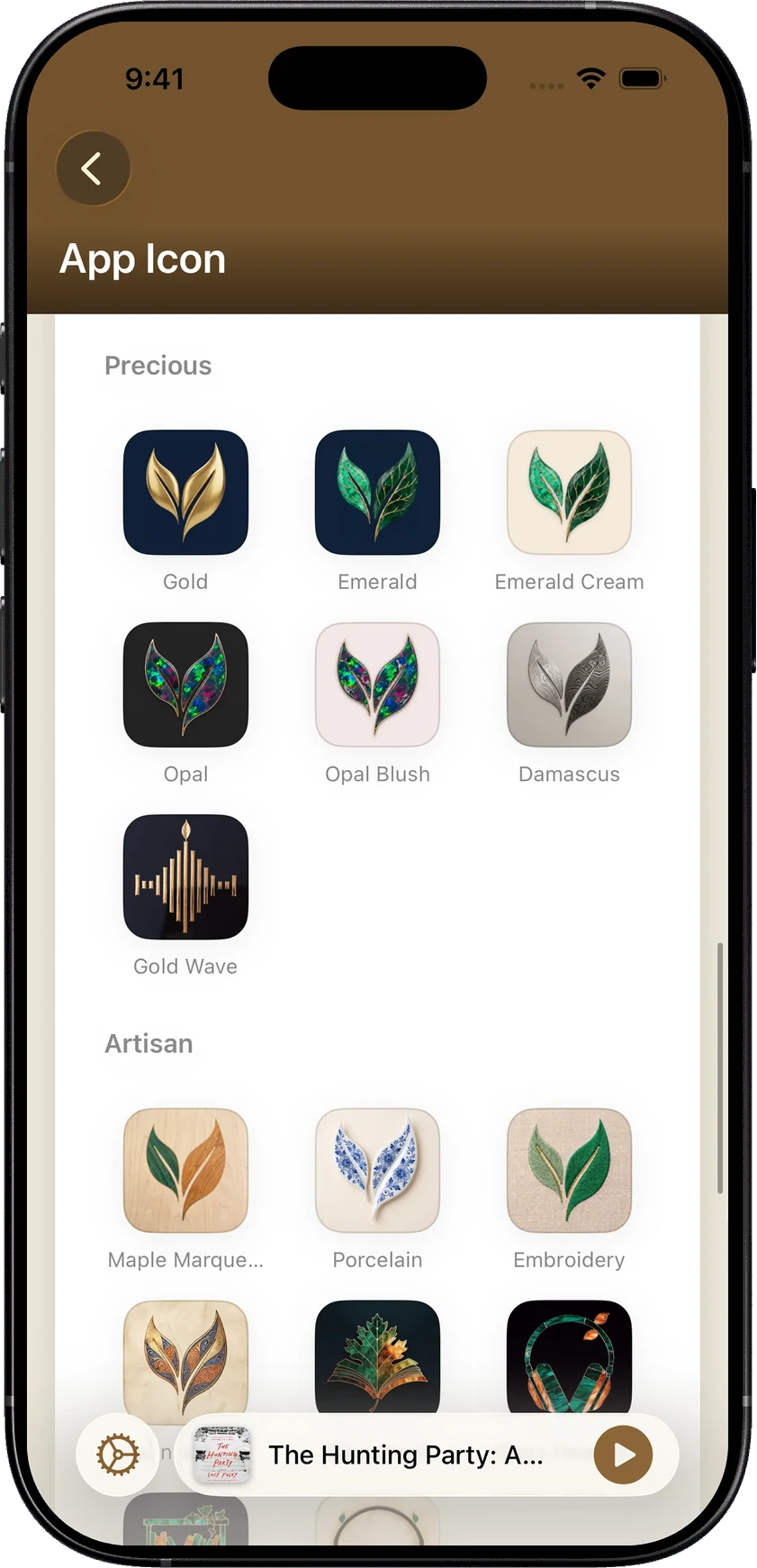
SoundLeaf’s themes carry through the library, settings, books and podcasts. The reader can keep its own paper color, so a dark reading page doesn’t require a dark library. The icon picker has free and Pro choices, plus Supporter collections built around pressed flowers, gemstones and handcrafted textures. Supporter also includes themes such as Lagoon, Orchid and Gold.
Lagoon carries its deep teal through the library.Gold, opal and handcrafted textures for your home screen.
That consistency is part of why we build SoundLeaf. A collection you’ve spent time assembling should feel considered when you open it, and the less frequently visited screens should feel like they belong to the same app.
Choose plappa if its server coverage, older-iPhone support or familiar listening experience already fits. Choose SoundLeaf if you use Audiobookshelf and want to do more with the text, the podcast queue and the look of your library. You can explore those differences before buying an upgrade.
## At a glance
| | SoundLeaf | plappa |
| --- | --- | --- |
| A good fit for | Reading with the narrator, a library you can browse offline, and detailed podcast controls. | Keeping Jellyfin or Emby alongside an Audiobookshelf library, including on older iPhones. |
| Works with | Audiobookshelf; multiple accounts and servers | Audiobookshelf, Jellyfin and Emby |
| What you pay for | Free listening, downloads and reader. Pro: US$9.99 once; optional yearly Supporter. | Free streaming; full version US$4.99 once or US$1.99/year. |
Last reviewed September 12, 2026 · SoundLeaf 2.3.1; plappa 1.6.3. Prices in USD.
## Sources
- [SoundLeaf — official information](https://apps.apple.com/us/app/soundleaf/id6738635634)
- [plappa — official information](https://apps.apple.com/us/app/plappa/id6475201956)
- [SoundLeaf features and upgrades](https://soundleafapp.com/faq/)