The Audiobookshelf app for iPhone, iPad and Apple Watch
Your Audiobookshelf library, finely bound.
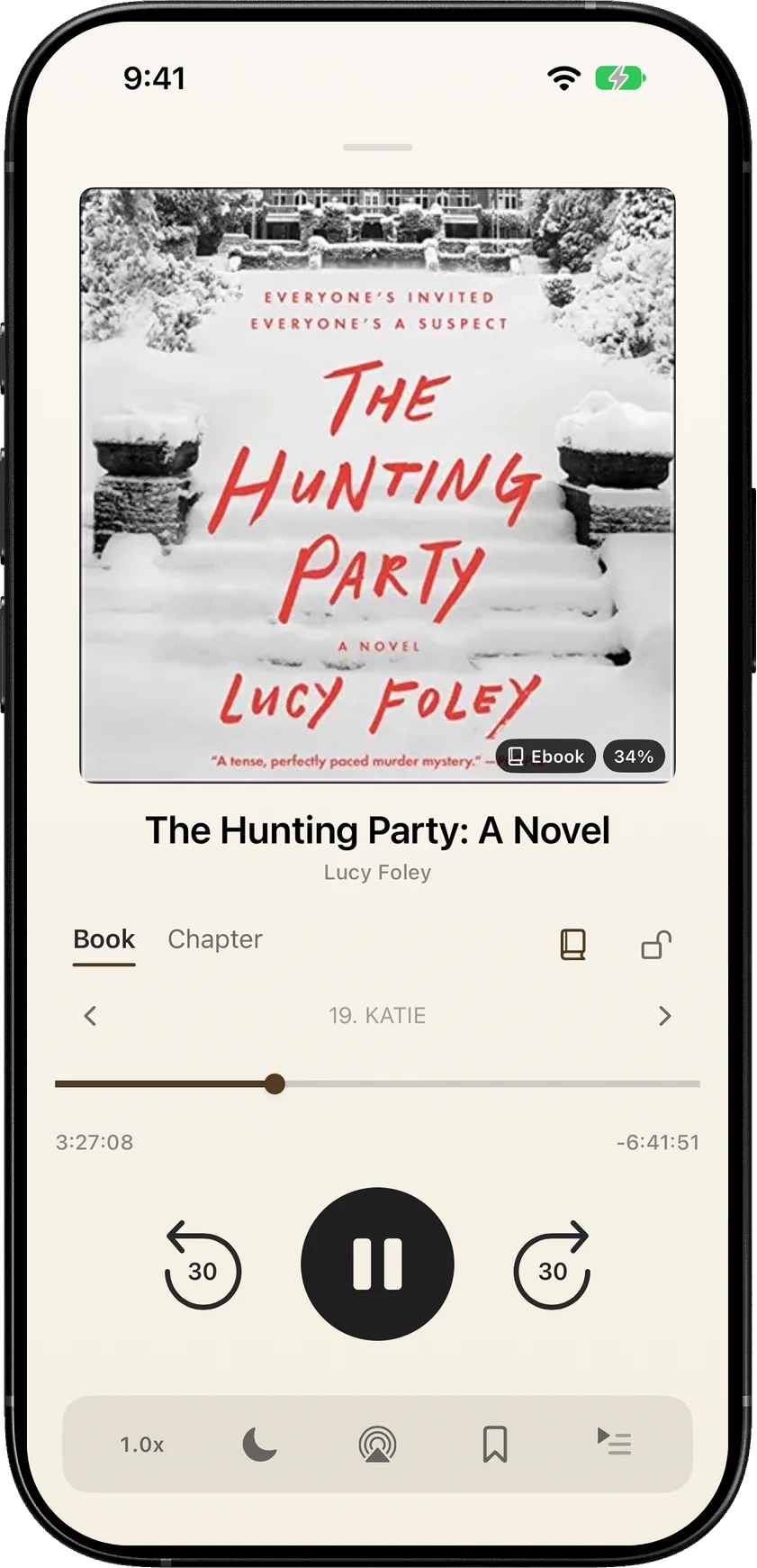
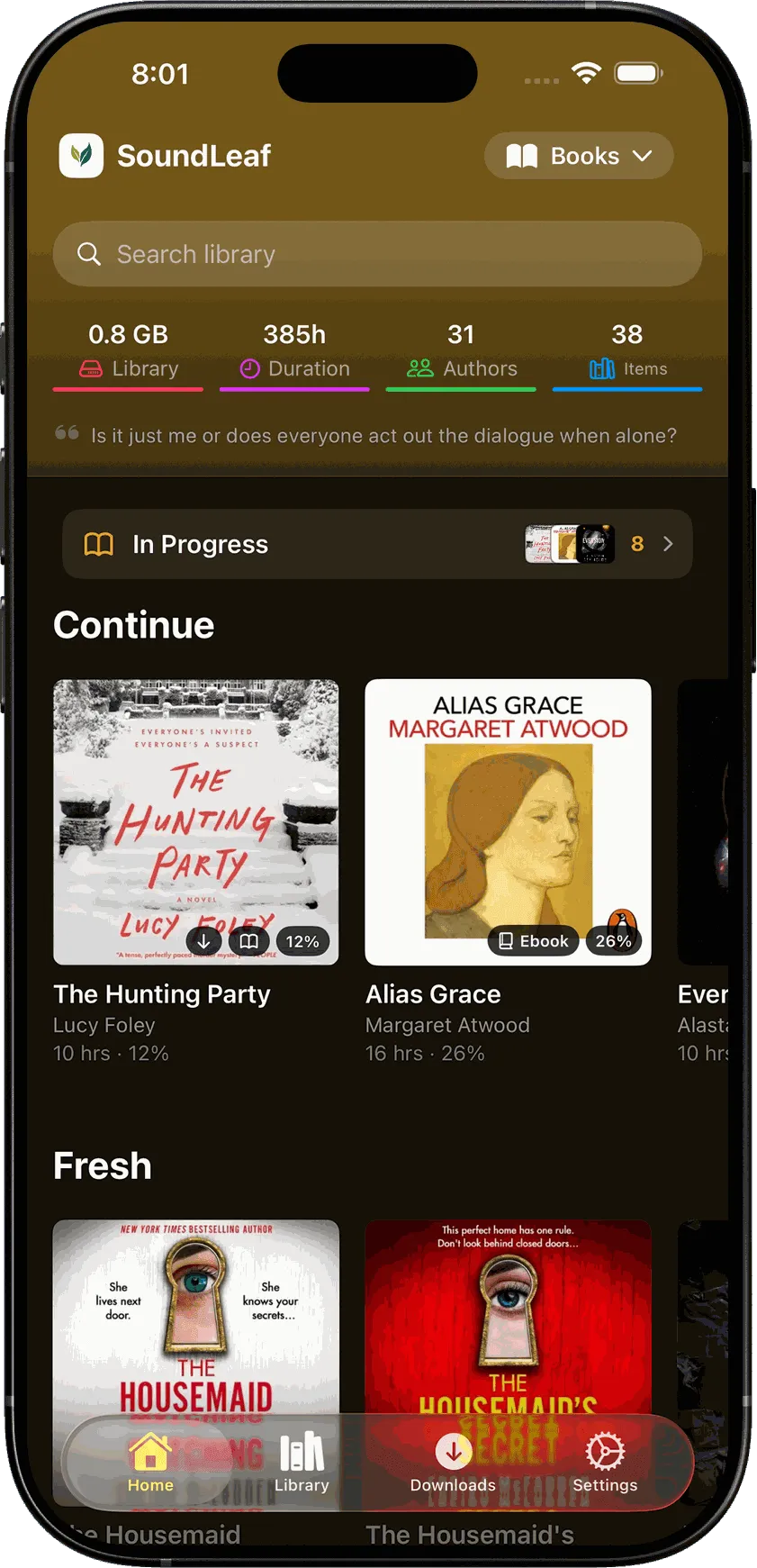
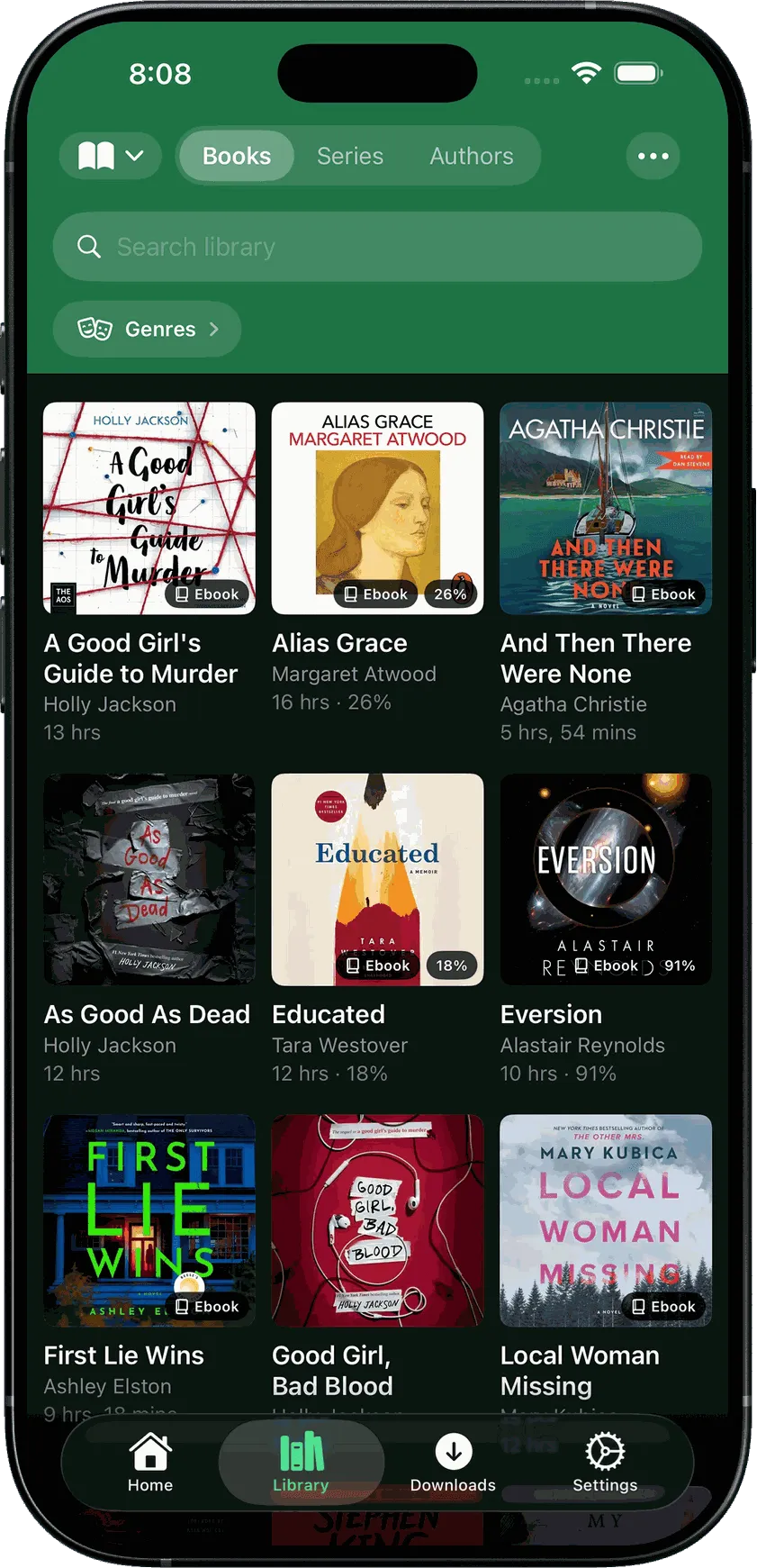
SoundLeaf plays the audiobooks, podcasts and ebooks on your own Audiobookshelf server, in a native iOS app that keeps working when the server is out of reach. There is no SoundLeaf account to make, and the app does not track you.
I have been using this for about a year on a daily basis. The most recent updates as of this review have greatly enhanced the apps polish and functionality in my opinion. It is a pleasure to use. Highly recommended for ABS users.
SoundLeafChapter I · Works with your setup
I
Works with your setup
Add your server address and sign in.
SoundLeaf talks to the Audiobookshelf server you already run. You don't install anything on the server. Signing in with a username and password needs no server changes; OpenID needs one setting added.
1
Your server address
https://abs.example.com or http://192.168.0.200:13378. Leave the protocol off and it tries HTTPS first, then HTTP.
2
Sign in
Username and password, or Sign in with OpenID when your server has it set up: Authelia, Authentik, Keycloak and the rest.
3
Pick a library
Audiobooks or podcasts. Switch later without signing out, and keep several accounts side by side.
Home and away addresses
One address on your home Wi-Fi, another everywhere else. SoundLeaf checks which one answers and switches by itself. Guide →
Cloudflare Access
Client ID and secret headers, sent on every request including downloads. Guide →
Tailscale
Works over your tailnet like any other address. Guide →
Plain HTTP on the LAN
Supported. Type http:// in front and it skips the HTTPS attempt. Guide →
SoundLeafChapter II · Offline first
II
Offline first
Your book keeps playing when the server is off.
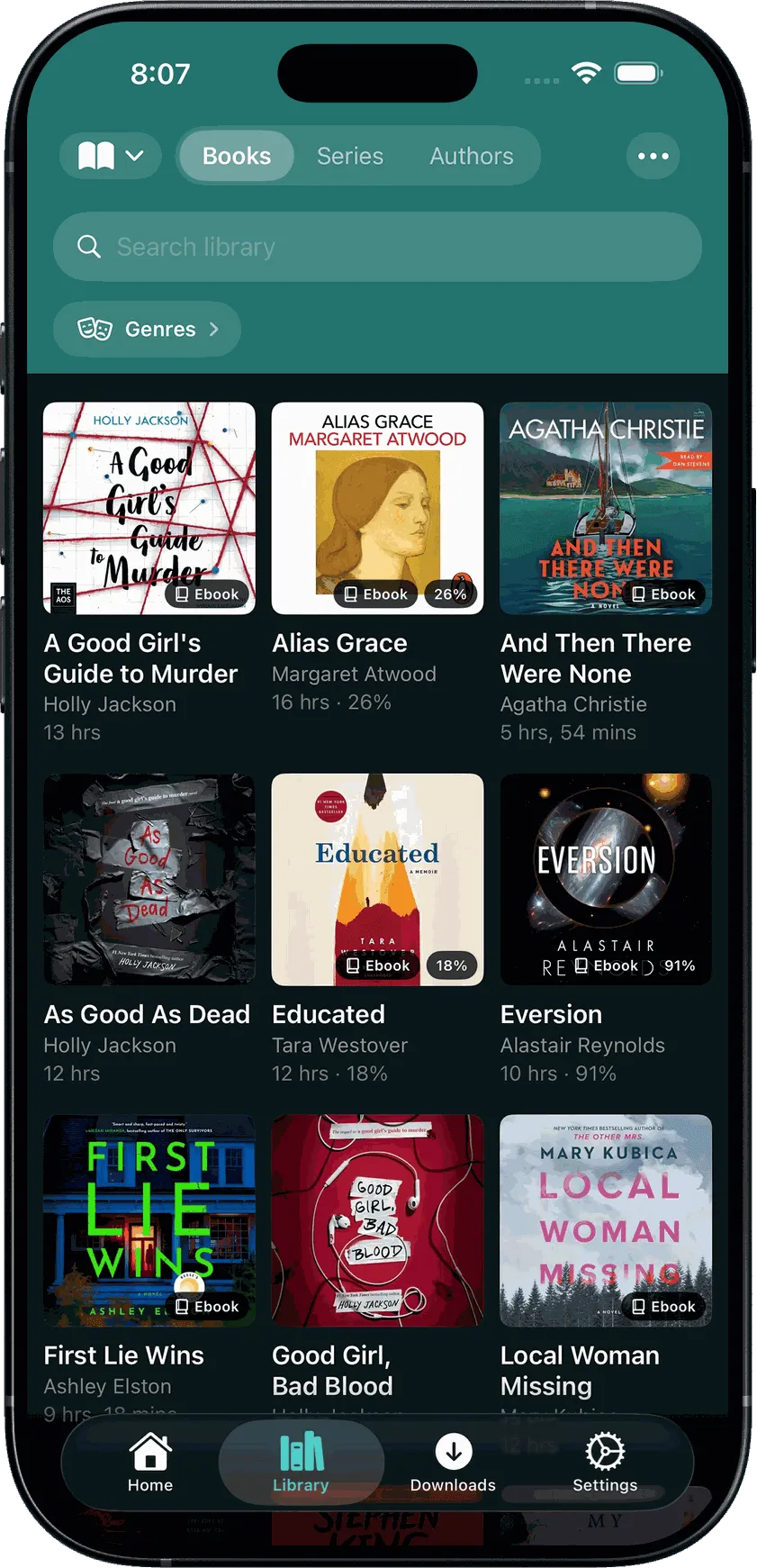
SoundLeaf keeps your library on the phone, so browsing does not disappear when the machine at home does. Download before you leave and listening carries on; your place syncs back when the connection returns.
Smart Downloads
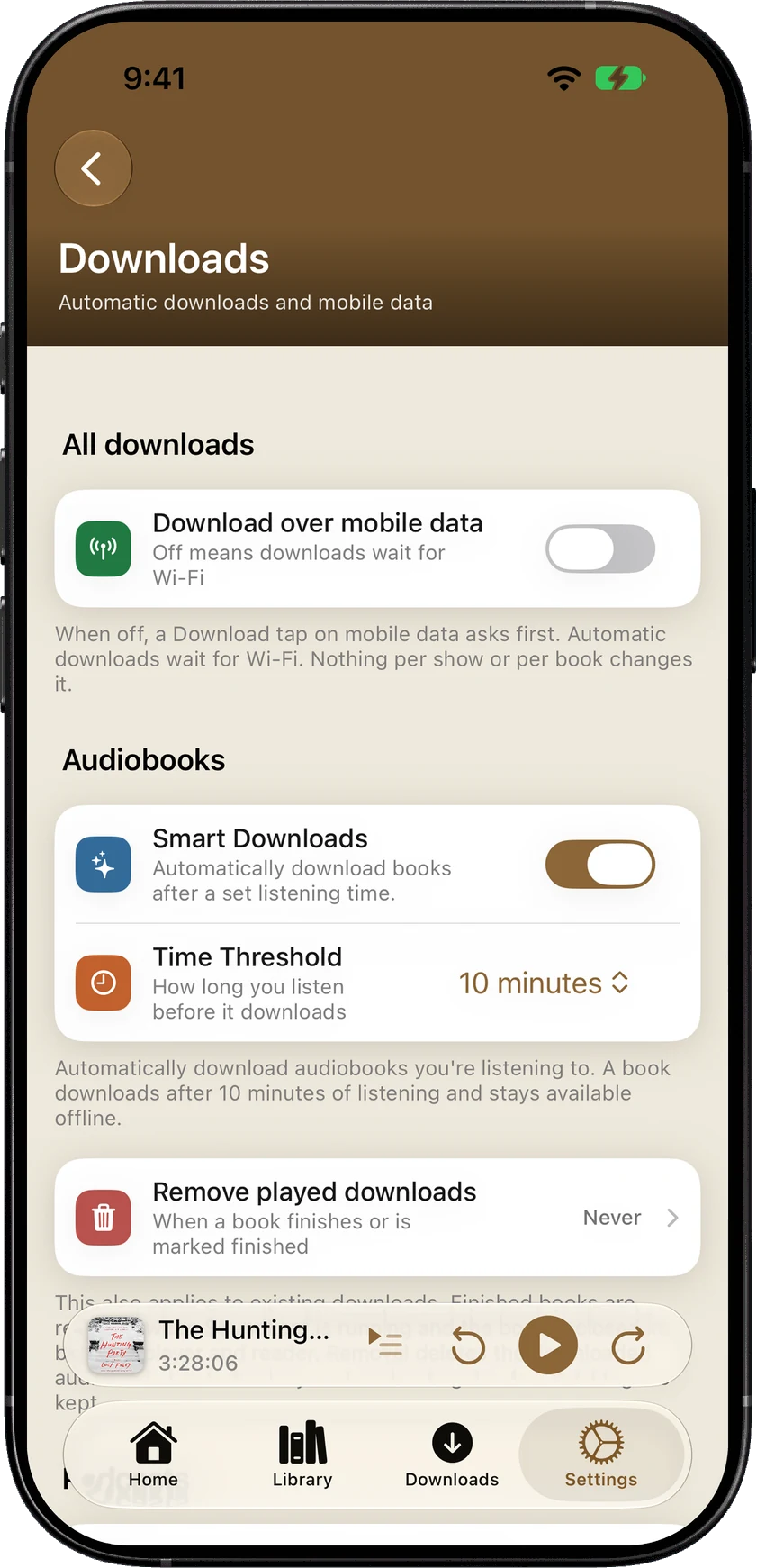
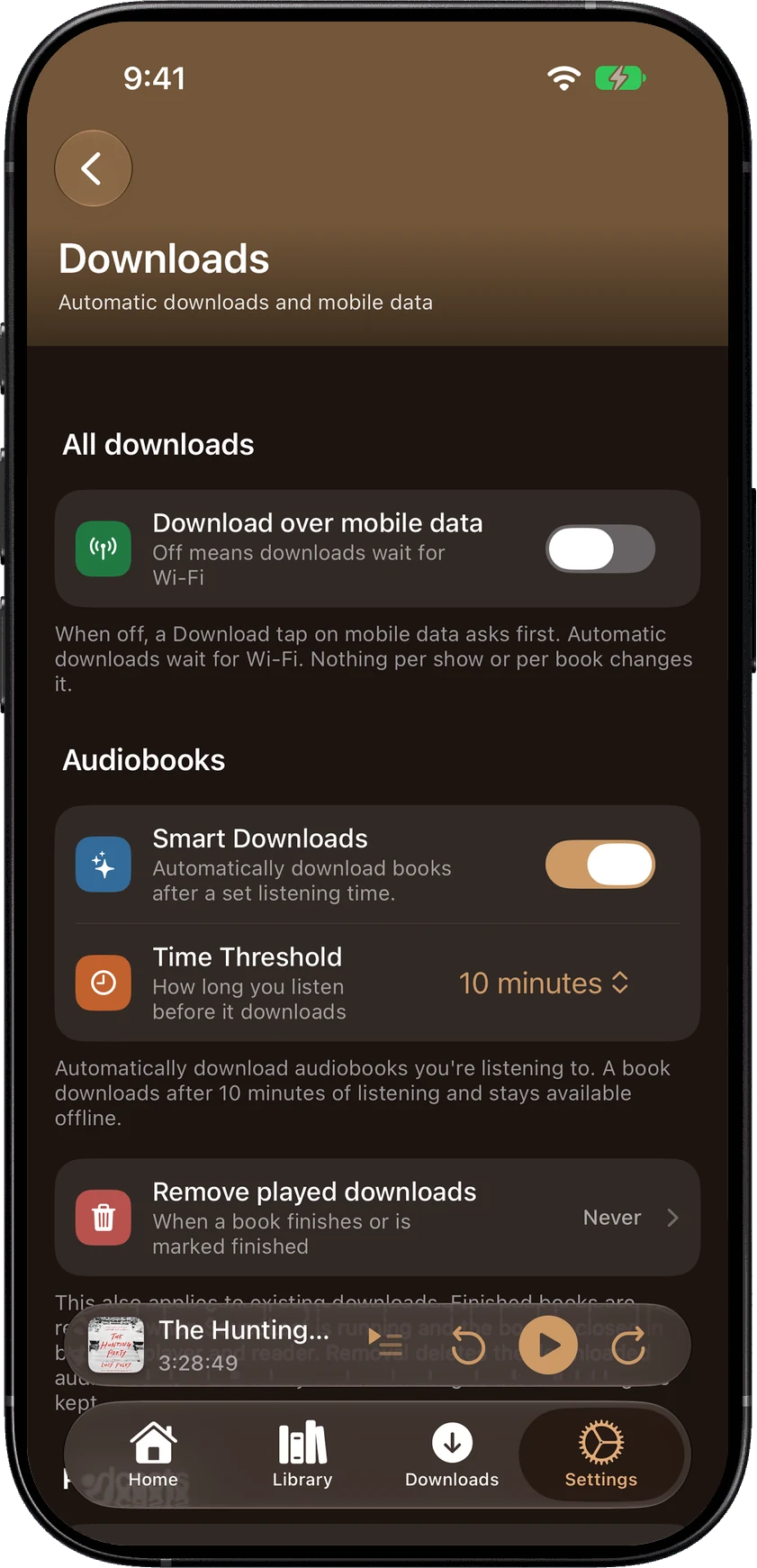
Turn on Smart Downloads in Settings to download books automatically after ten minutes of listening. You can change that time.
Downloads are free
Manual downloads, Smart Downloads and podcast auto-download cost nothing.
Progress syncs back
From the phone or the watch, catching up after time offline.
Plain status
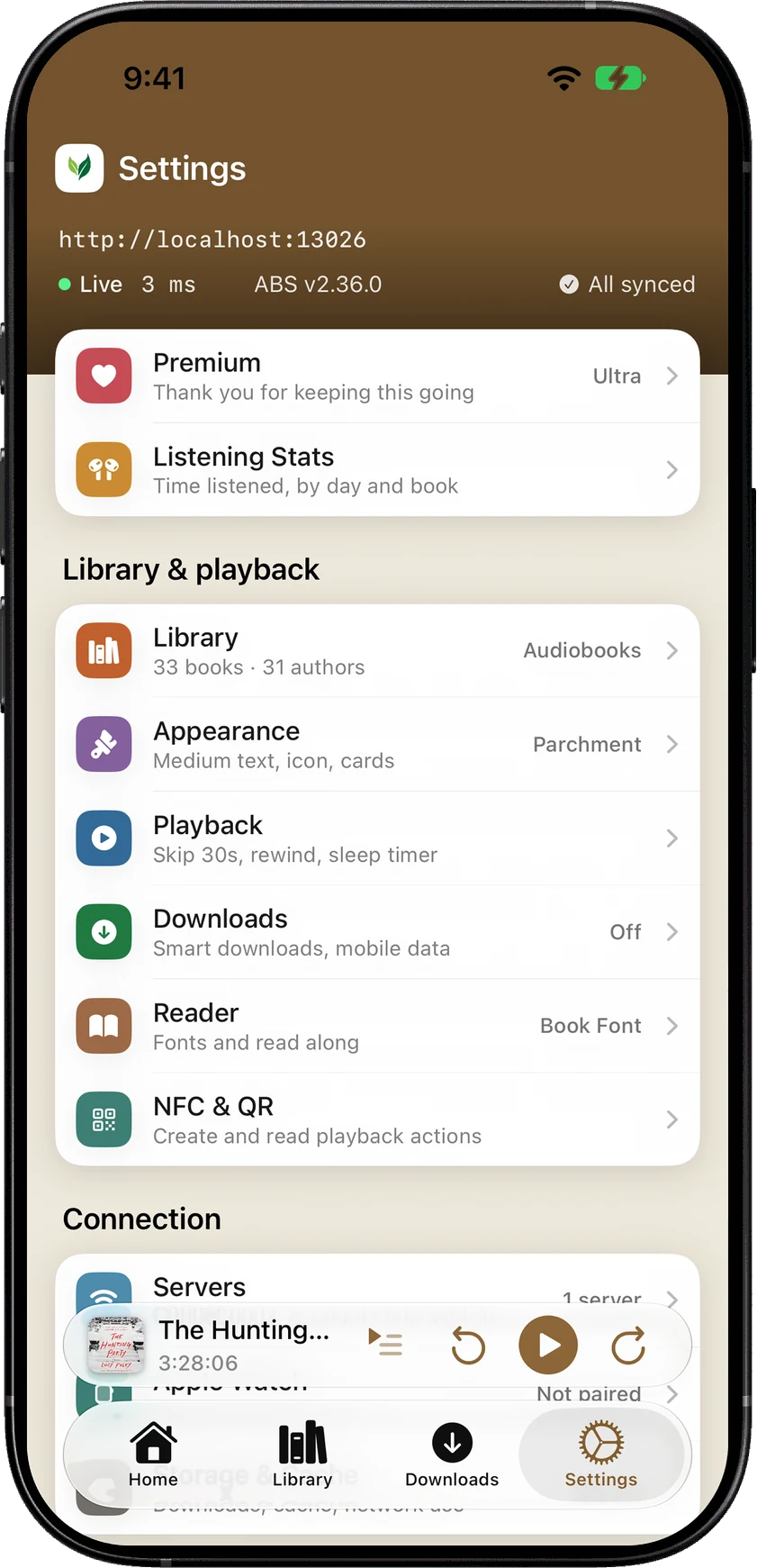
Settings shows whether your server is answering and its latest ping, so you know if it is the app, the network or the box at home.
Plain statusSmart Downloads
SoundLeafChapter III · Read Along
Chapter III
Read Along
Read the ebook while you listen.
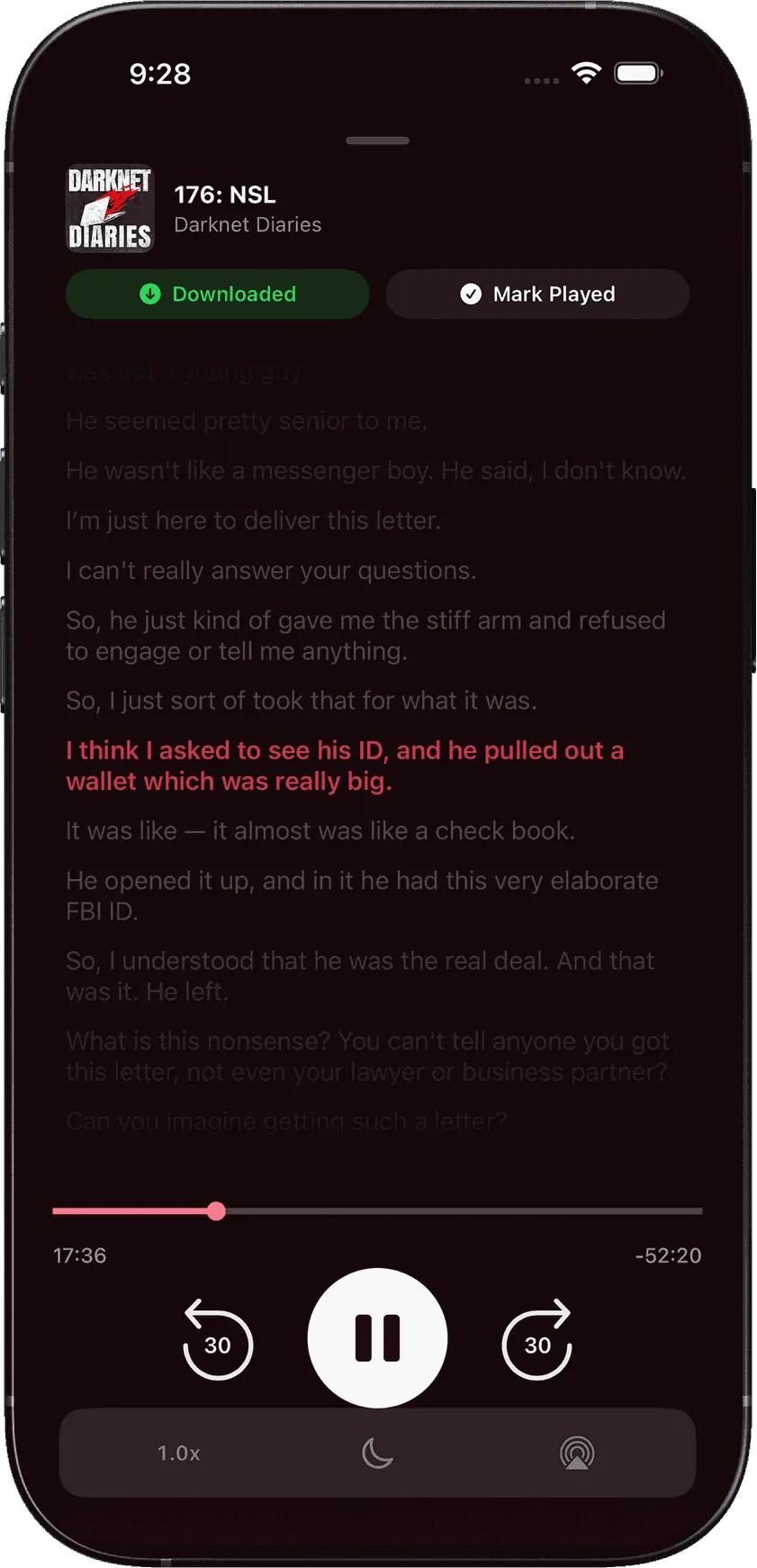
A narrator says a name you can't quite catch. A paragraph lands and you want to read it again. With a matching epub, Read Along highlights the narrated words and turns the page as you listen.*
1
Play from this page
Move the narrator to the page you're reading, or select a few words and play from there. SoundLeaf listens to the audio on your phone to find the spot.
2
On your phone
The matching runs on the device. No audio is sent anywhere.
3
The reader is free
Choose fonts, text size, margins and themes, and search the book. Your place syncs both ways with the Audiobookshelf web reader.
* The text has to match the narration. A different edition or an abridged recording can throw it off, and reader search is the fallback.
42
Play from this page · Read Along
43
SoundLeafChapter IV · Everywhere you listen
IV
Everywhere you listen
Apple Watch, CarPlay and widgets.
Apple Watch
Apple Watch
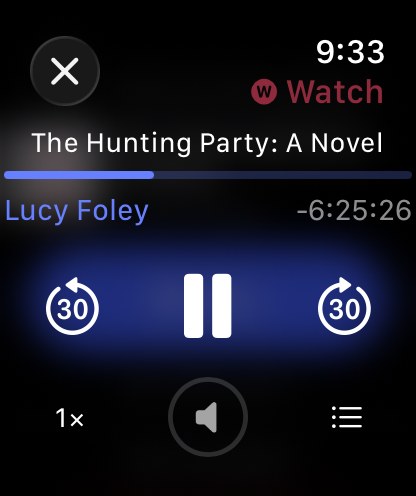
Send a book or an episode to the watch and it downloads over Wi-Fi. After that, listen with the phone left at home. Speed, chapters, the Digital Crown and complications.
CarPlay
Continue Listening, cover art and chapters. Switch libraries from the car screen, filter to what is downloaded, and save a bookmark with one tap.
Widgets and Siri
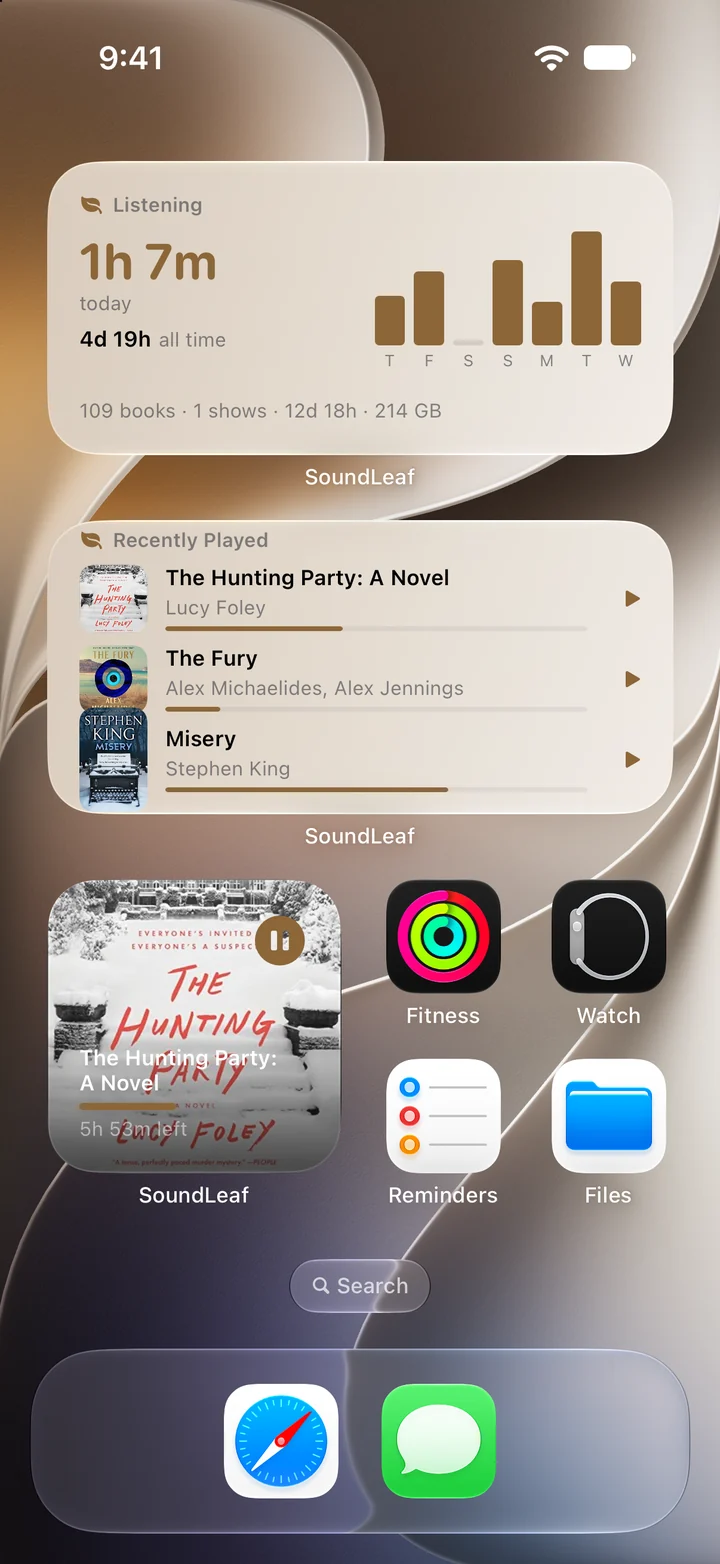
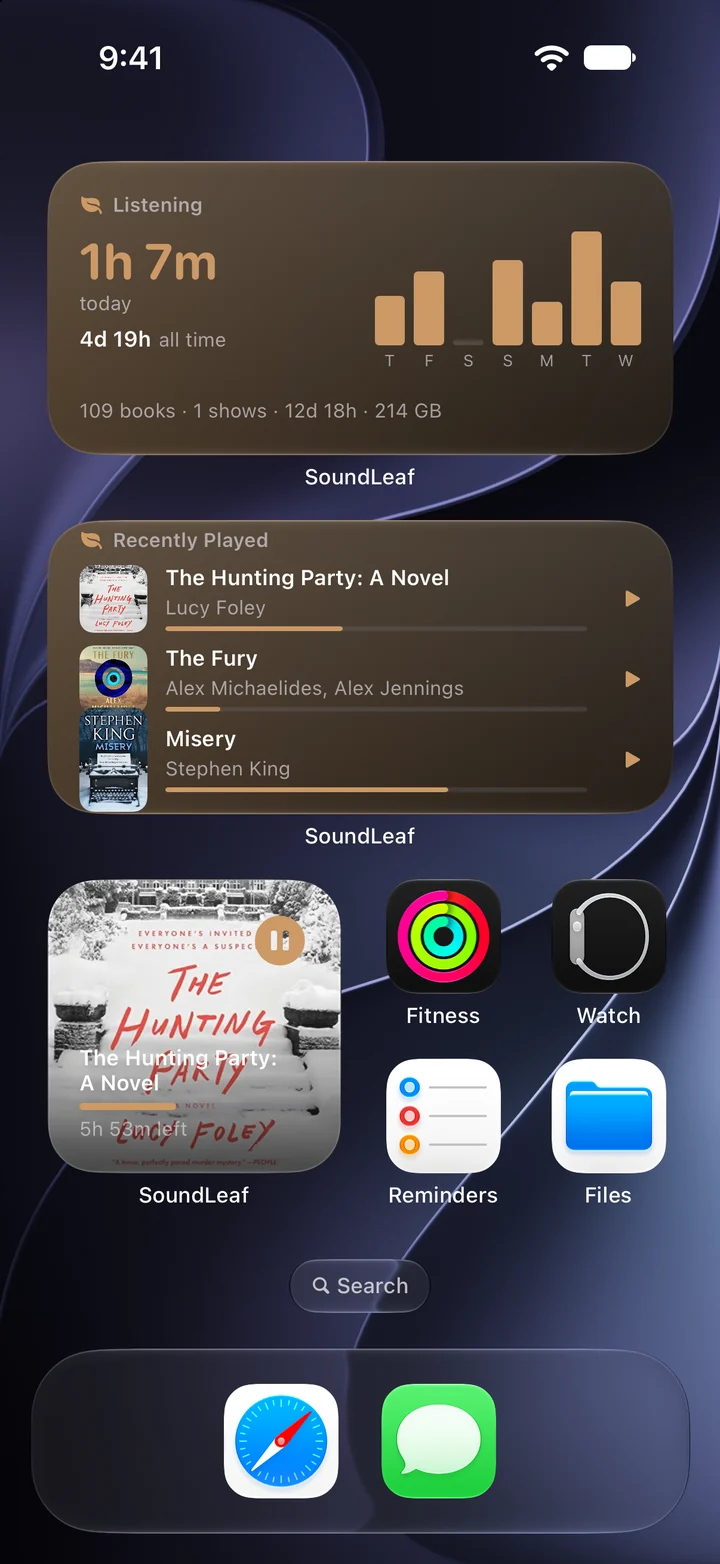
Now Playing, Recently Played and a Listening card on the home screen. "Resume my book in SoundLeaf" on Siri or the Action Button.
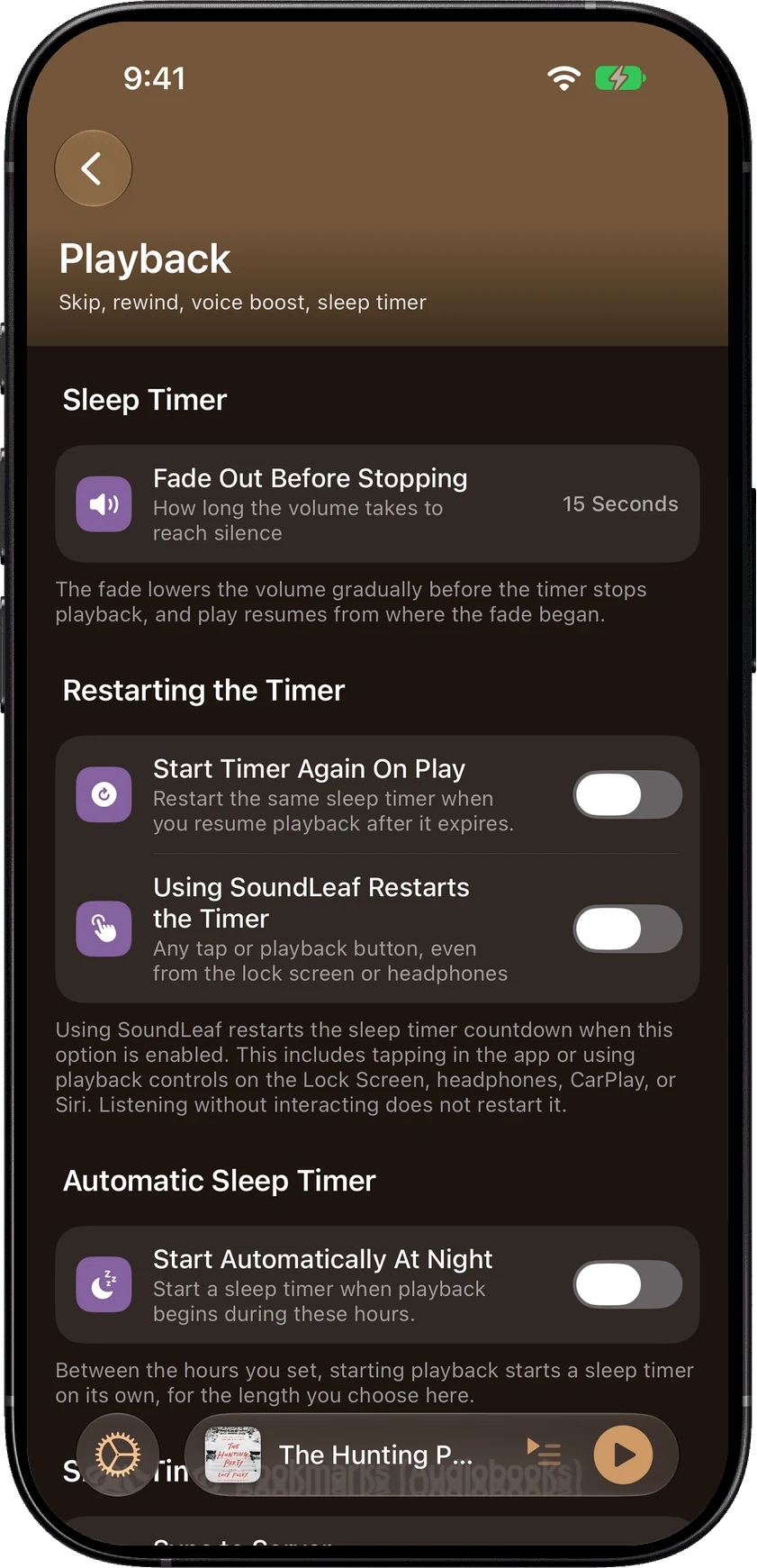
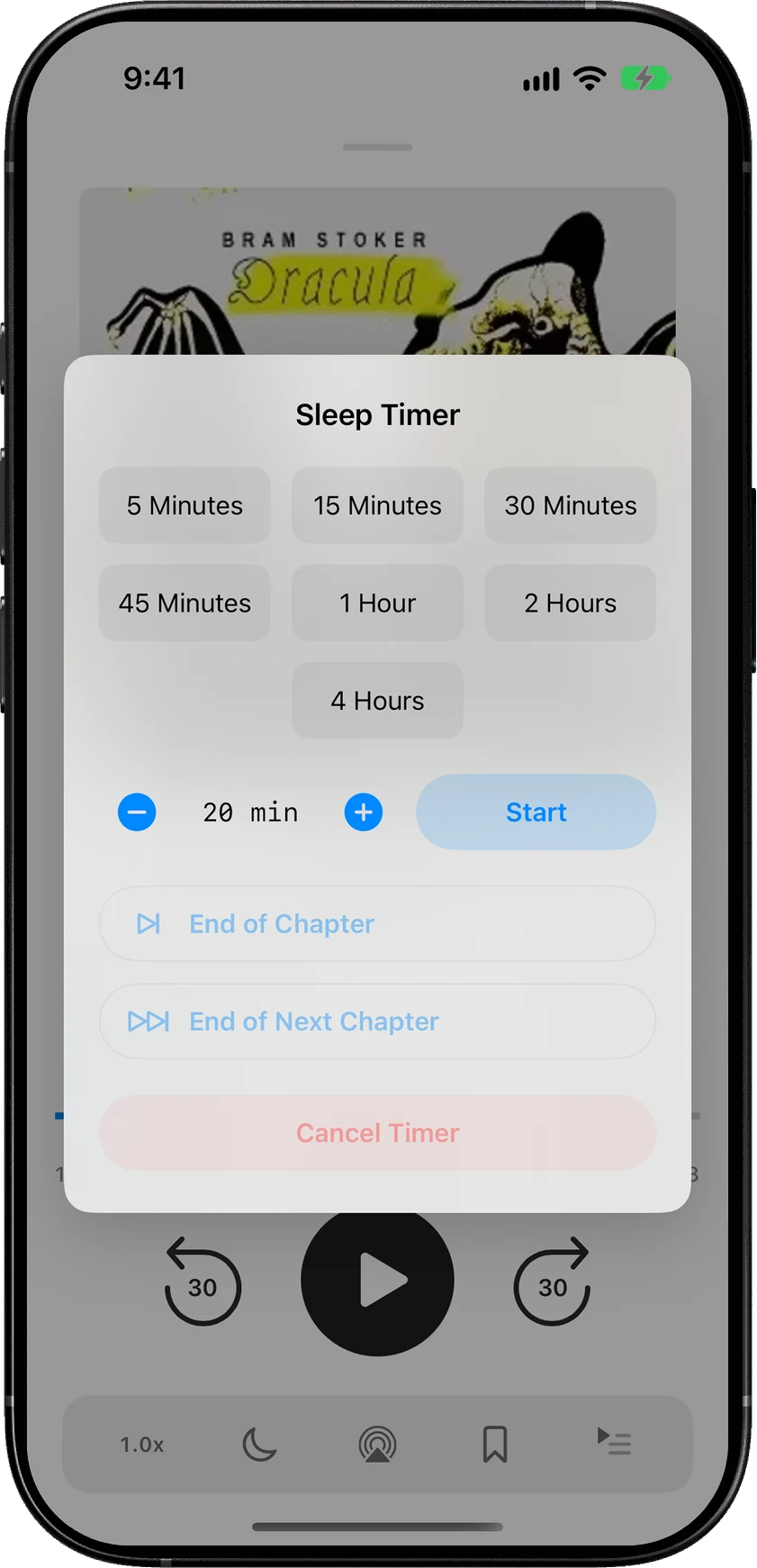
Sleep timer on the lock screen
The countdown runs as a Live Activity and in the Dynamic Island.
Widgets and Siri
SoundLeafChapter V · Podcasts
V
TranscriptsRules per show
Podcasts
Podcasts work offline too.
Your Audiobookshelf podcast libraries, kept on the phone and working offline, with downloads that finish with the app closed.
Transcripts
When a show publishes one, it runs along with the audio and opens into a full reader. Free, and offline with the episode.
Rules per show
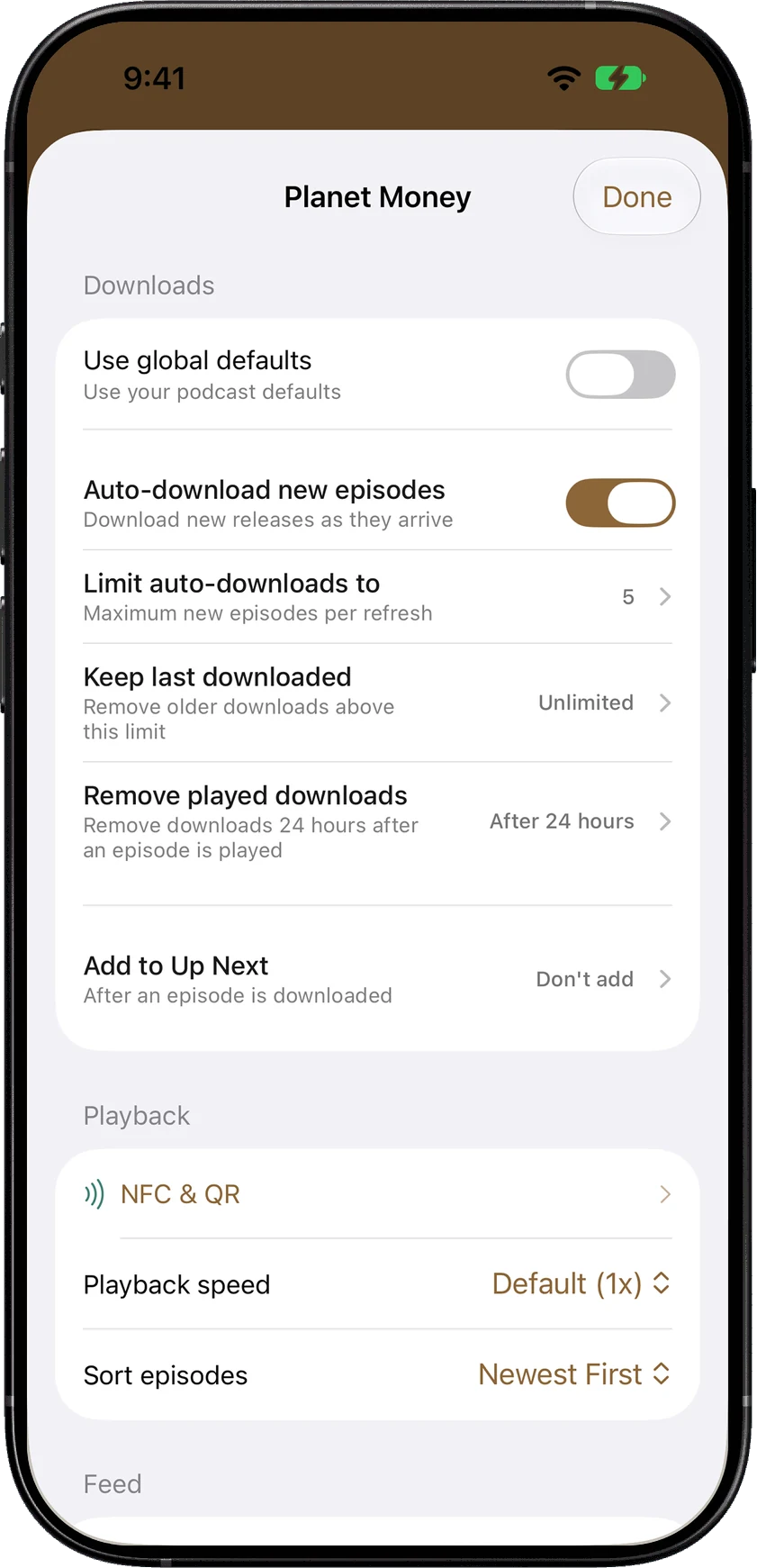
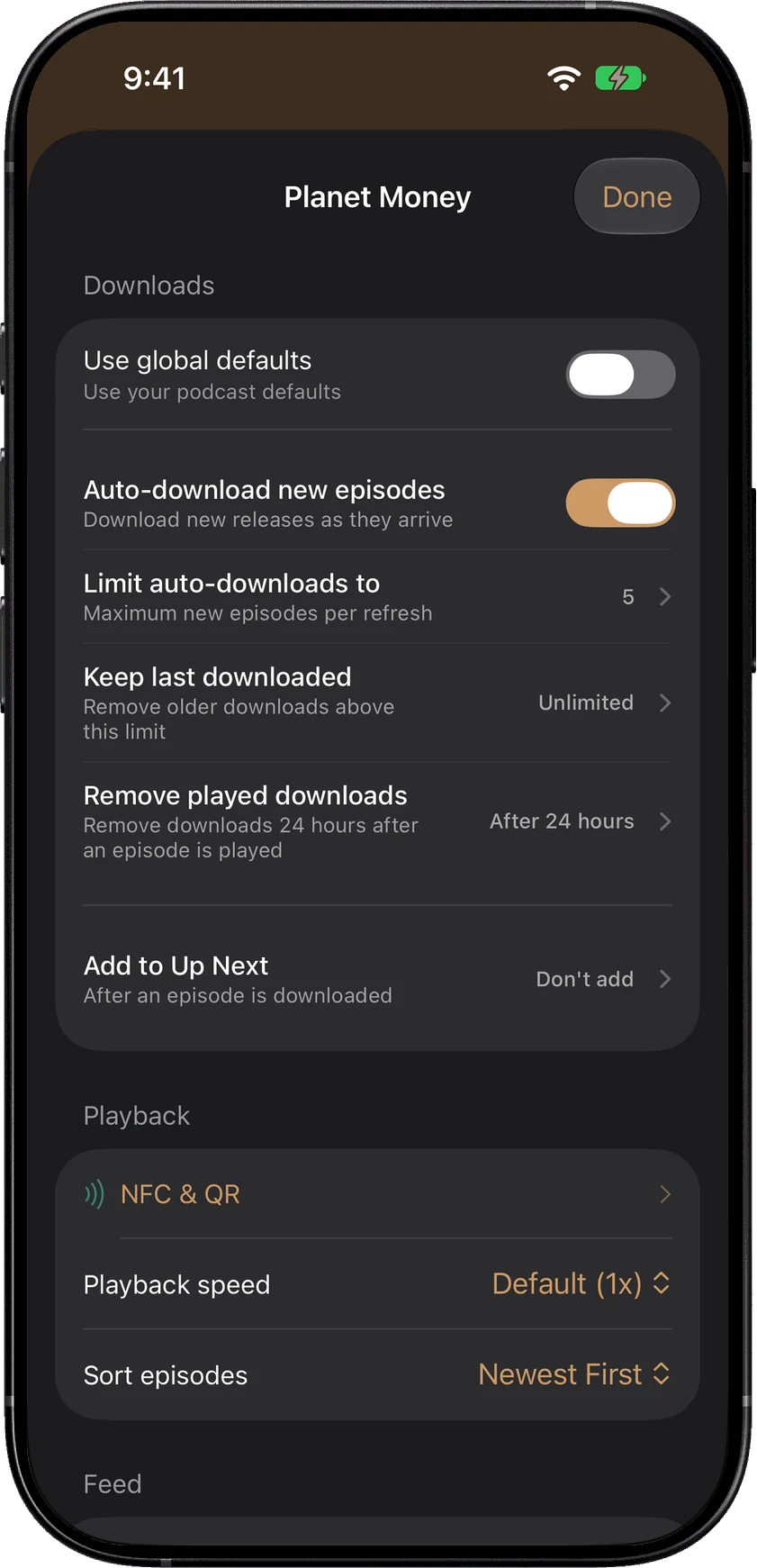
Auto-download, keep the last few episodes, Wi-Fi only, delete after played, sort order, and a playback speed for that show.
Reorder the queue
Reorder, auto-advance, and filters for Unplayed, In Progress, Played and Downloaded.
SoundLeafChapter VI · The player
VI
The player
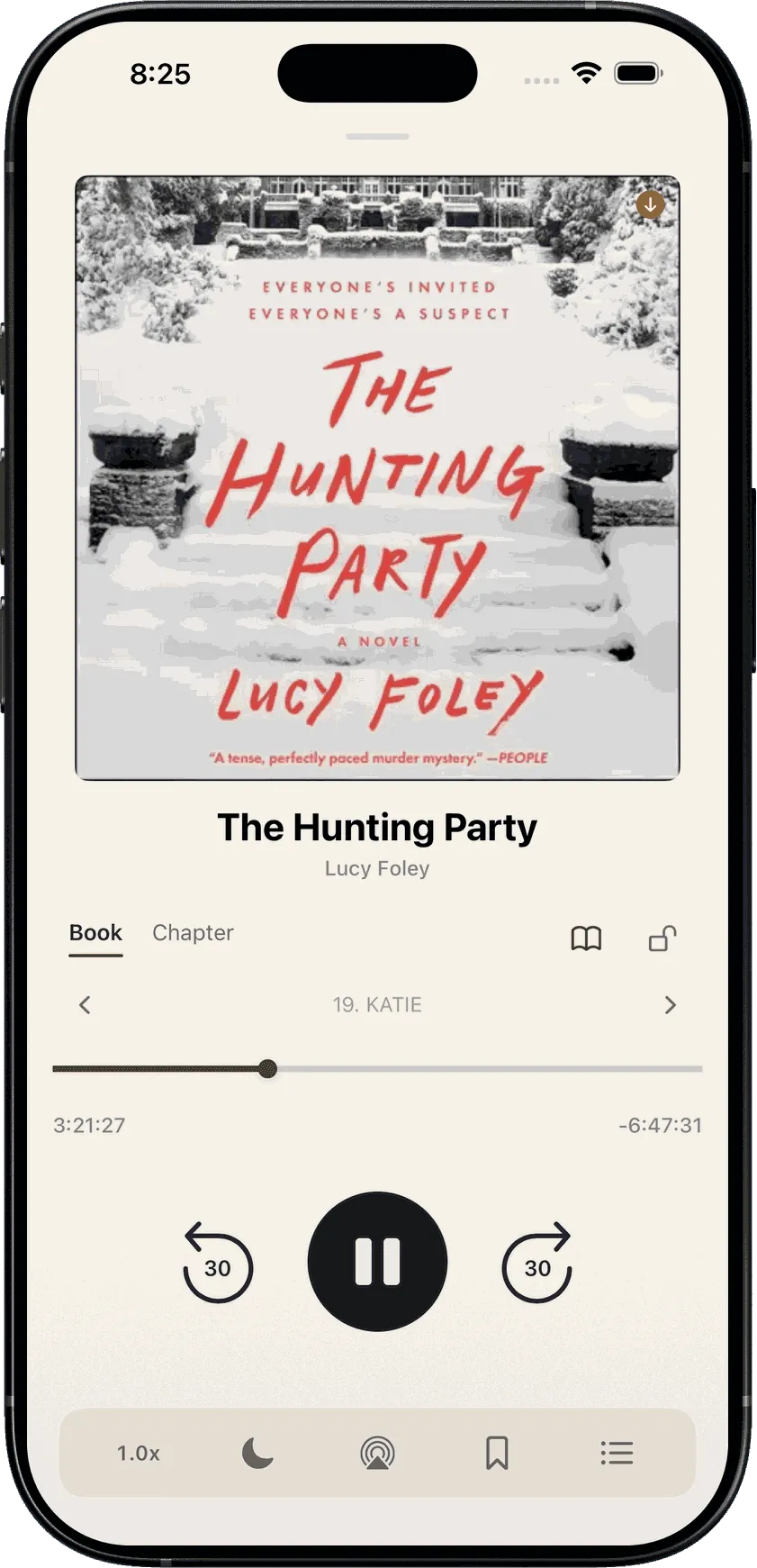
What the player does.
Night sleep timer
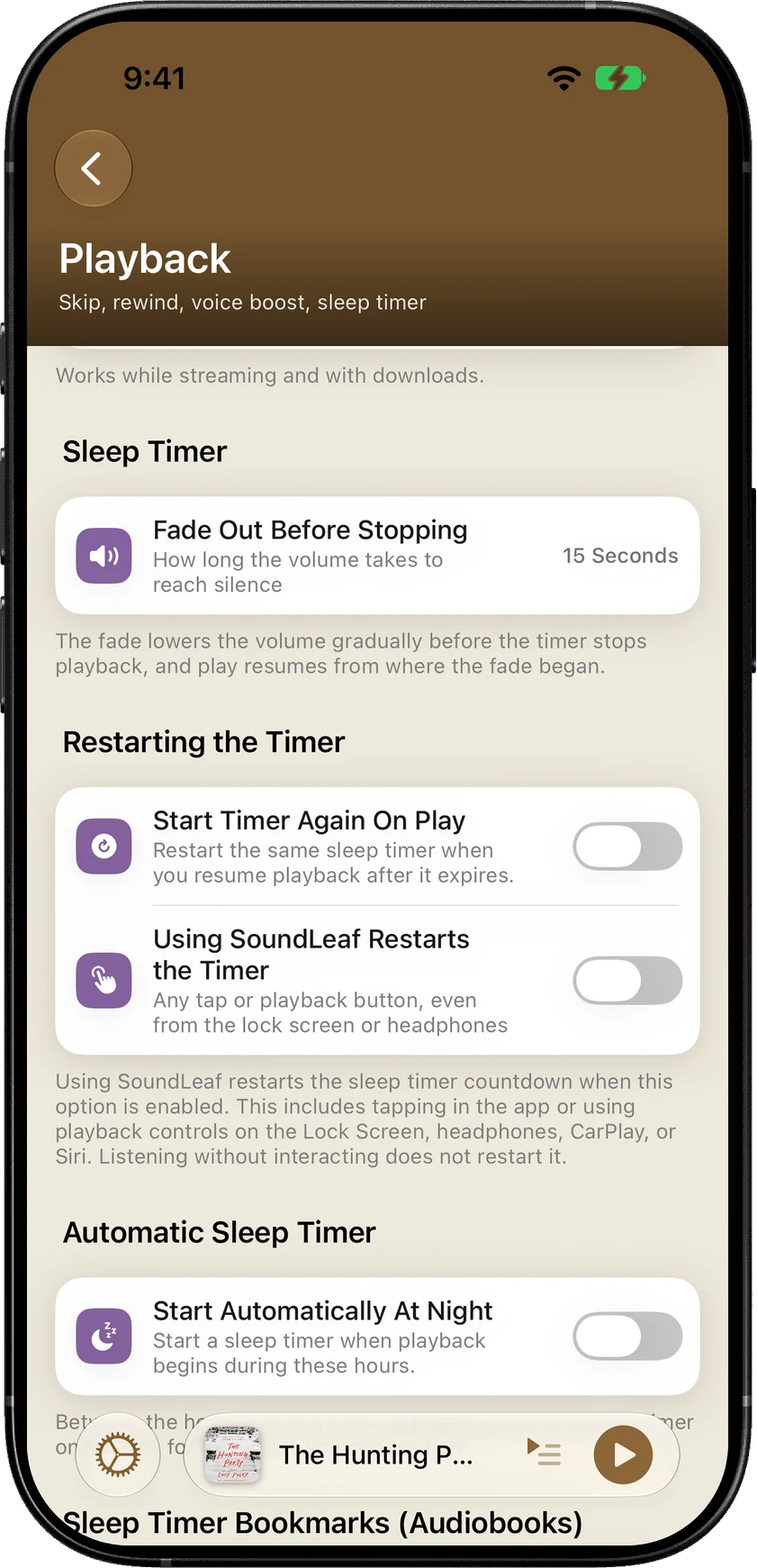
Starts itself in your night hours, fades out instead of cutting off, and can stop at the end of the chapter.
Auto rewind
Picks up a few seconds back after a pause, with your own numbers.
Voice boost
For quiet or muddy narration.
Up to 5x
And a separate speed for each podcast.
Bookmarks and chapters
Including from CarPlay, with 15 seconds to take a bookmark back.
Listening stats
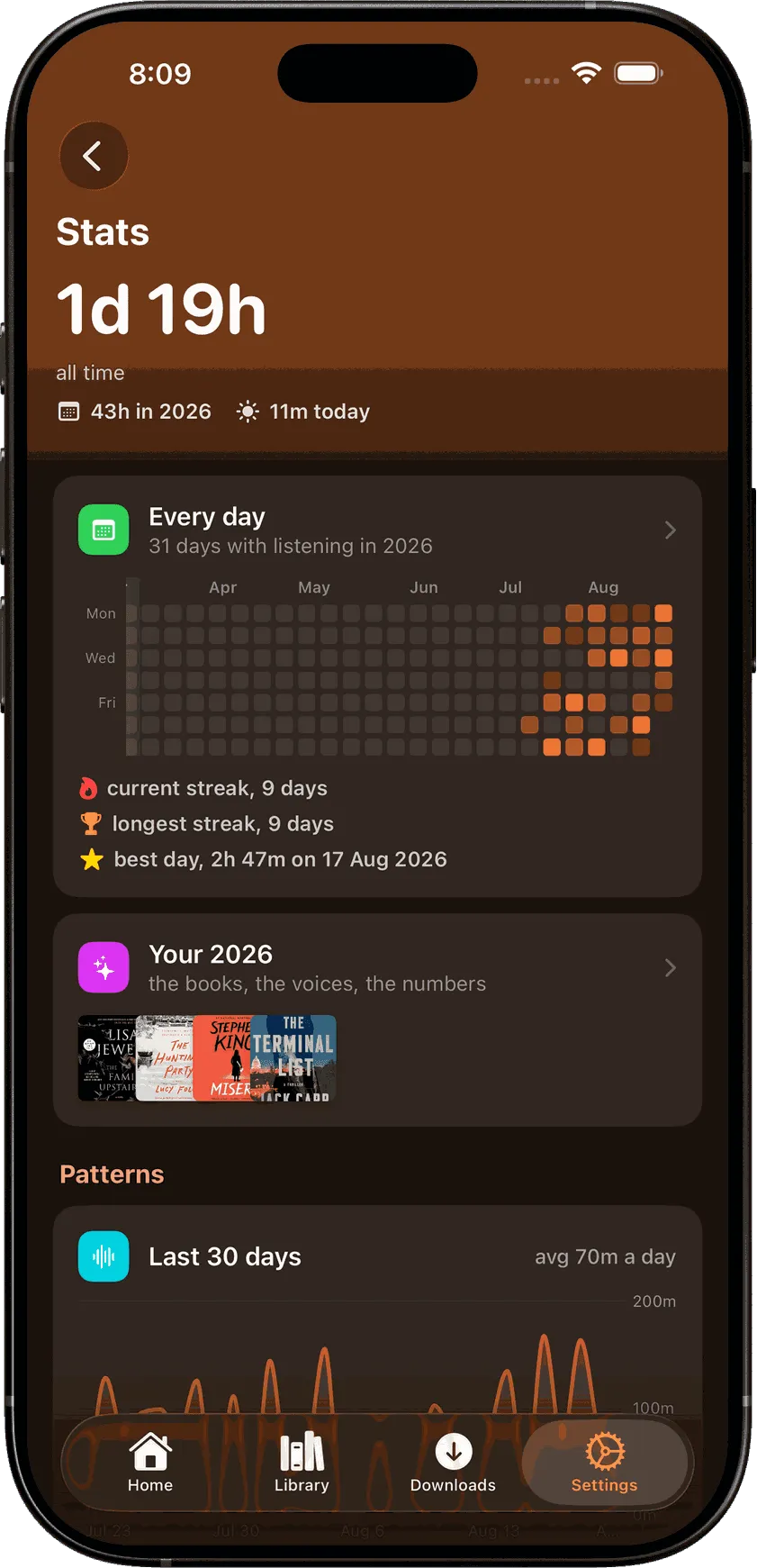
Time listened, streaks, and the week at a glance.
Night sleep timer
SoundLeafChapter VII · You asked, it shipped
Chapter VII
Features you asked for.
★★★★★
“When you pause, pressing play again should start a few seconds before where you stopped, so you can better follow the thread of where you left off.”
★★★★★
“Try and get new audiobooks that have been added to sync quicker- it's the remaining flaw imho.”
★★★★★
“I'm looking forward to being able to read epub publications in this app. … My only feedback is to implement a way to switch between libraries if one has multiple libraries.”
★★★★★
“My only wish is that you had widget support and I hope you'll add it in a future update.”
From the App Store
★★★★★
The best and most flexible app
This dev is the best! He added Calibre Web Automated integration days after I suggested it. I finally have a single client that can pull audiobooks from audiobookshelf and ebooks from Calibre Web Automated (audiobookshelf technically supports ebooks but not a proper replacement). And lastly to bring it all together syncing between ebooks and audiobooks is so awesome, I'm insanely impressed how spot on it is without needing multi-hour PC transcription like I previously needed with Storyteller.
Joe Bob Ace · United States · Sep 24, 2026 ★★★★★
A great native client for iOS
Good features, native playback on my iPhone and a fluid interface. Very nice!
Calle Högberg · Sweden · Sep 3, 2025 ★★★★★
Best AudioBook Experience
Don't hesitate. Works very well. Nice design. Well thought out. Support this dev and purchase.
Jon.pittock · United Kingdom · Sep 22, 2026 ★★★★★
Gorgeous and functional
Not only is this app beautifully designed, but it works excellently. The instant I typed in my local address it connected. That was very satisfying. I used it for less than five minutes before buying the full version. Thank you for having a fixed price and not a subscription. Smart download is a game changer for me.
Navin Ramkissoon · United States · Oct 3, 2025 ★★★★★
Useful audiobook app
The colour scheme and usability is well thought out. Privacy focused and able to easily connect to my audiobook collection. Great work!
gurenmkd · Canada · Feb 26, 2026 ★★★★★
Outstanding
Ok this app is definitely worth that 5 stars. Outstanding product! Keep up the good work and please don't ruin it!
Flashman001 · Finland · Aug 29, 2025
SoundLeafChapter VIII · Themes and customization
VIII
Themes and customization
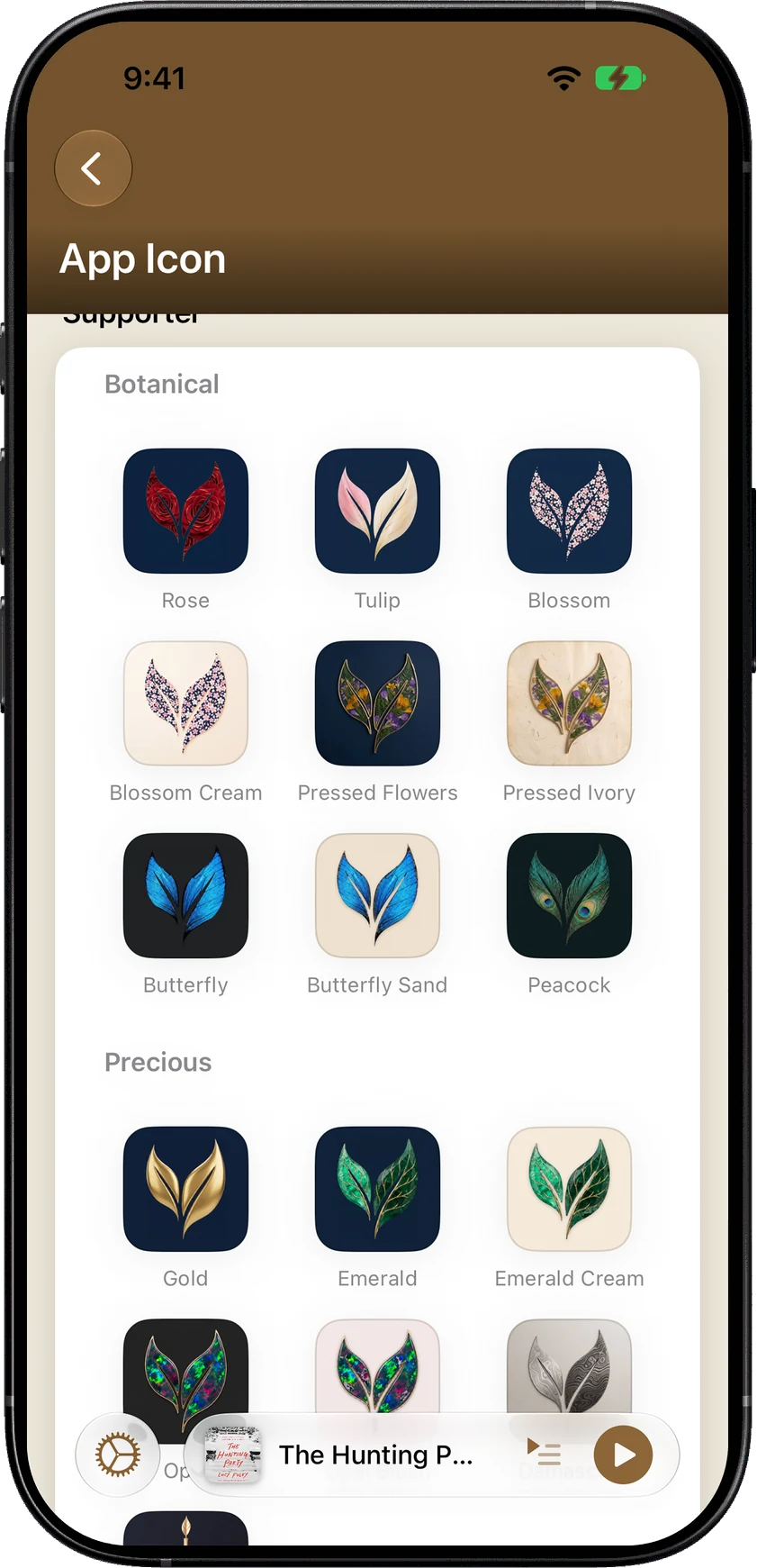
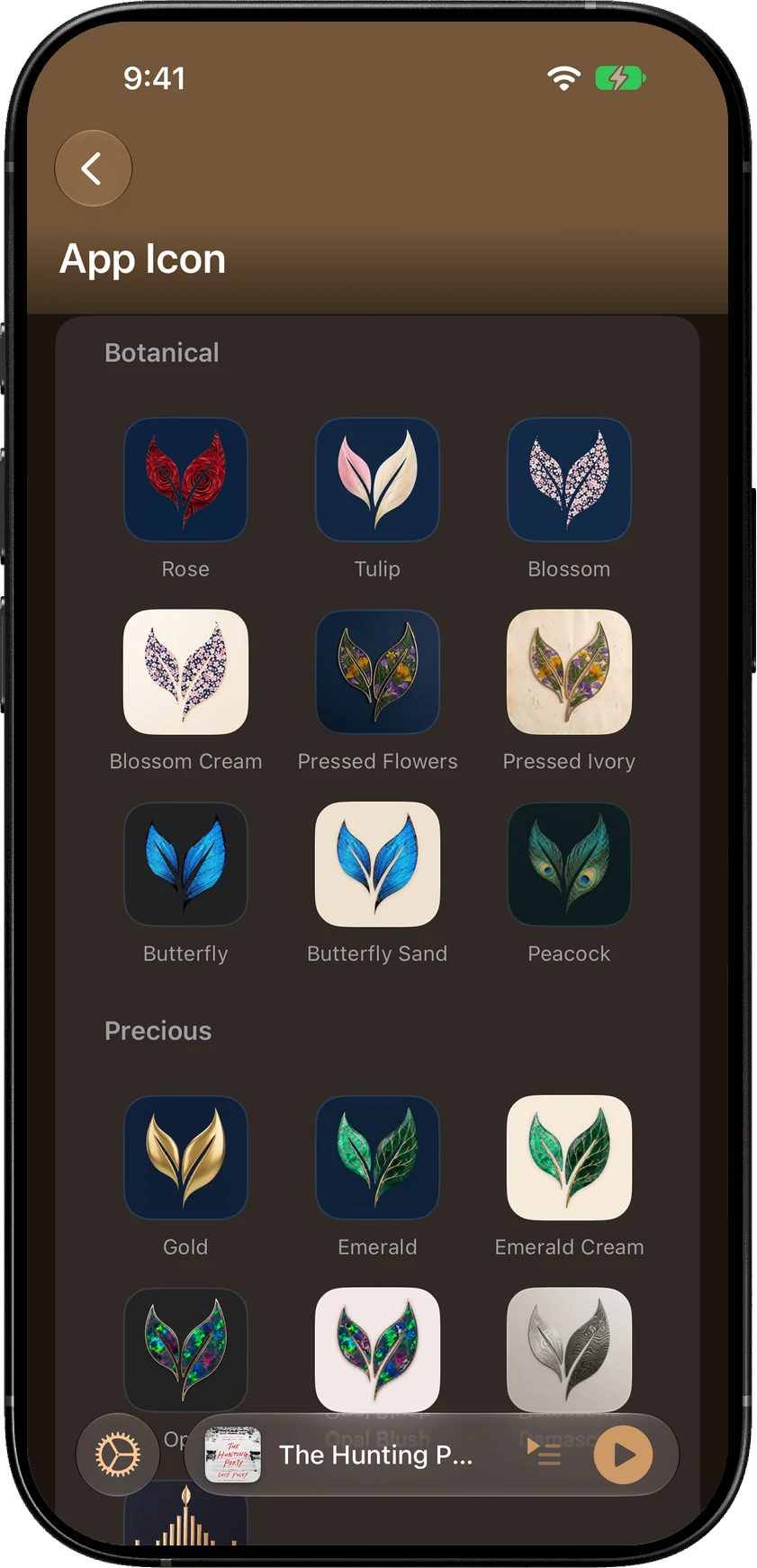
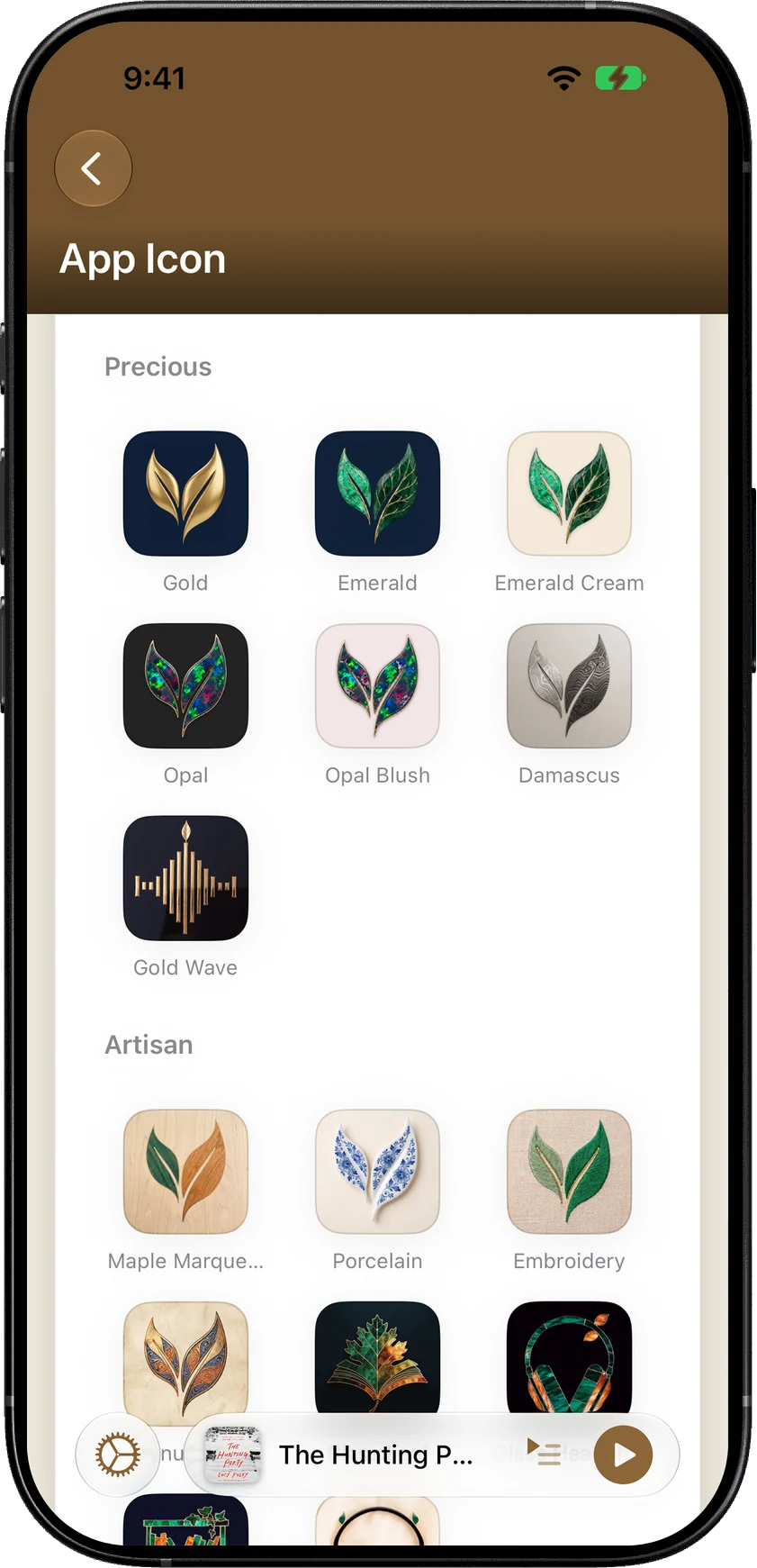
Choose a theme and app icon.
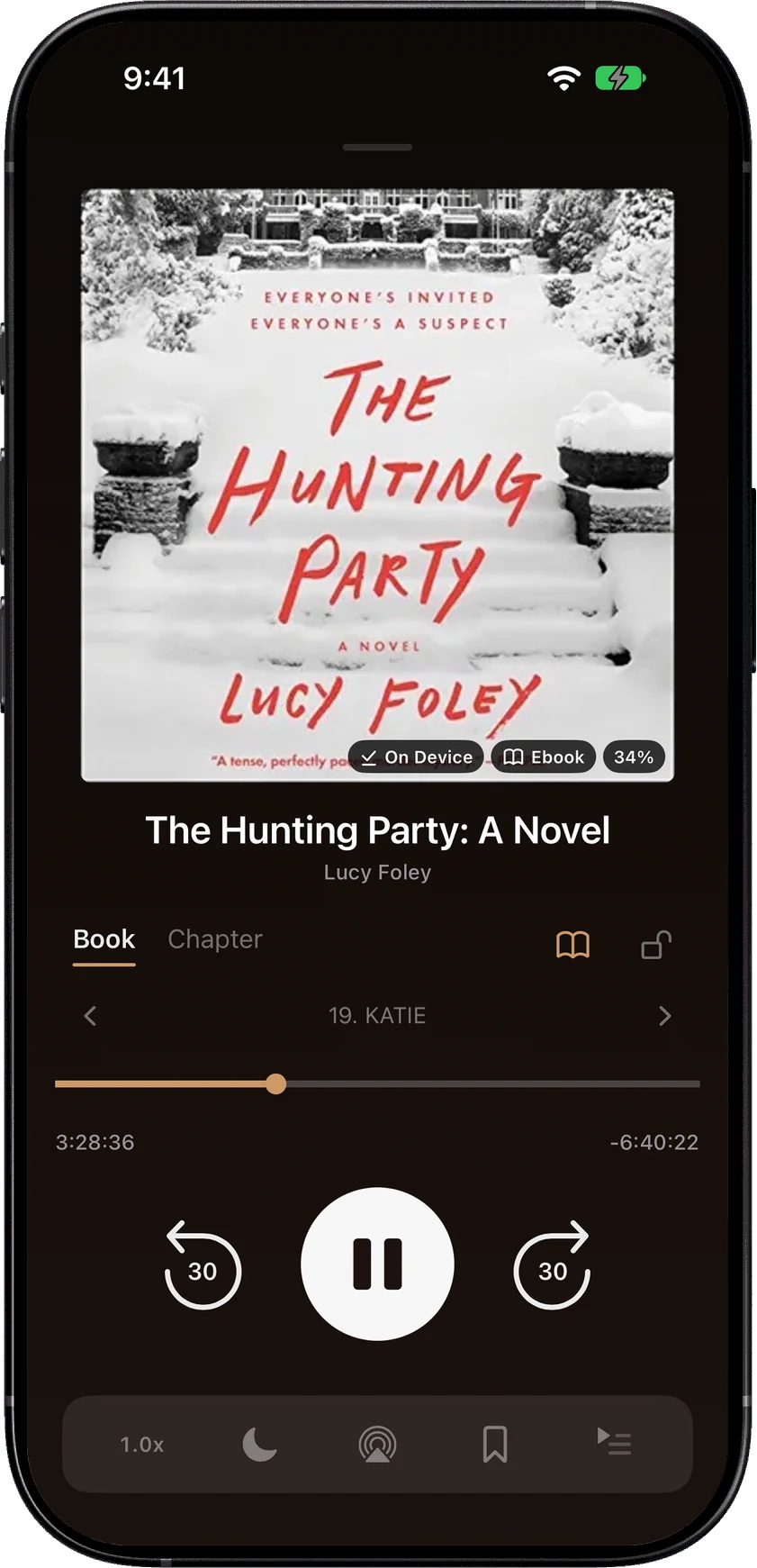
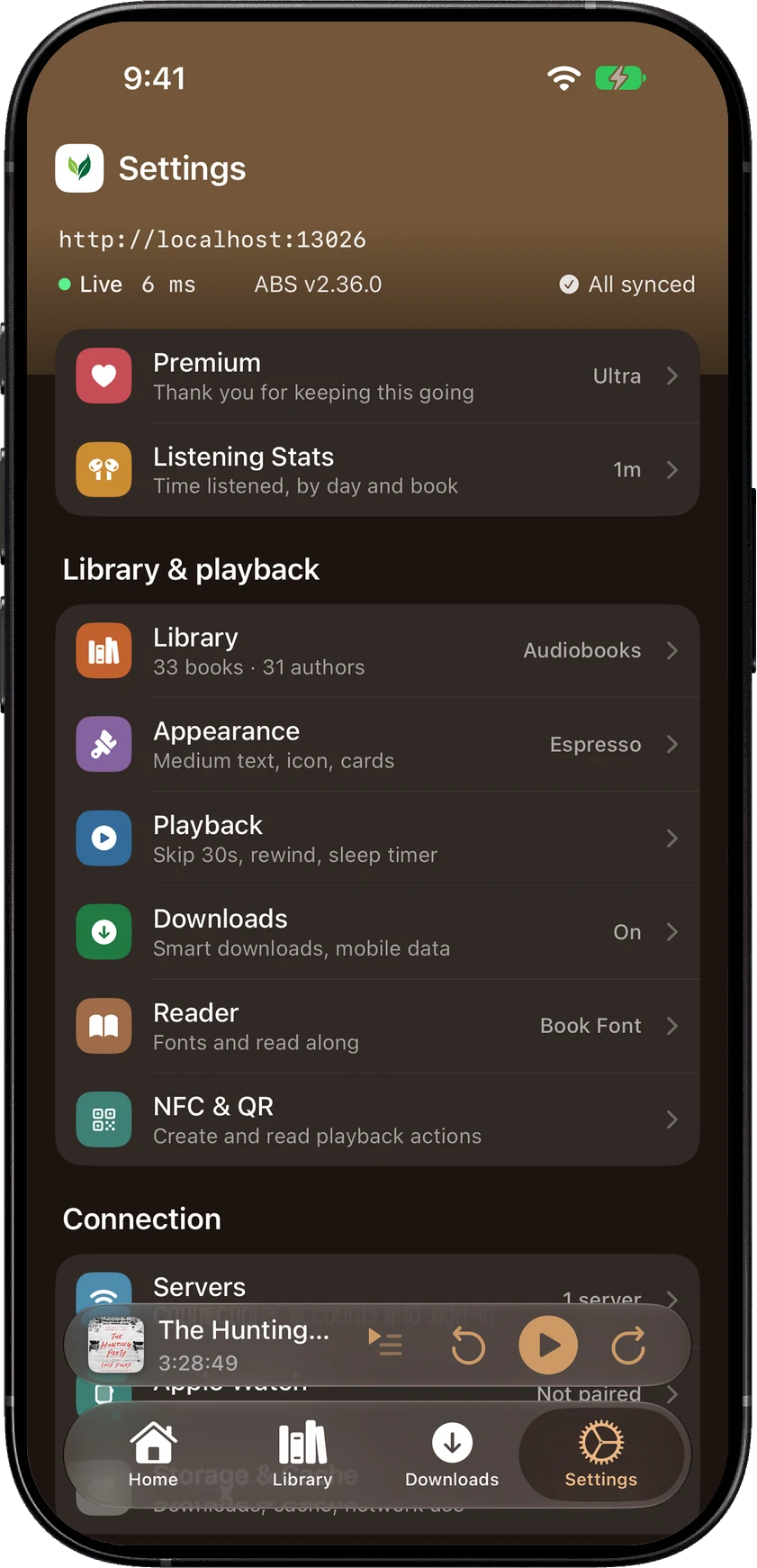
A theme colours the library, the player, settings and book details, while the reader keeps its own page colour. Text size reaches every screen.
ParchmentAged paper and sepia inkGoldGilt lettering on a spineEvergreenThe forest after sundownEmberThe last coals of the fireBurgundyLong evenings, old librariesLagoonStill water after dark
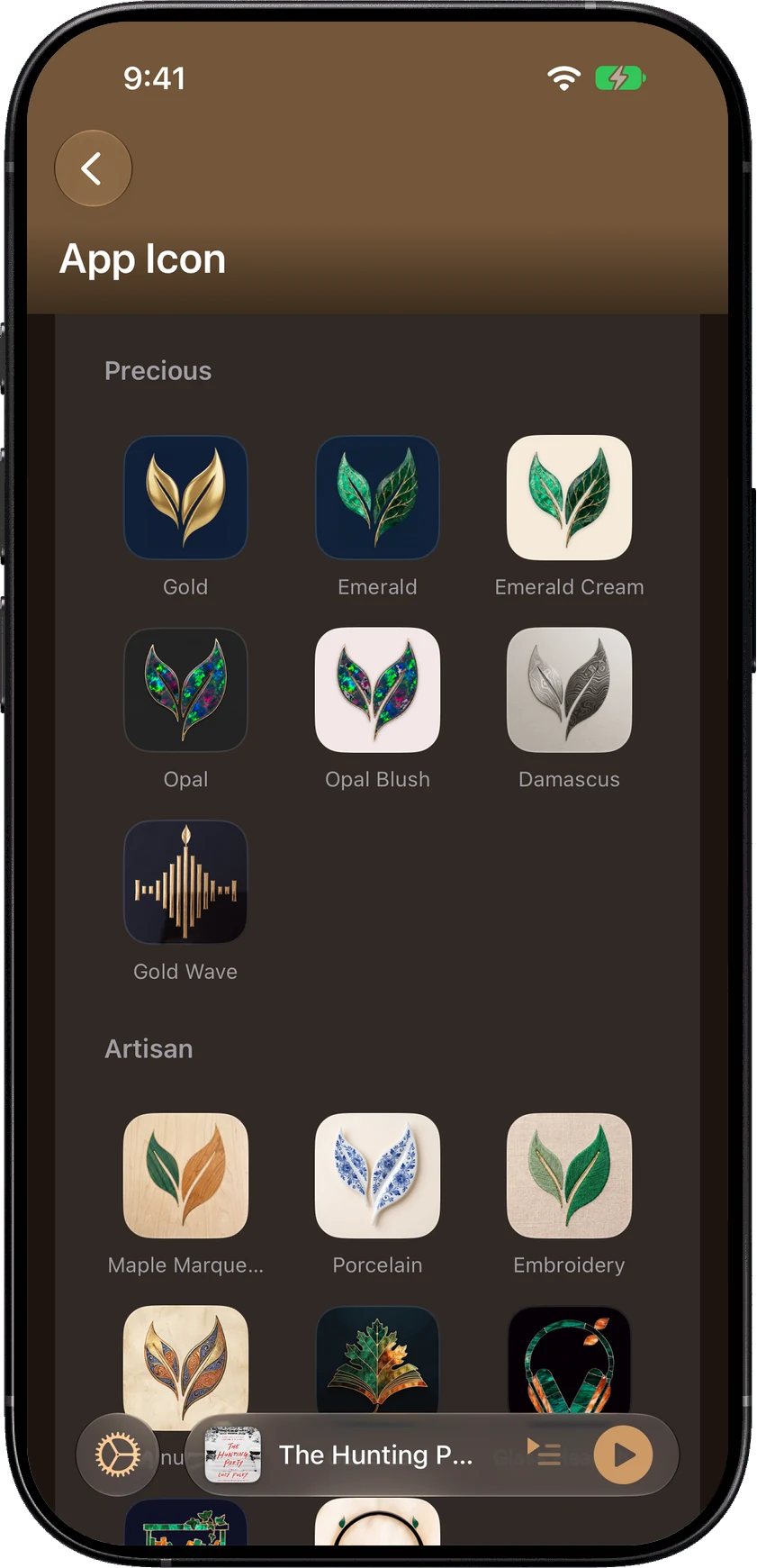
55 app icons, from pressed flowers and butterflies to gold, emerald and opal.
SoundLeafChapter IX · Pricing
IX
Pricing
Listening is free and will stay free.
Download it, connect your server, and use it. Paying adds themes and app icons; every playback feature is in the free app.
In 2025, my wife couldn't join the Audiobookshelf iOS beta because it was full. So I built her an app. A perfectly reasonable response to a waiting list, obviously.
That app became SoundLeaf. It's still one person building it, and the list of what comes next changes with what people ask for on GitHub.