
Which should you pick?
Pick AudioBooth if you want a free app with EPUB and PDF reading, or want the next books in a series downloaded for you. Pick SoundLeaf if you want to browse your whole library with the server off, or set download and cleanup rules for each podcast.
Both apps connect to your existing Audiobookshelf server, both handle several servers and accounts, and both have CarPlay. You can try the same book in each without moving anything.
Does AudioBooth have Read Along?
Yes. AudioBooth 1.12, released on the App Store on September 26, 2026, added Read Along: the narrated sentence is highlighted in the ebook and the pages turn by themselves. It needs iOS 26, and the speech work happens on the phone. The same update added Catch Up, which offers to move the audio forward when you’ve read ahead in the ebook. Catch Up needs the audiobook and ebook downloaded. Page Match, also new, finds your place in the audiobook from a photo of a printed page. AudioBooth also opens PDFs, which is handy for books that come with maps or a booklet.
SoundLeaf’s Read Along highlights the words as the narrator says them and turns the page for you. Play from this page goes the other way and starts the audio from where you’re reading. The reader has its own font, spacing and page colors, separate from the app’s theme. SoundLeaf only opens EPUB files, and Read Along needs the audio and the EPUB both downloaded. See Read Along in SoundLeaf.
In both apps the ebook needs to match the recording. A different edition or an abridged recording can throw the matching off.
How do the libraries look?
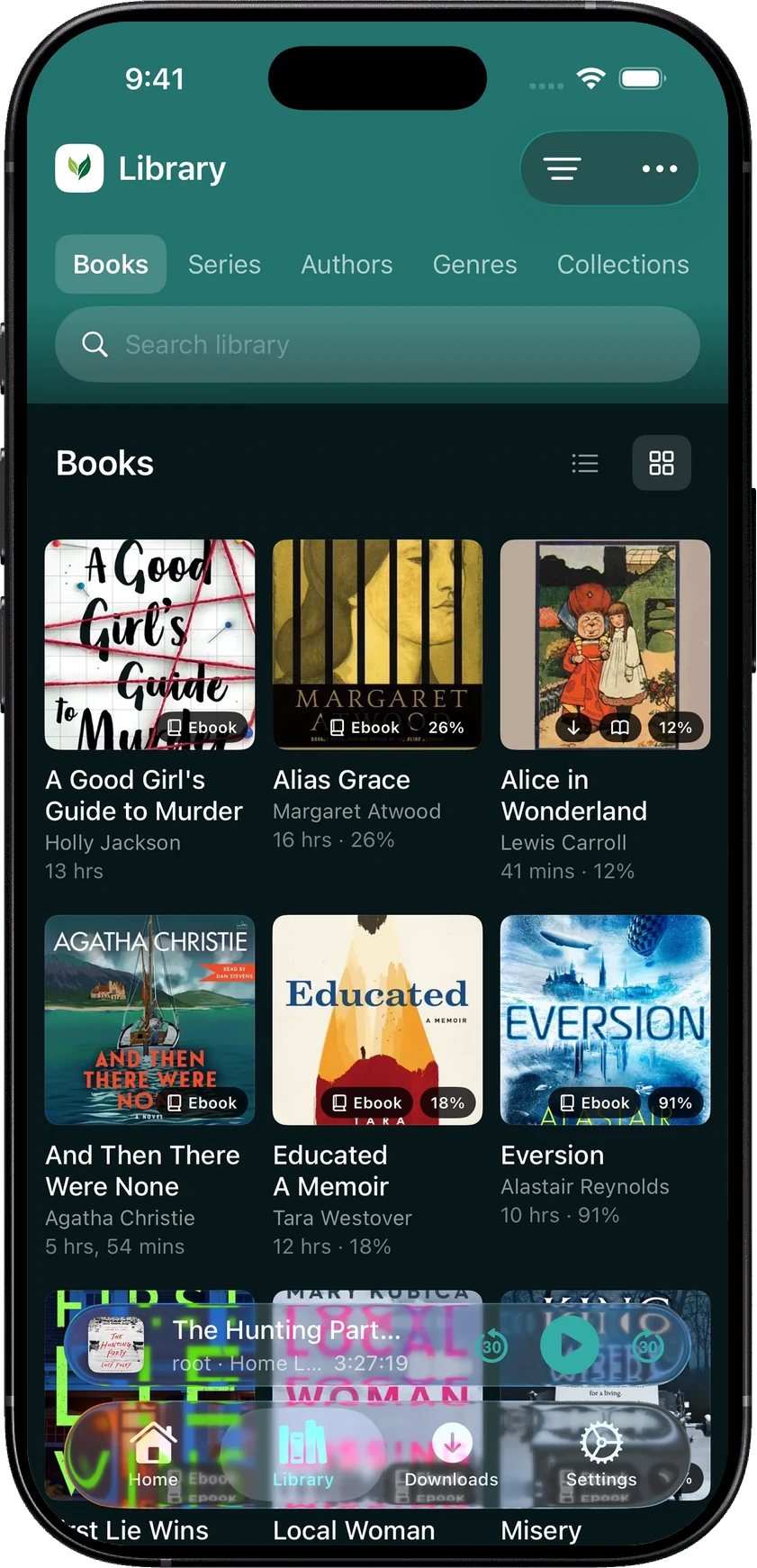
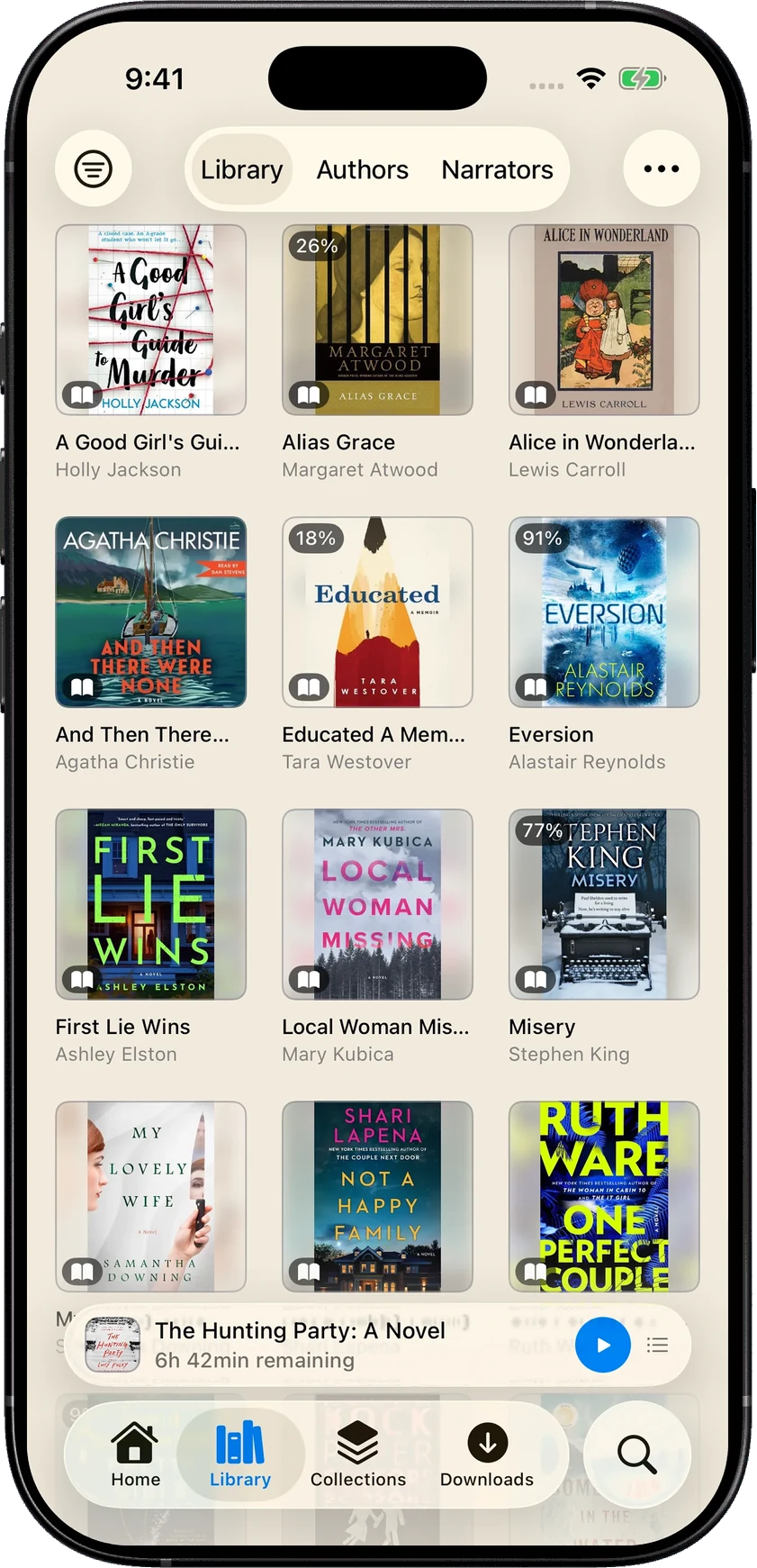
The screenshots below show the same books in both apps. In them, AudioBooth fits more covers on the screen, puts your progress on the artwork, and keeps authors and narrators a tap away. That’s useful when you want to scan a lot of books quickly.
SoundLeaf leaves more room around each book. The title, author and length sit under the cover, and the Library has its own place for Books, Series, Authors, Genres, Collections and Playlists. If you remember the author but not the title, those routes help. See browsing your library.
SoundLeaf also keeps your library’s details on the phone. Once it has synced, you can browse your books, series and authors when the server is off, and downloaded books keep playing. See listening offline.
Which app downloads books for you?
AudioBooth’s Keep next items offline (added in 1.11) downloads what comes next in series and podcasts you’ve started. A pinned playlist can download its unfinished books and remove the finished ones. That suits someone working steadily through a series.
Turn on Smart Downloads, and SoundLeaf waits until you’ve listened to a book for a time you choose, then downloads it. That suits someone who tries the opening of a few books before picking one. Manual downloads and Smart Downloads are both free in SoundLeaf.
How do they handle podcasts?
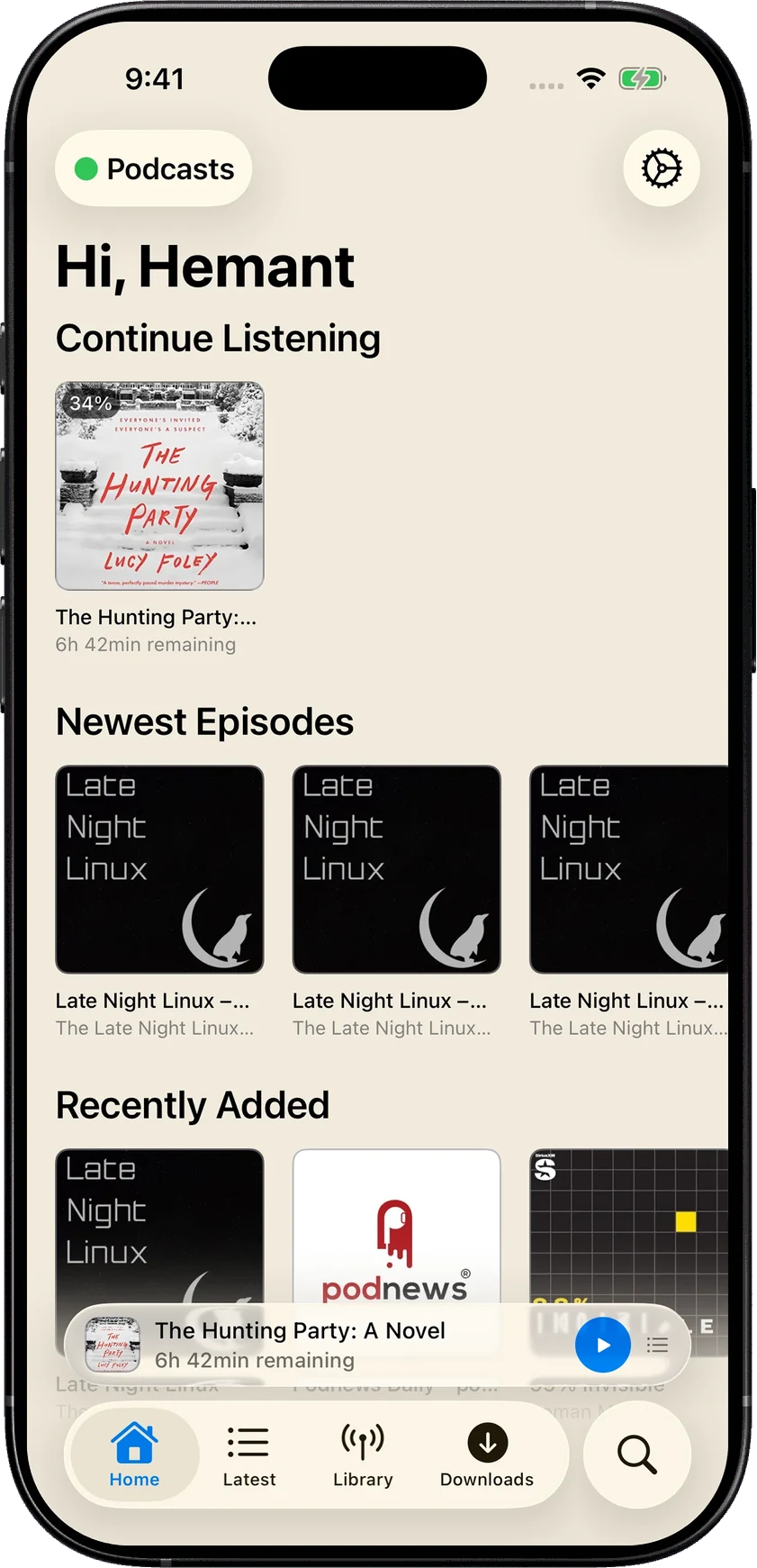
AudioBooth has a podcast home that keeps your current audiobook in view next to your shows. Since 1.11, each podcast can add new episodes to the queue by itself, and download them too if you turn that on.
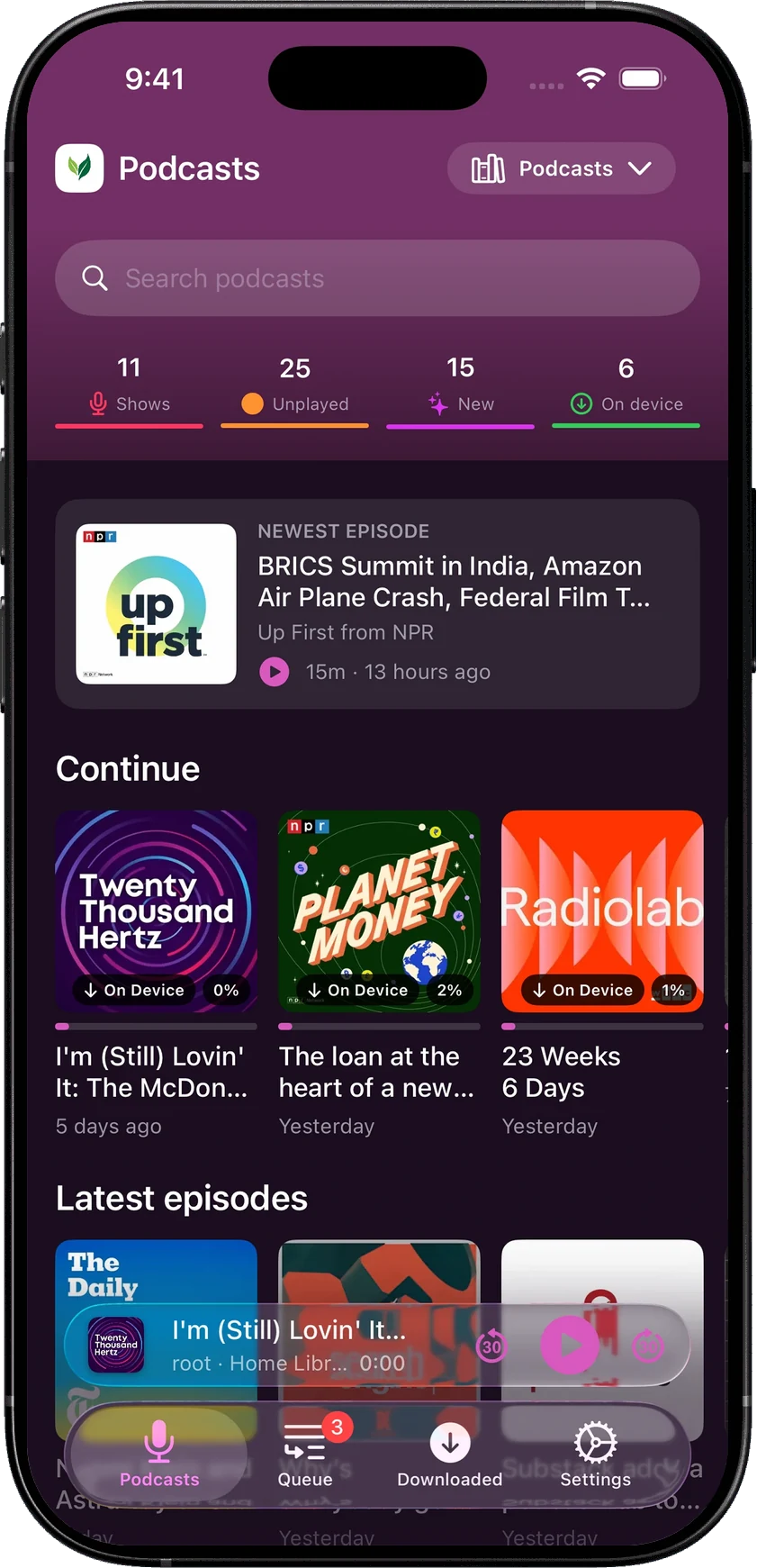
SoundLeaf gives each show its own settings, for free. You choose how many new episodes to download, how many to keep and when to remove played ones. You also choose where new downloads go in Up Next, the playback speed and the episode order. A daily news show and a long serial can each work the way that suits them. When a show publishes a transcript, SoundLeaf shows it with the episode. See podcasts in SoundLeaf.
How do the players and sleep timers compare?
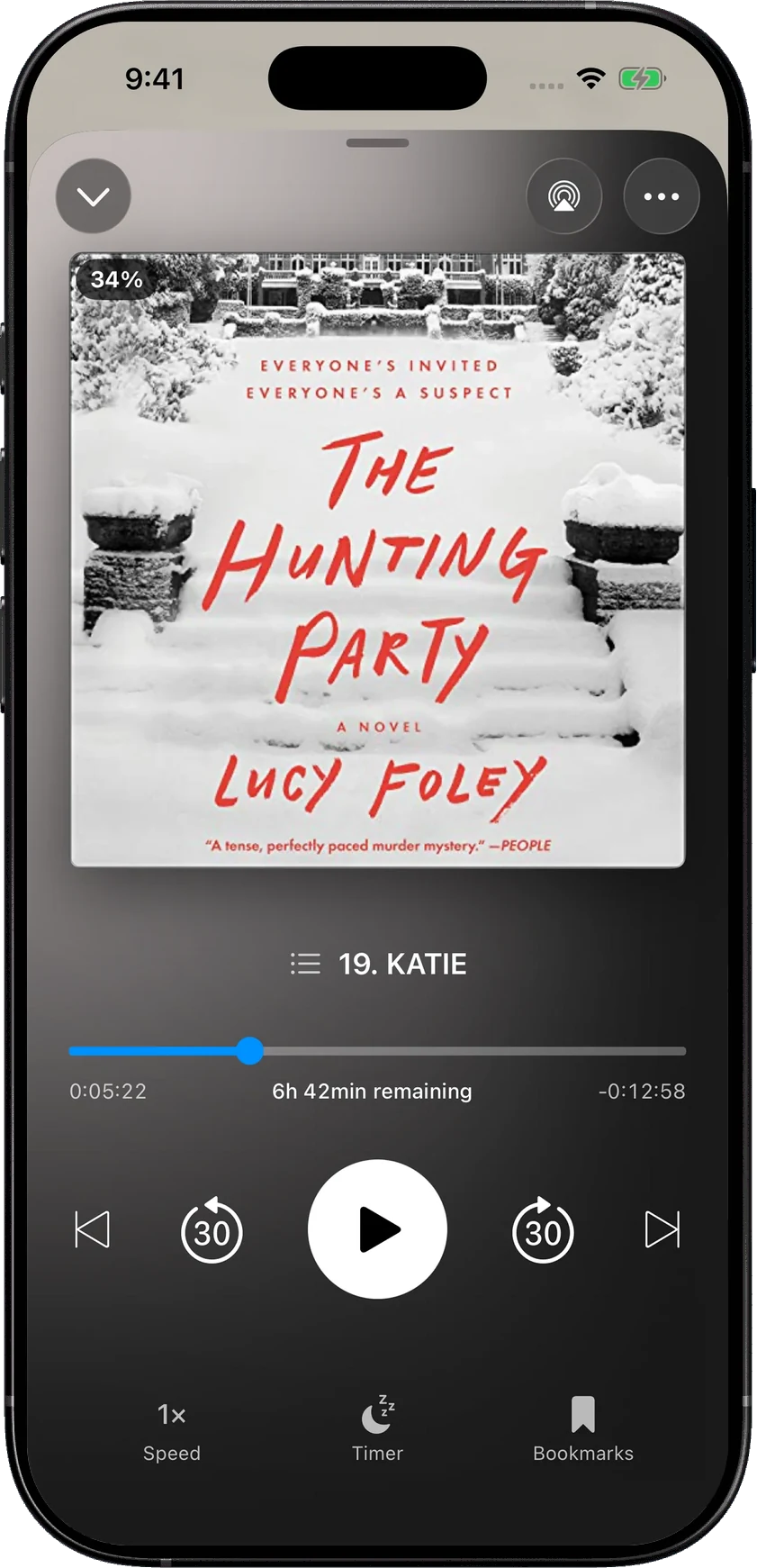
AudioBooth’s player puts a large cover above the chapter position and the main controls. Its listing mentions a sleep timer with fade out, and 1.12 lets an iPhone Focus mode, such as Sleep, start its automatic sleep timer. It also has an equalizer.
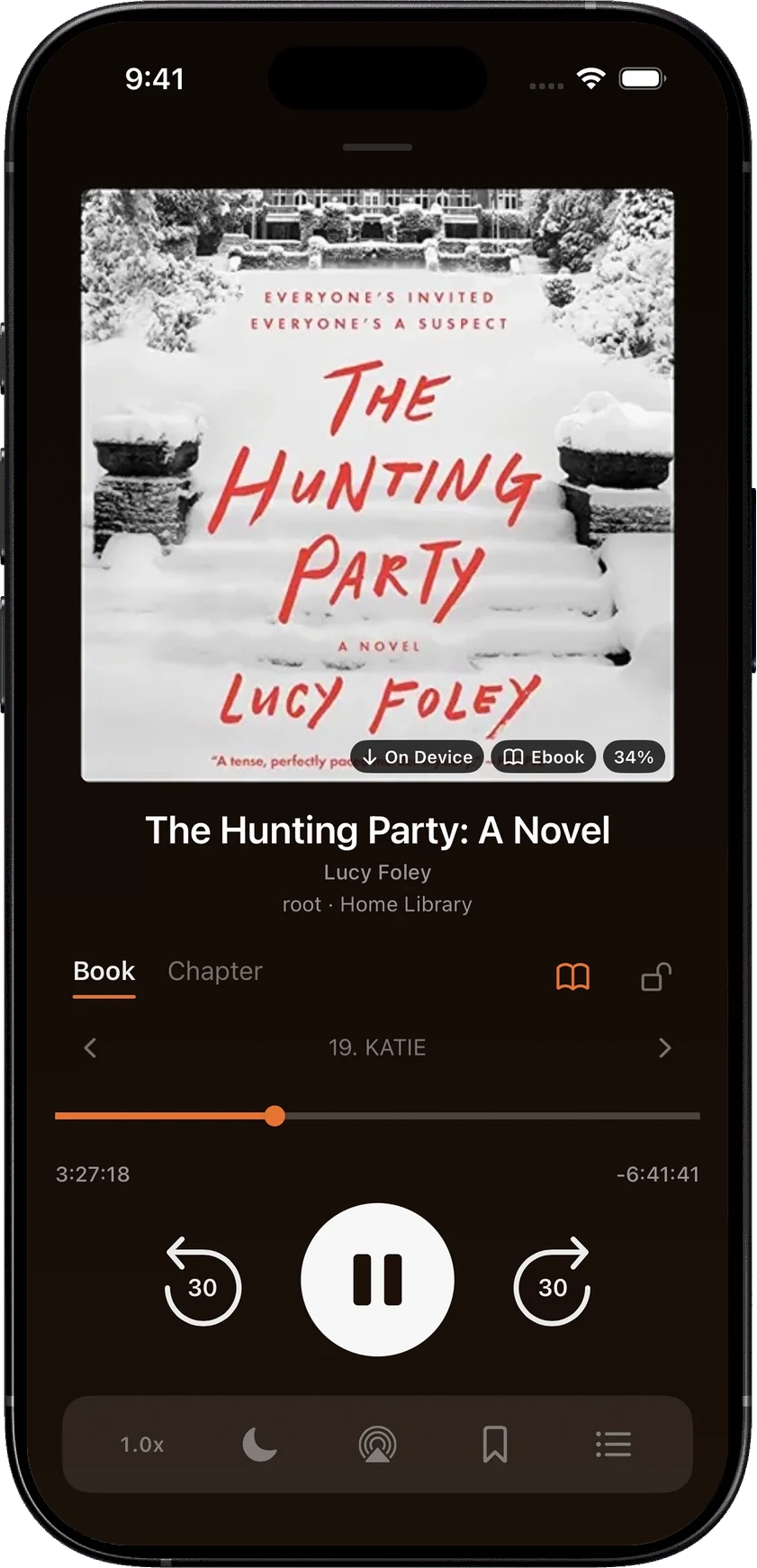
SoundLeaf keeps book and chapter progress together, with the reader, bookmarks and queue close by, and your theme carries into the player. Its sleep timer can fade out, start by itself during the night hours you choose, and leave a bookmark where it started and where it stopped. See the sleep timer.
Can I listen on Apple Watch without my phone?
In SoundLeaf, yes. Its Apple Watch app downloads books and podcast episodes to the watch and plays them with the phone left at home. See SoundLeaf on Apple Watch.
AudioBooth’s App Store listing says its Apple Watch app controls playback from your wrist, and its changelog mentions a player on the watch itself. We couldn’t confirm whether the App Store version plays downloads with no phone nearby, so we’ve left that comparison out.
How much do AudioBooth and SoundLeaf cost?
Prices here are from the US App Store on October 18, 2026. AudioBooth is free. Its in-app purchases are tips from US$2.99 to US$9.99 and a Supporter option. We couldn’t confirm whether Supporter is a one-time or repeating payment.
SoundLeaf is free to use, with downloads, Read Along, podcast settings and the Apple Watch app included. Pro is a one-time US$9.99 purchase that adds themes and app icons, and Supporter is an optional way to help, with its own themes and icons. Free, Pro and Supporter lists what each one adds.
AudioBooth’s code is public on GitHub. SoundLeaf’s isn’t.
Switching between AudioBooth and SoundLeaf
Your listening progress lives on your Audiobookshelf server. Sign in to the same Audiobookshelf account in both apps, and let the app you’re leaving finish syncing first. Downloads and app settings stay in each app, so you’ll download books again in the new one.