
SoundLeaf 2.2: Read Along, Podcast Transcripts, and a New Look
Read Along follows your audiobook word by word. A look back at SoundLeaf 2.2, with podcast transcripts, free downloads, a smarter sleep timer and more Watch controls.
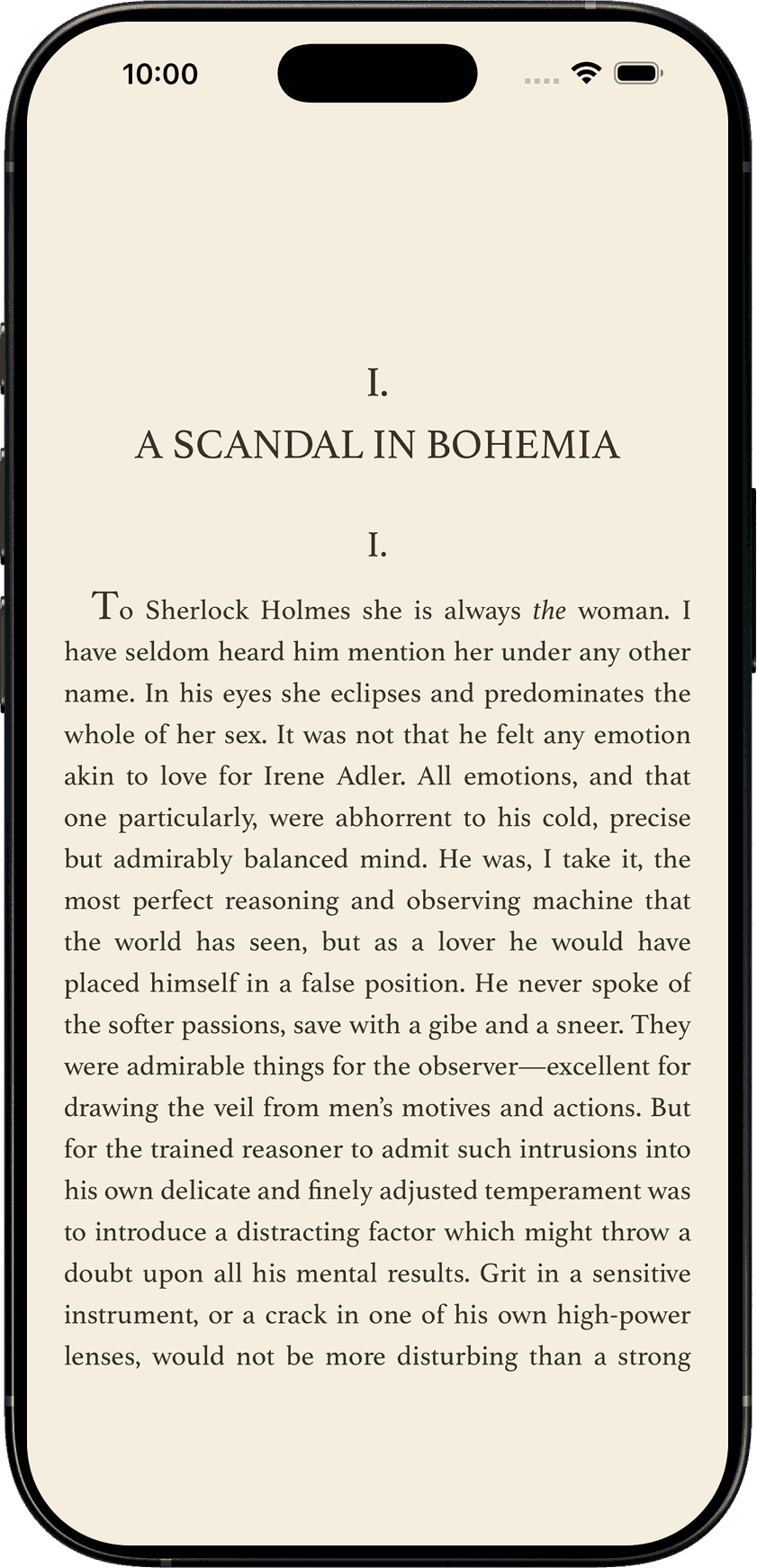
SoundLeaf 2.2: read along with your audiobook
The ebook reader in 2.1 could find the page your narrator was on. In 2.2, it follows the words as they’re spoken and turns the pages for you.
I updated the website when this release shipped in August, but never gave it a proper post. There was quite a bit more in it than the reader: podcast transcripts, a redrawn player, a sleep timer that fades out, and downloads made free for everyone. Here’s the catch-up.
Read Along
Open a book with both audio and a matching EPUB, download it, and prepare Read Along from the book’s Read Along tab. Once the section you’re listening to is ready, the reader highlights each word as the narrator says it. At the bottom of a page, it moves to the next one.
You can choose how the highlight looks in the reader’s Appearance settings: glow, underline, word ink or fade, with your own colour. An underline can be easier to read than a bright wash across a whole line, especially on a dark page.
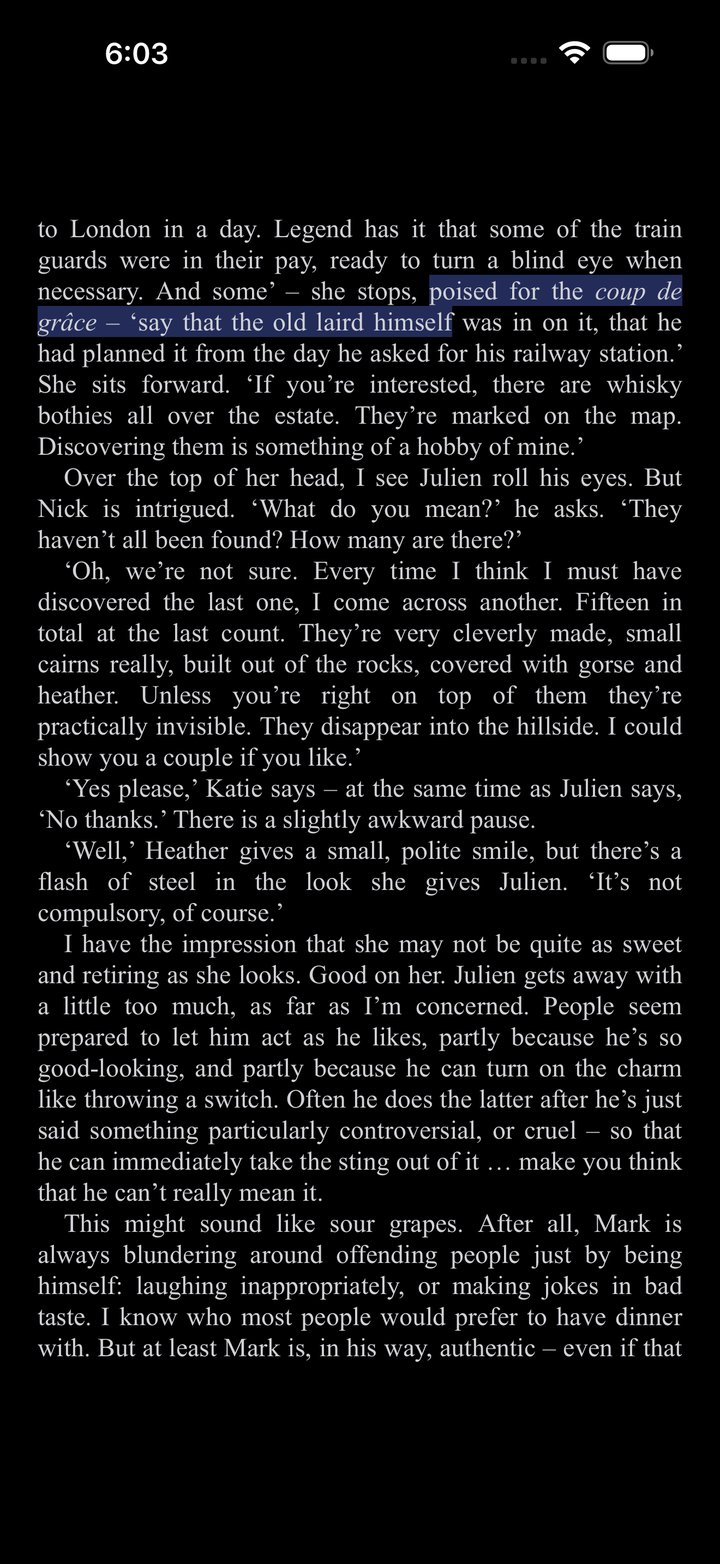
The phone prepares the alignment on device, a few minutes ahead of playback. You don’t have to process a whole ten-hour book before starting. With the audio and ebook downloaded and the relevant section prepared, it works offline too. The Read Along tab shows how much is ready; background preparation has its own controls under Settings > Reader.
The matching EPUB matters. An abridged recording and an unabridged ebook can wander apart, and a different edition can leave words that have no match. If the highlight loses its place, you can still read normally. The reader guide covers the current controls.
Podcast transcripts
When a podcast publishes a transcript, SoundLeaf can show it alongside the audio. The player follows the current passage, and you can open the full transcript to read more or tap a line to jump to it.
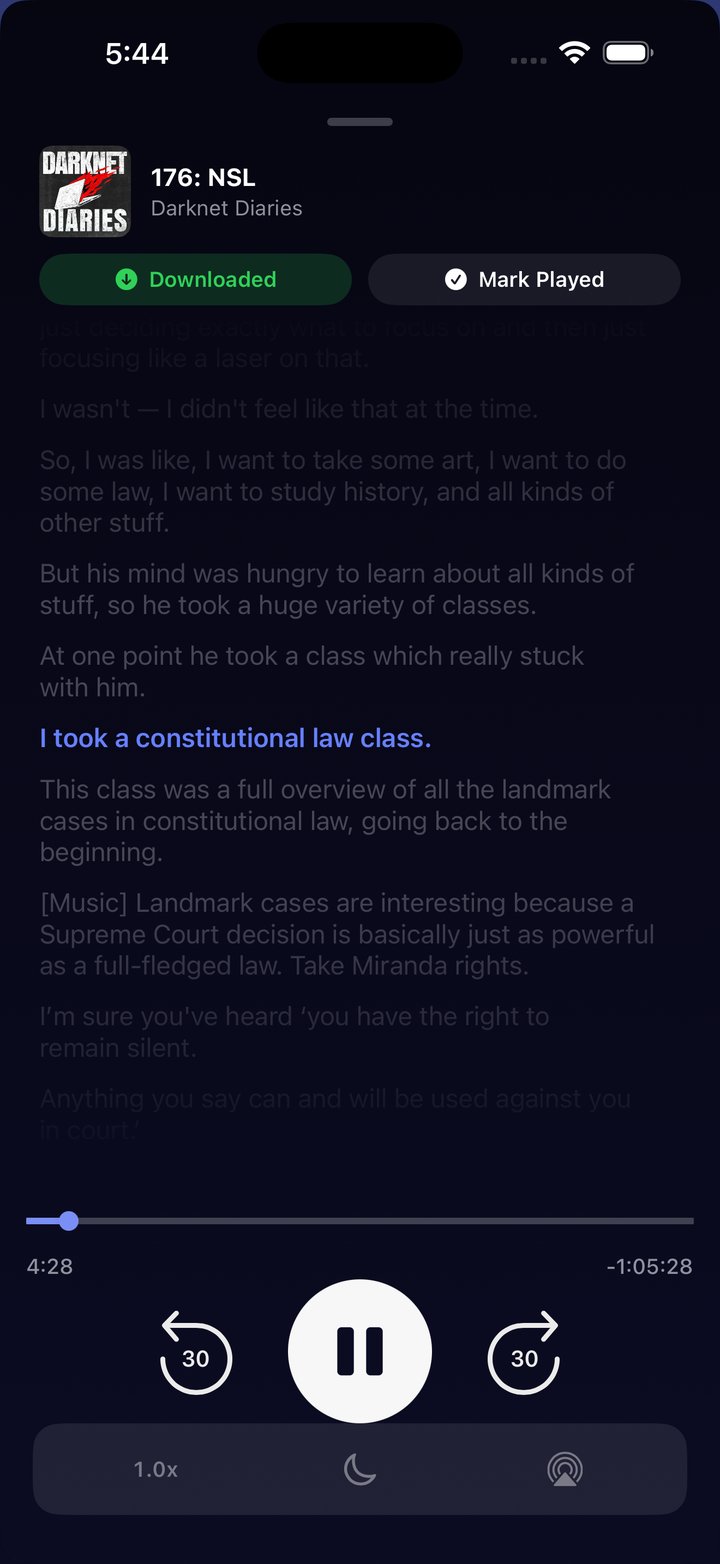
Episodes with a transcript keep it available offline with the episode, and bookmarks let you save a moment you want to come back to.
Podcast browsing changed too. Each show’s episode list is stored on the phone, so opening a show away from your server still gives you something useful to browse. Download the episodes you want to hear before leaving; having the list cached doesn’t download all its audio.
Redesigned player and landscape support
The player, Settings, listening stats and podcast screens all got a redraw. The app also gained support for holding the phone sideways, which makes a noticeable difference in the reader and on larger screens.
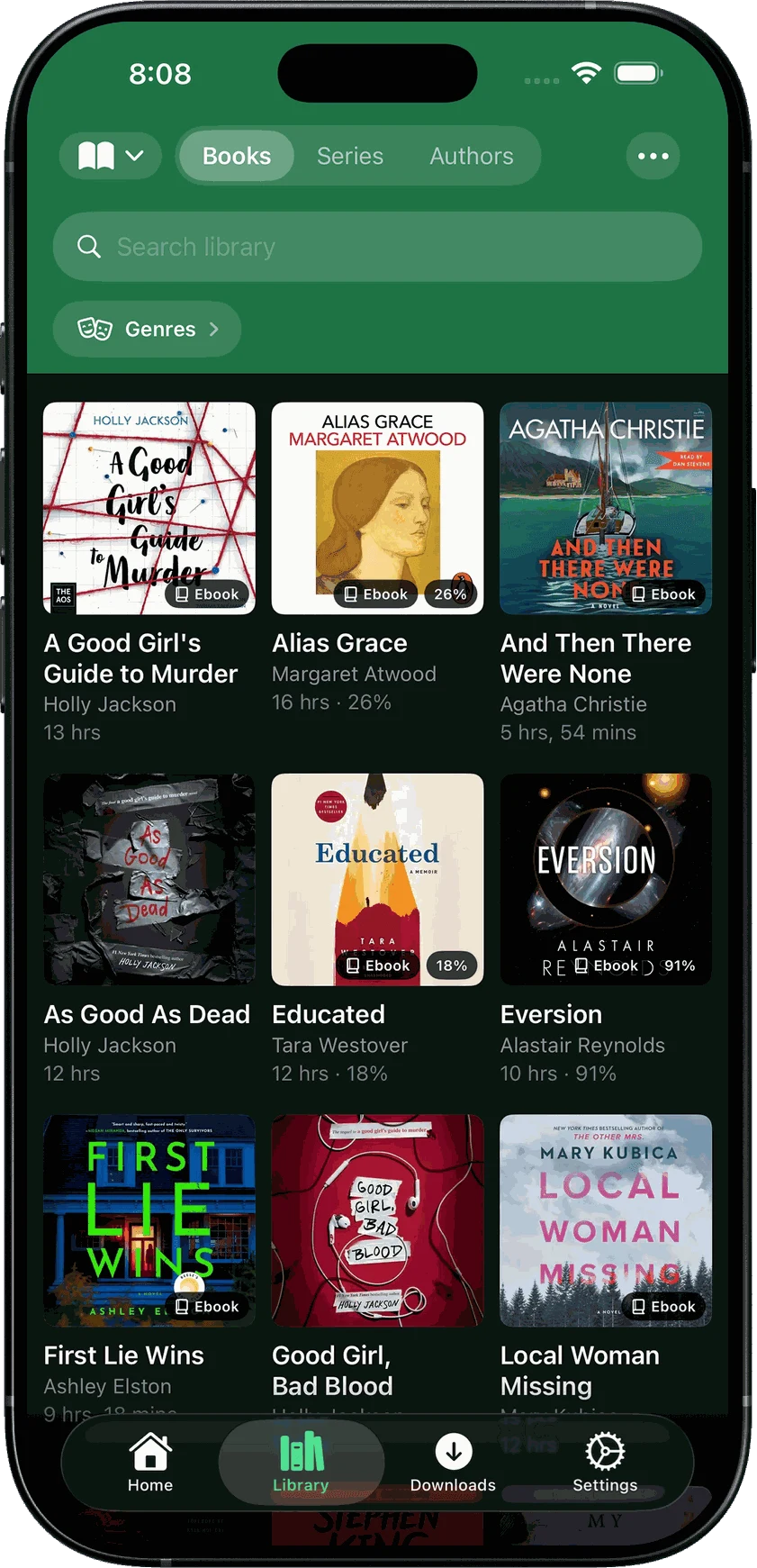
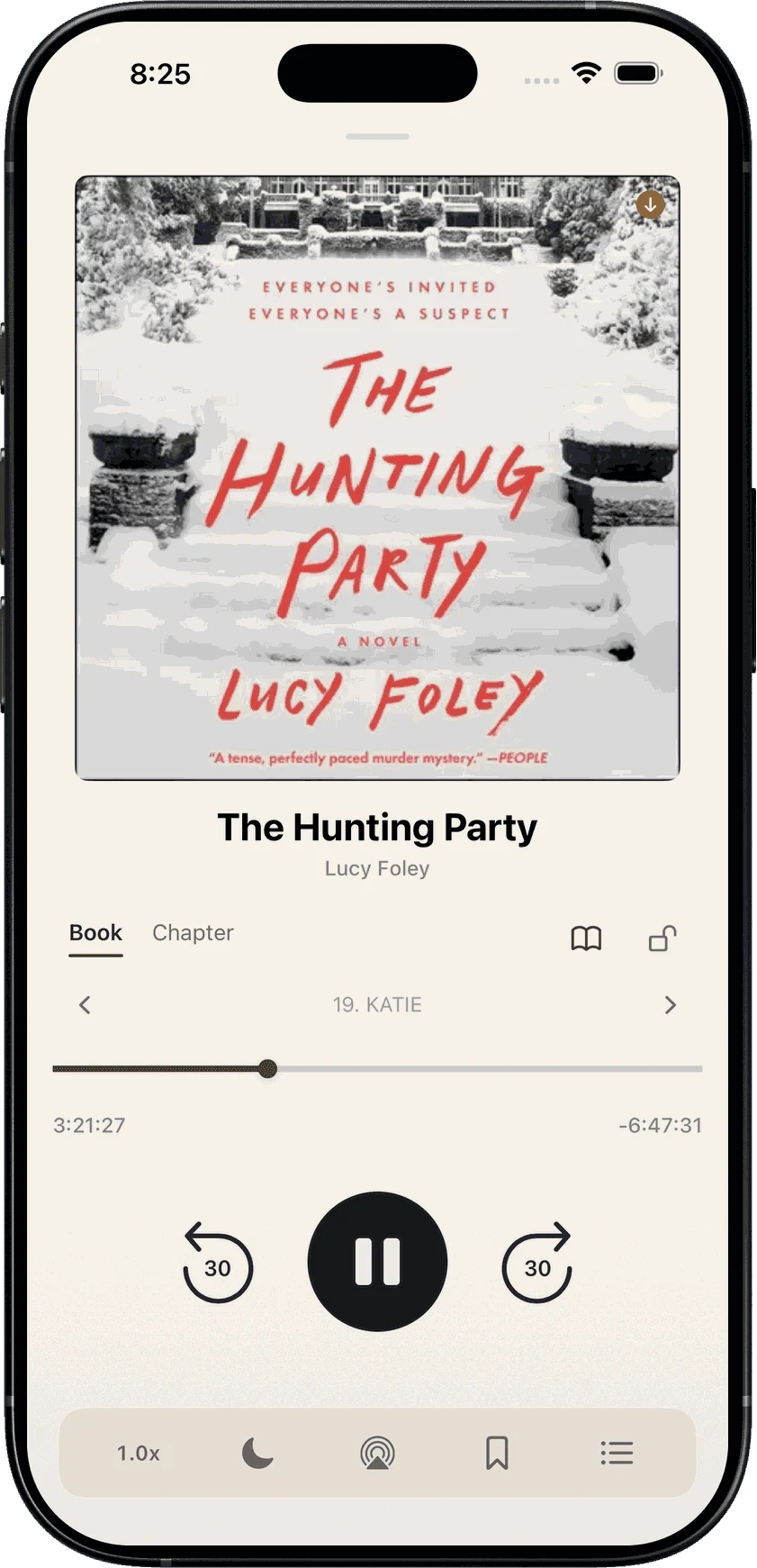
Large covers still do most of the work. A library with thirty different books should be easy to recognise before you start reading every title. Themes carry through the player and settings, so opening a different screen doesn’t suddenly put you in a different-looking app.
There are more icons as well: five new Pro options and a Supporter collection with materials such as opal, maple and gold. Those are paid extras; the reader and publisher transcripts are free.
Sleep timer
The sleep timer can start automatically during the night hours you choose. It holds off while you’re still using the phone, fades the audio at the end, and can restart when you press play again.
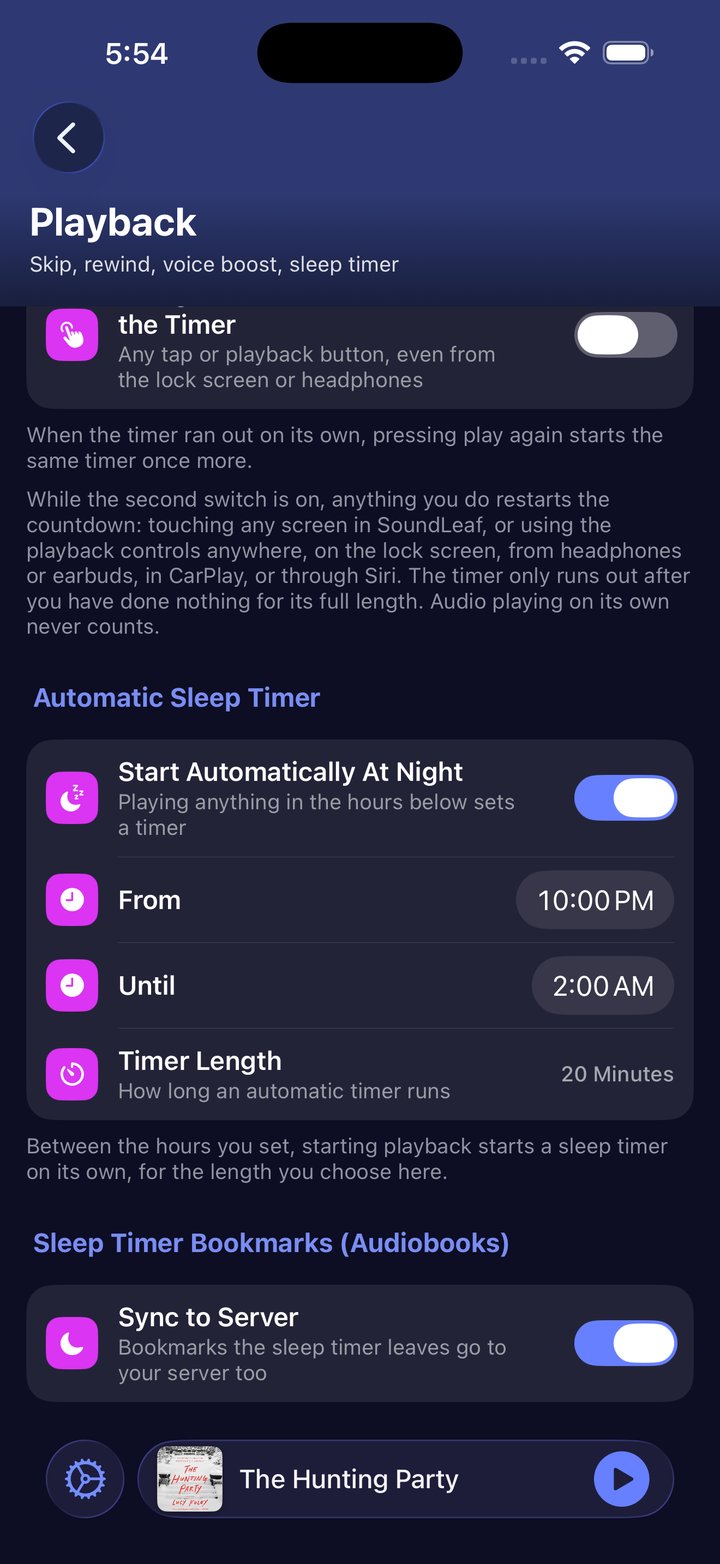
The sleep timer guide explains the available settings.
Managing the Watch from your phone
Settings > Watch gained bulk removal, per-show episode keep counts, and a way to put back an episode you removed. The Watch has a Downloads button so you can see what will play without the phone.
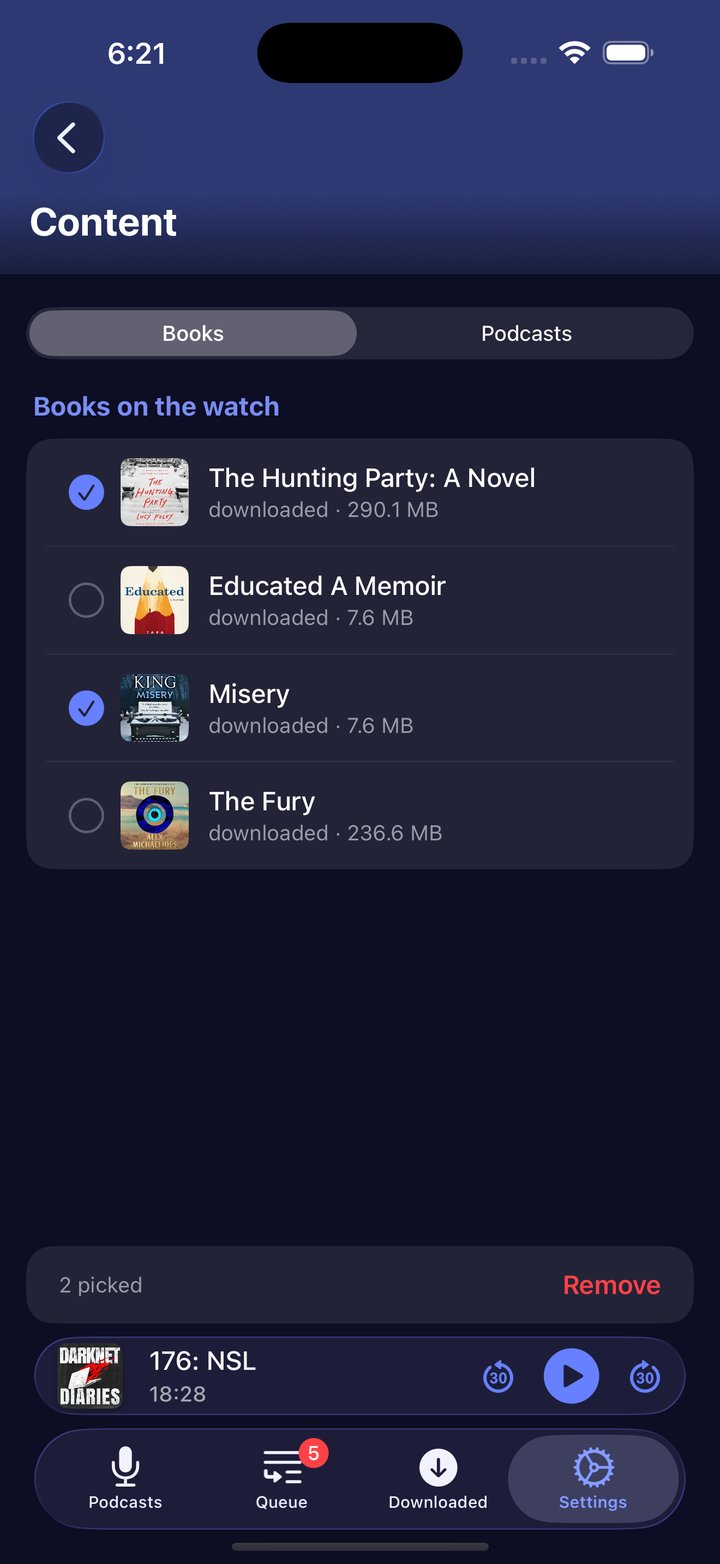
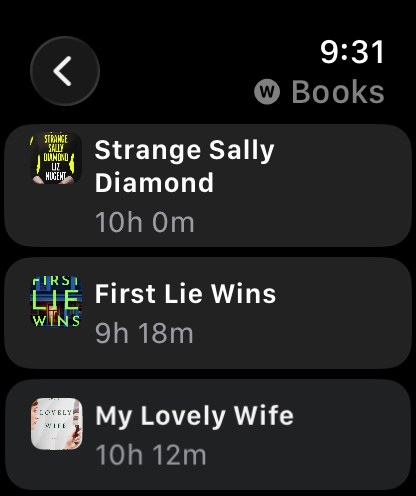
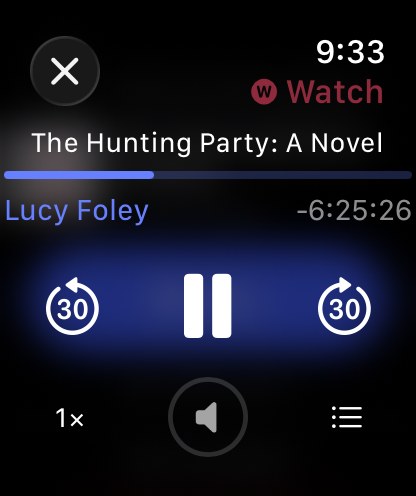
Big transfer queues also got attention. Updates are retried when needed, old updates cannot undo newer ones, and managing the Watch should no longer freeze the phone while downloads are happening. Sending new items still needs the phone and Watch apps awake together.
Free downloads and other changes
Offline downloads and basic podcast auto-download became free during the 2.2 release cycle. You don’t need Pro to take a book or podcast episode with you. Smart Downloads remains a separate Pro feature.
CarPlay gained a library switcher and a Downloaded filter. On the phone, a long press on the tab bar switches libraries, book details gained a Files segment, and you can choose which site opens for book links. A playback speed chosen for one book also stopped carrying over to the next.
Since this release, 2.3 has added multiple accounts, collections and vertical reader scrolling.
The current version is on the App Store. If something breaks, open an issue with what you were doing and which version you’re using.
Hemant