
SoundLeaf 2.3: Multiple Accounts, Collections, and a Scrolling Reader
Keep multiple Audiobookshelf accounts, browse collections, scroll through ebooks with Read Along, search podcast episodes and revisit listening history in SoundLeaf 2.3.
SoundLeaf 2.3: multiple accounts
SoundLeaf 2.3 lets you keep multiple Audiobookshelf accounts in the app. Different users on the same server, different servers, or both. Each account keeps its own listening progress, stats and downloads.
This is also the release where browsing got more room. Collections sit alongside Books, Series, Authors and Genres, the reader can scroll vertically, and podcast search can find an episode by title. I’ve grouped the changes here, including the 2.3.1 sign-in fixes that followed.
Multiple accounts
Add the accounts you use, then switch between them on the phone or in CarPlay. Each server keeps its own addresses and custom headers. If you’re using a local address at home and a different one away, the connection is checked when your network changes.
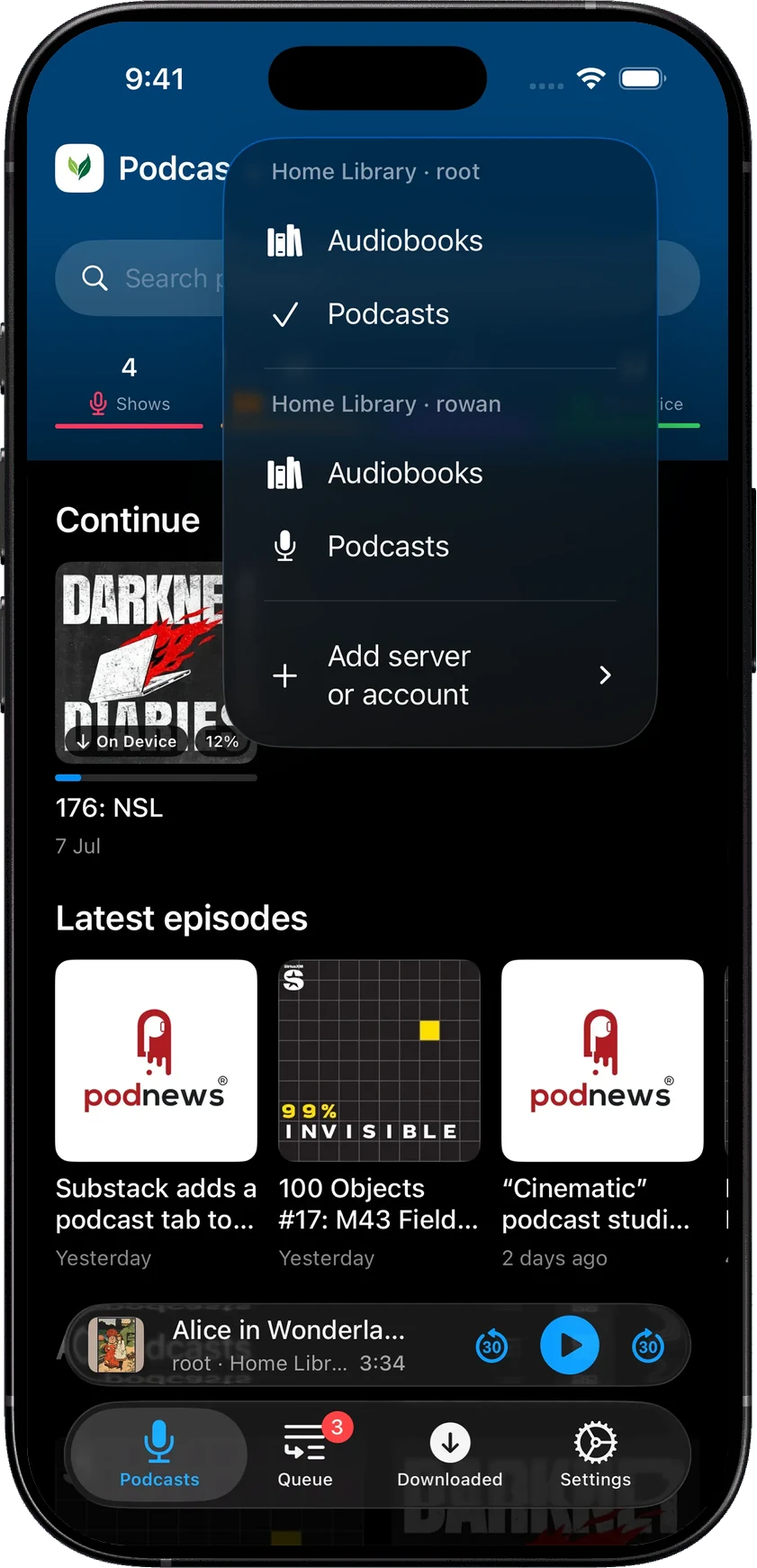
Changing the library you’re browsing doesn’t move an already-playing book into another account. Its playback still belongs to the account that started it. That matters when two people on the same server are listening to the same title at different speeds and different places.
Playback and download defaults are shared, though.
You can sign out while keeping local data, or remove a saved user and their local data and downloads. Removing a server removes its saved users. Those choices are labeled separately because they have very different consequences.
Apple Watch accounts
The Watch no longer has to follow whichever account you’re browsing on the phone. It can choose its own account, which is useful when the phone has several saved users or servers.
The existing Watch workflow still applies: send something over before heading out, then play what’s downloaded. The phone handles authenticated server access, and sending new books still needs both apps awake.
This release also fixed progress rolling back when the phone reopened after listening on the Watch. Returning to the phone should pick up the listening you’ve just done.
Library browsing
The Library screen now has Books, Series, Authors, Genres and Collections side by side. Swipe between them and choose lists, grids or shelves where that section offers them.
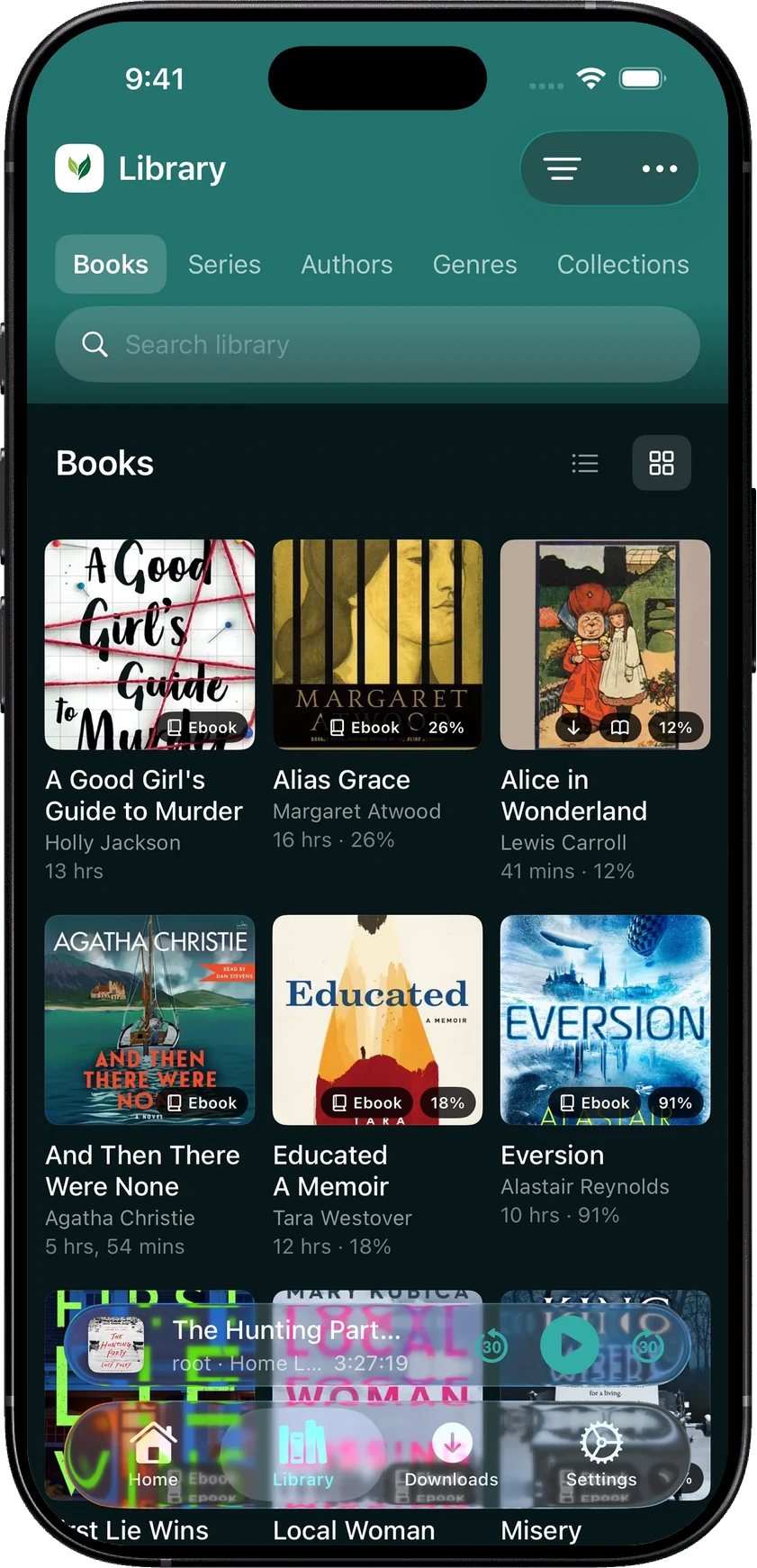
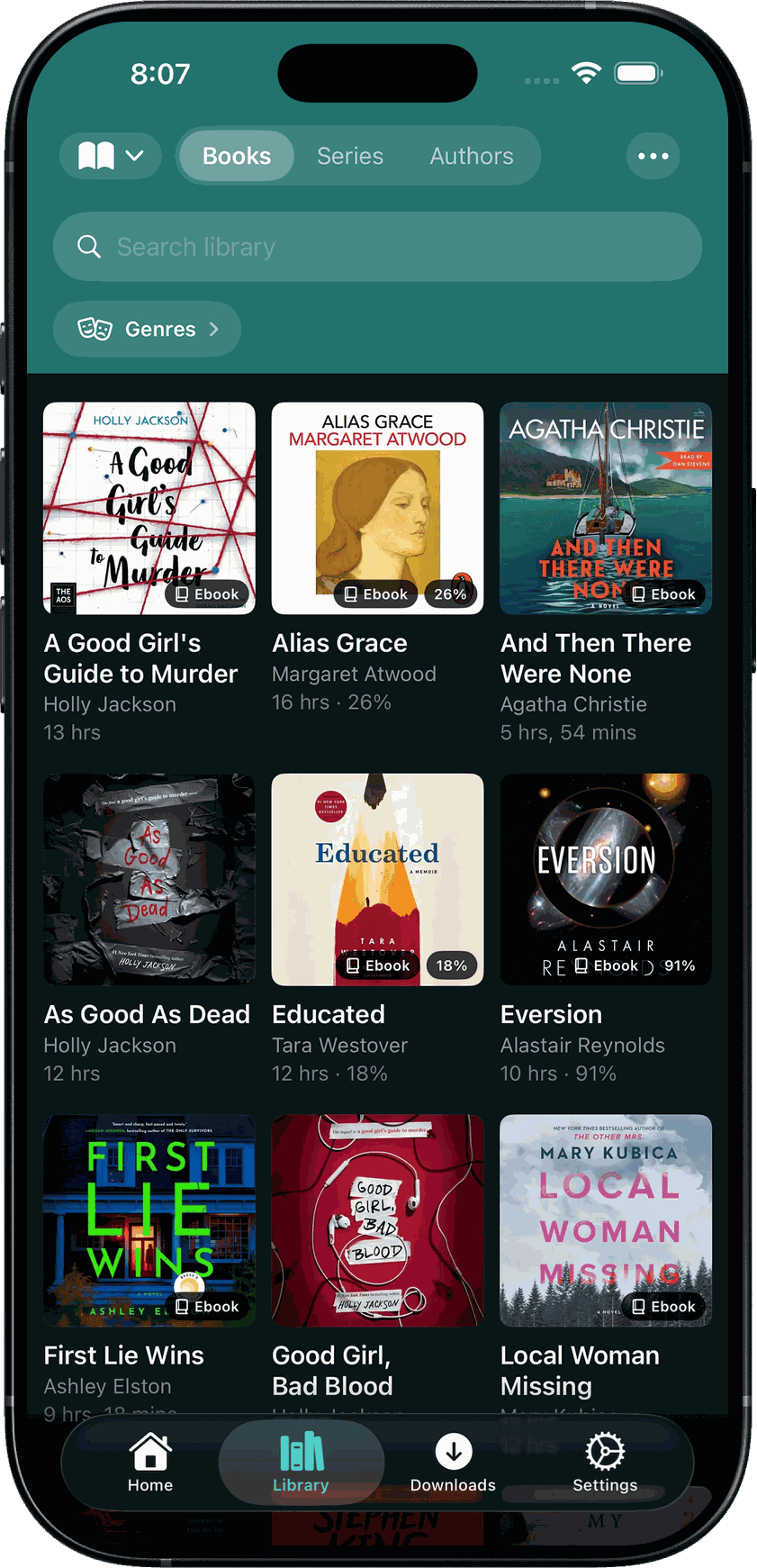
Collections come from Audiobookshelf, so the groups you’ve already organised on the server are available in the app. Author names have display and sorting choices, and book filters include abridged and explicit content. Display controls and filters have separate menus now, which makes it easier to change one without hunting through the other.
Scrolling reader
2.2 introduced continuous Read Along: word highlighting and automatic page turns. In 2.3, you can choose vertical scrolling instead of horizontal pages. Read Along keeps the highlighted words in view as the narrator moves through the text.
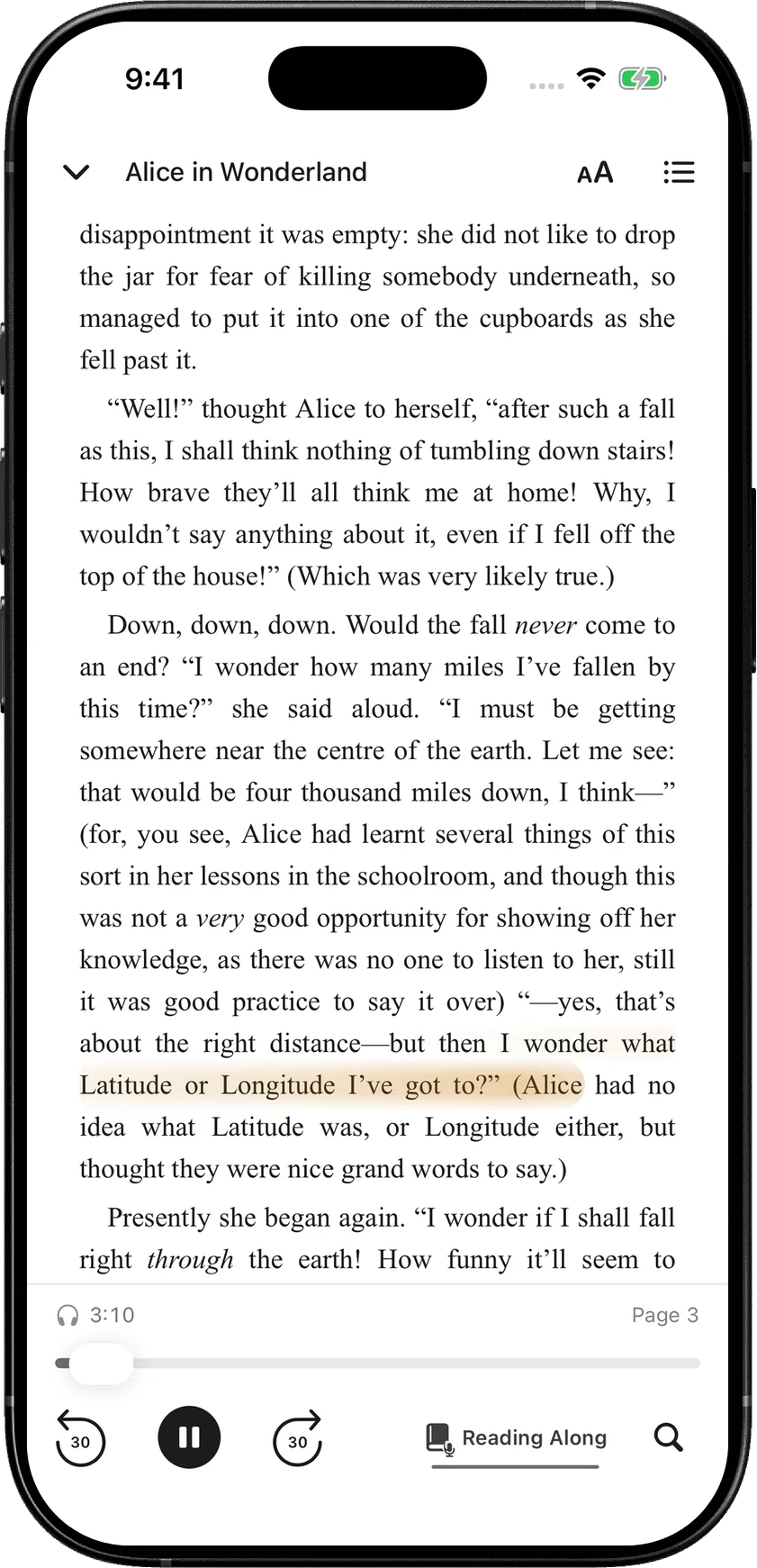
Appearance controls put fonts, spacing and margins together. The reader shows a page number, with a tap to switch to percentage, and search results let you return to where you were reading. While Read Along is playing, the screen stays awake.
The audio still needs a matching EPUB, and the relevant section needs to be prepared.
Podcast search and listening history
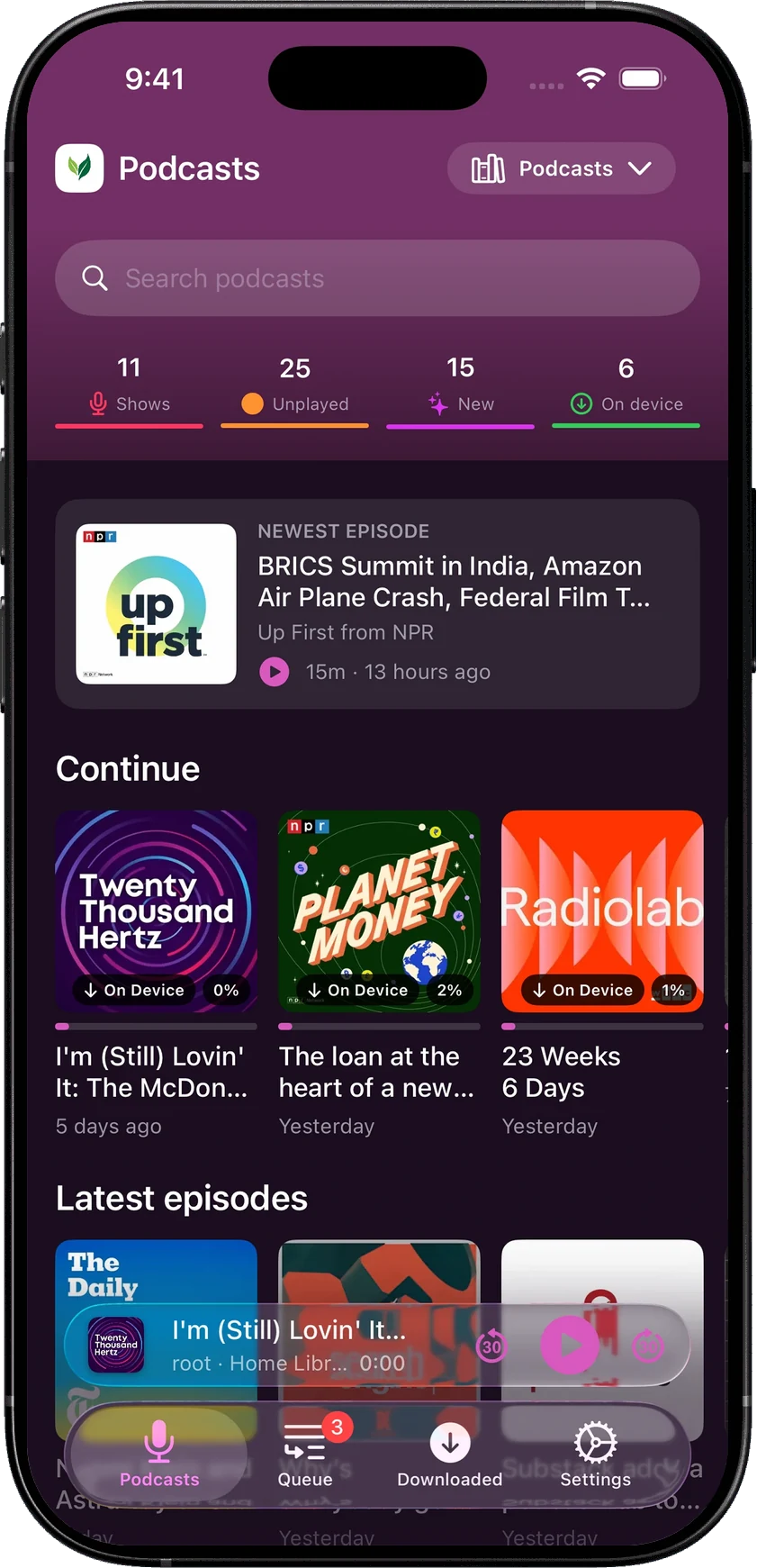
Podcast episode titles are searchable within a show and across the library. That’s useful when you remember a few words from a title but not which month it came out.
The redesigned podcast player puts Now Playing, Transcript and Bookmarks together. Shows can be browsed as lists, grids or episode shelves.
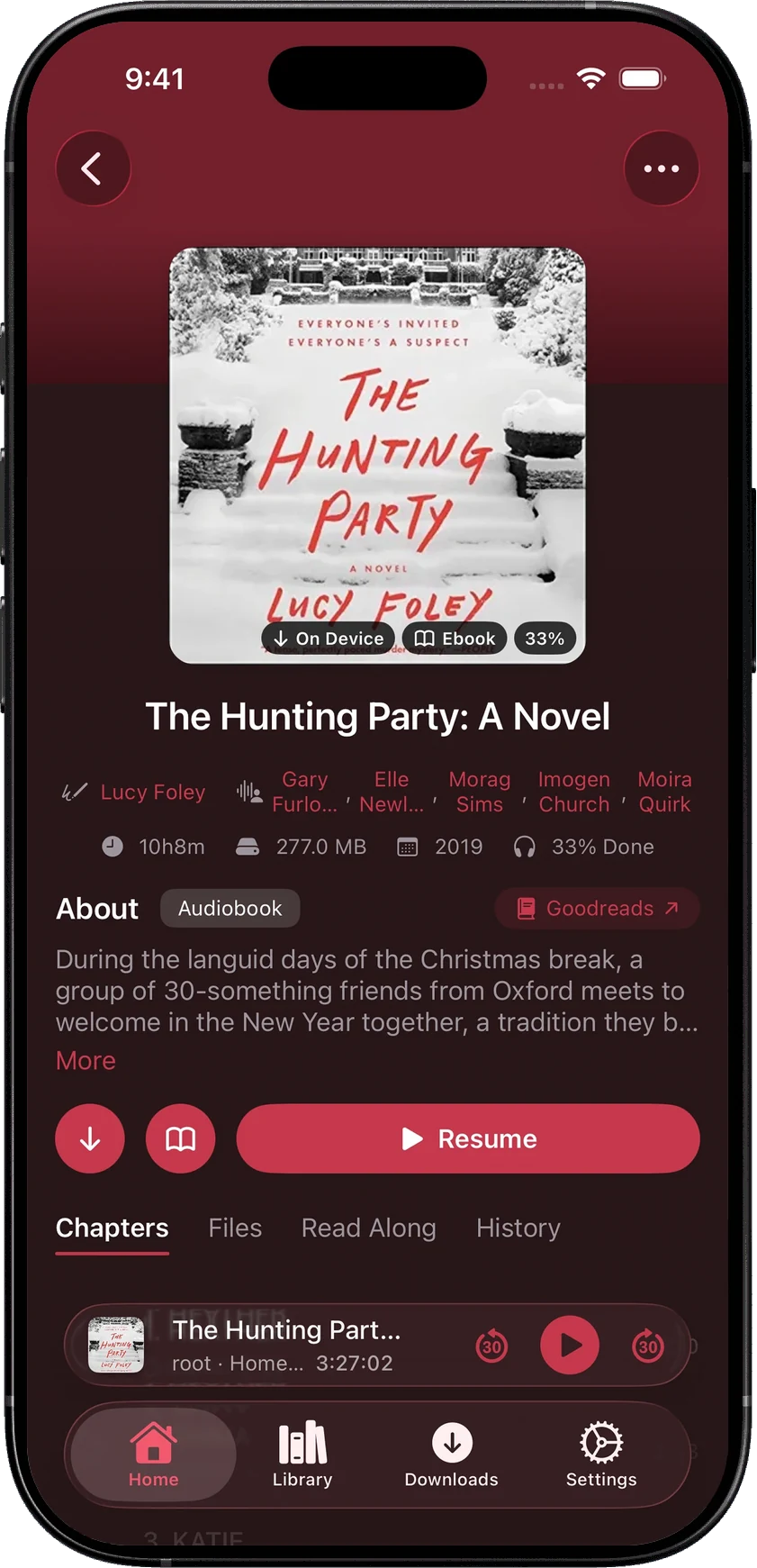
Books gained a History tab showing listening sessions across devices. Tap a session to return to that point in the book. It gives you a way back to a particular listening session even if you didn’t think to leave a bookmark at the time.
Wi-Fi only downloads
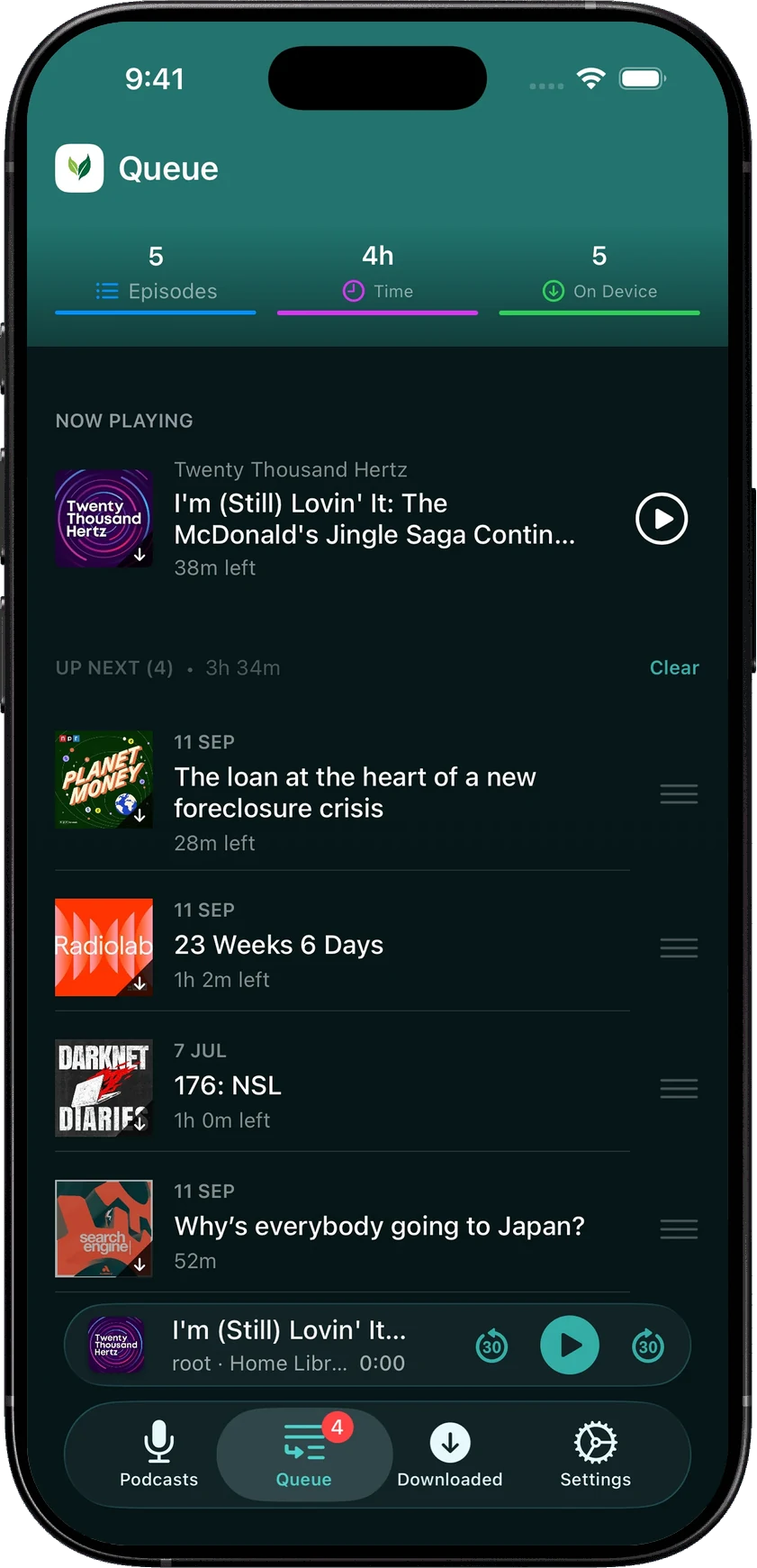
A download that needs Wi-Fi now waits for it. The Downloads screen distinguishes waiting items, active transfers and completed downloads. If you decide that one item is worth using mobile data for, press and hold it to download now.
You can also download Up Next automatically and choose when played downloads are removed. Basic downloads and podcast auto-download remain free; Smart Downloads requires Pro.
2.3.1 fixes
The follow-up fixed cases where signing into the first account left the app waiting instead of opening the library, including signing in again after removing the last saved account. It also fixed a crash while removing an account whose library was still finishing reads. When an account cannot open, there’s an error and a retry action.
The App Store has the current release. For a problem with accounts or sync, an issue report that says which device was playing and when you switched accounts helps a lot.
Hemant